BlogToPin Review: Features, Pricing and Five Alternatives
BlogToPin is a website-to-Pinterest automation platform that scans your site, generates pin creative and copy, picks boards, schedules, and reports. It is genuinely cheap and genuinely generous on volume — $25/month for 1,000 pins with unlimited Pinterest accounts and websites. For a large publisher with many URLs,
Joe Nyambura
Founder & operator, Pinners Haven · August 18, 2026
On this page29 sections
- BlogToPin pricing
- The number that matters: pins per template
- What BlogToPin does well on paper
- Large-site ingestion
- Unlimited accounts and sites
- One connected workflow
- Template flexibility
- Price
- Limits and things to test in a pilot
- Output can outrun review
- Automatic board choice can be wrong
- AI images and text need fact checks
- Deleting "underperforming" pins is genuinely risky
- Auto-create without approval
- Verify the integration independently
- Five BlogToPin alternatives
- 1. Pinners Haven
- 2. Tailwind
- 3. Pin Generator
- 4. Canva plus native scheduling
- 5. Buffer or another general scheduler
- A safe pilot
- Frequently asked questions
- Is BlogToPin free?
- Is BlogToPin approved by Pinterest?
- Can BlogToPin guarantee traffic?
- Is BlogToPin better than Tailwind?
- What's the risk with high-volume pin tools generally?
- Verdict
BlogToPin is a website-to-Pinterest automation platform that scans your site, generates pin creative and copy, picks boards, schedules, and reports. It is genuinely cheap and genuinely generous on volume — $25/month for 1,000 pins with unlimited Pinterest accounts and websites. For a large publisher with many URLs, that combination is hard to match on price.
The question worth asking before you buy is not whether it produces pins. It's whether producing that many, from that few templates, is something you want.
This is a desk review of BlogToPin's official pages, not a hands-on endorsement. We also make a competing product — see the disclosure in the alternatives section, where we've been explicit about the two things BlogToPin beats us on.
BlogToPin pricing
Checked 7 August 2026 on the BlogToPin pricing page.
Plan | Monthly | Annual | Pins/month | AI pins/month | Accounts | Sites |
|---|---|---|---|---|---|---|
Starter | $25 | $299 | 1,000 (35/day) | 500 | Unlimited | Unlimited |
Agency | $50 | $599 | 10,000 (350/day) | 1,000 | Unlimited | Unlimited |
Enterprise | $125 | $1,499 | 30,000 (1,000/day) | 2,500 | Unlimited | Unlimited |
Starter also allows deleting 1 underperforming pin/day; Agency 12/day; Enterprise adds urgent support, a 30-minute Pinterest strategy call, auto-create daily, and team invitations.
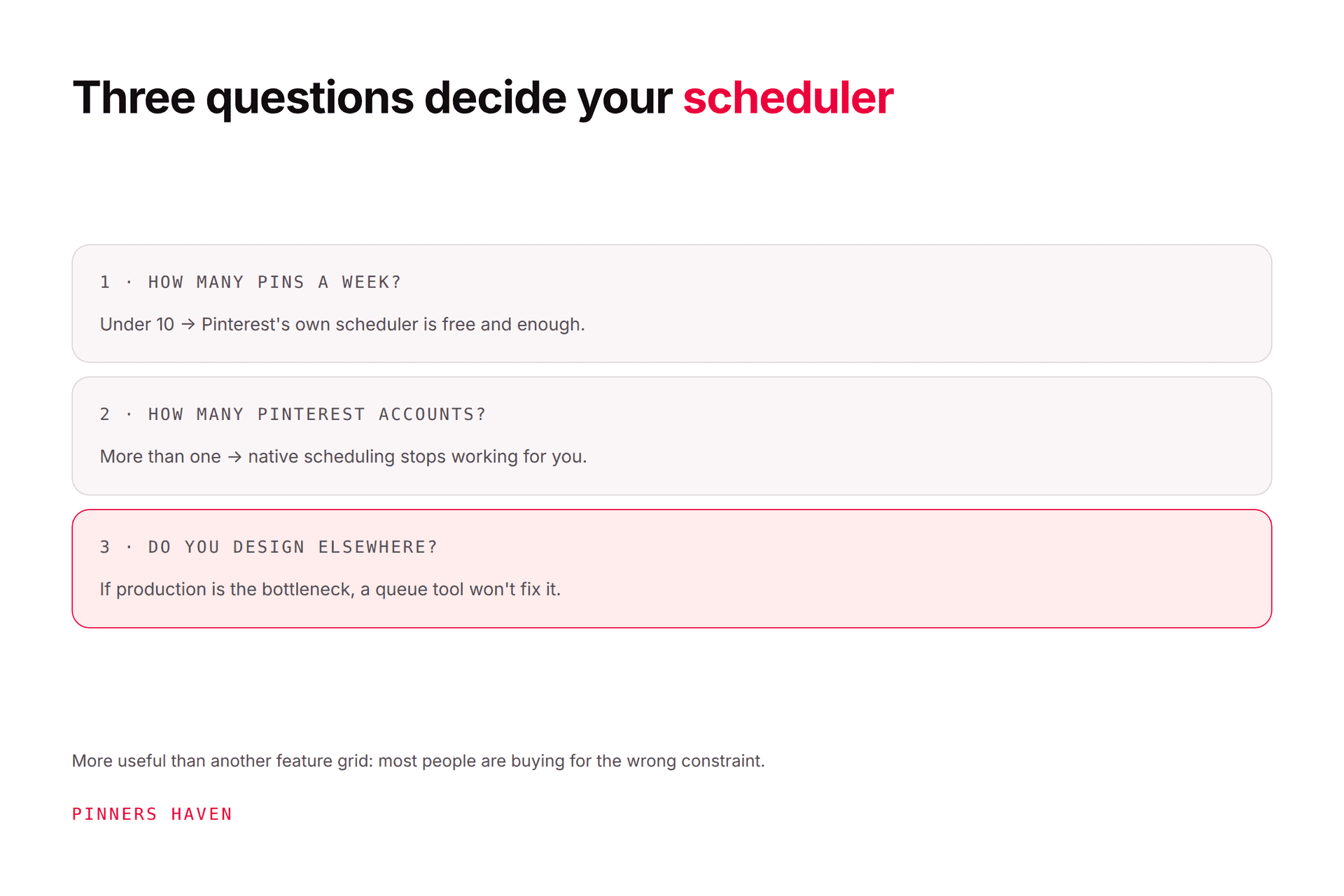
The unlimited-accounts line is the real story. Tailwind caps at 3 Pinterest accounts. We cap at 3, 25, or 50. BlogToPin caps at none, on the $25 plan. If you run a large portfolio and account count is your binding constraint, that is a serious advantage and no amount of feature comparison changes it.
Verify checkout currency, tax, billing period, trial, renewal, and cancellation before purchase. Its FAQ says subscriptions cancel in settings and refunds are not offered due to AI costs, so the trial is the only place to evaluate risk-free.

The number that matters: pins per template
Here's the arithmetic nobody runs before subscribing.
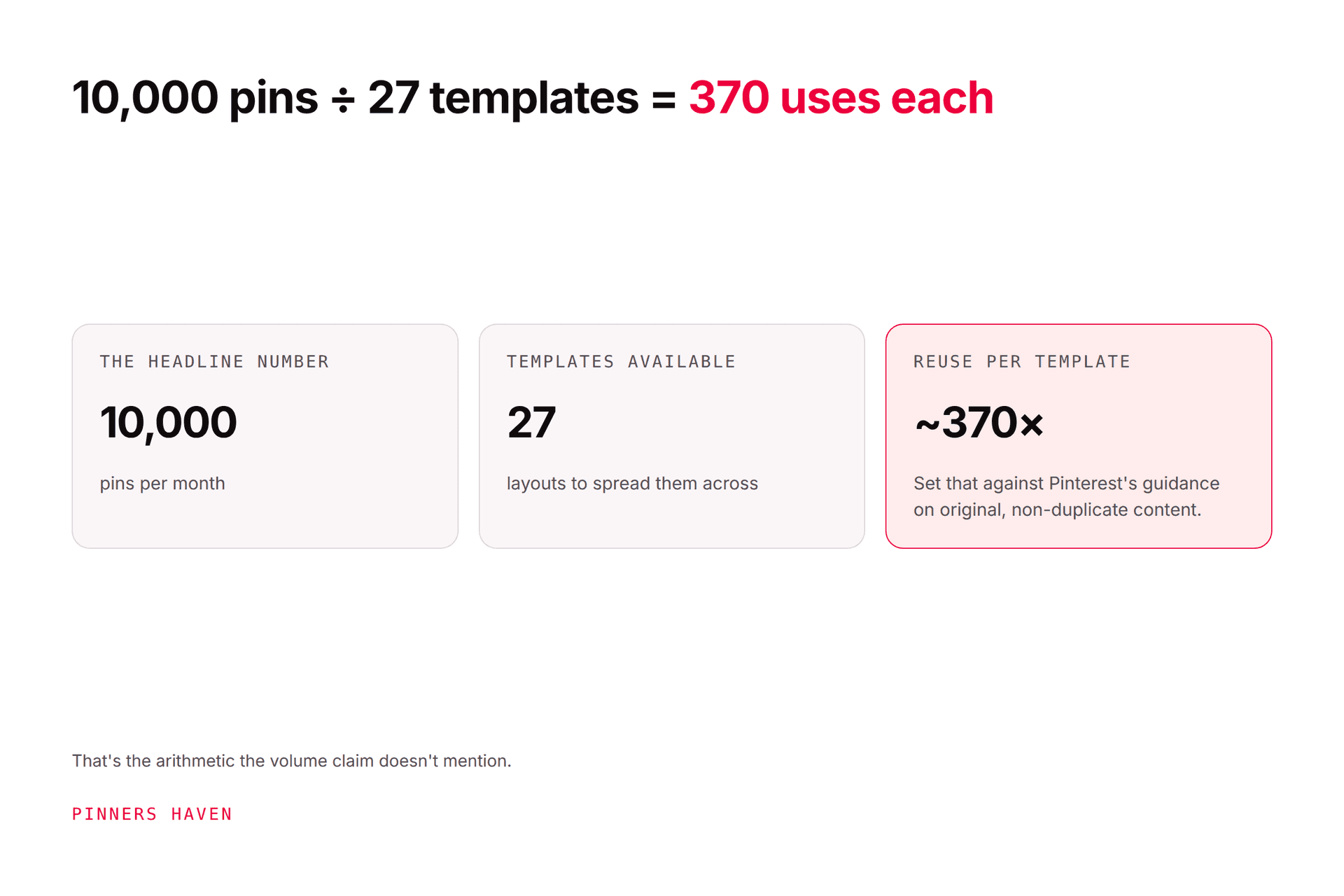
BlogToPin's design workflow advertises 27 templates and 36 colour palettes, plus custom fonts and Canva template imports. Agency allows 10,000 pins a month.
10,000 ÷ 27 ≈ 370 uses per template, per month.
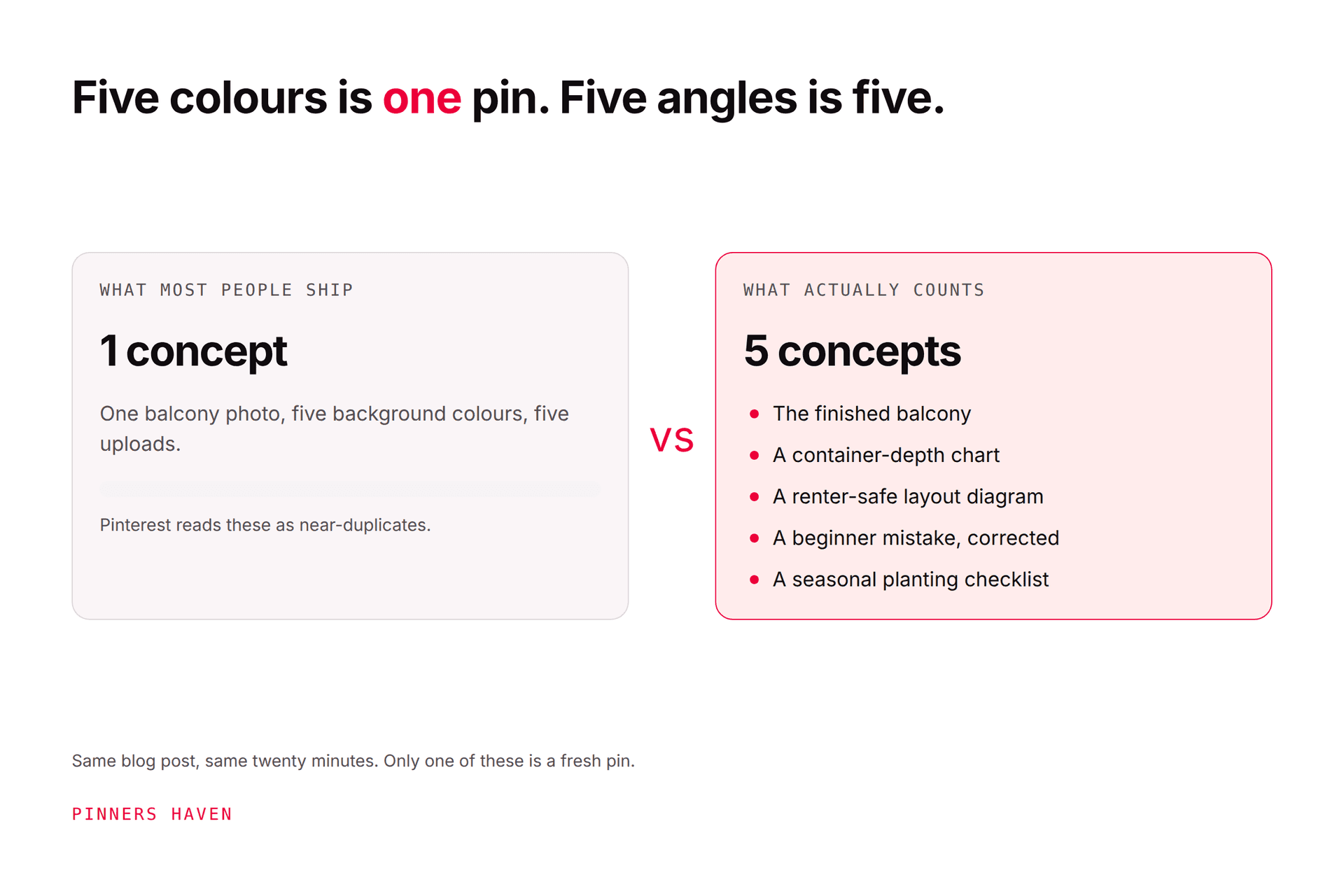
Even generously — assume palette swaps multiply the variations, assume you import your own Canva templates — you are still publishing the same handful of layouts hundreds of times. Pinterest's pin distribution guidance recommends original content and warns that duplicate pins may be flagged as spam and can trigger temporary blocks on pin creation.
This is the core tension in every high-volume Pinterest tool, not just this one: the allowance is a technical ceiling, and treating it as a target is what produces the sameness problem. Our fresh pins guide covers where Pinterest actually draws the originality line — it's a lower bar than the folklore claims, but "the same 27 layouts, 370 times each" is on the wrong side of it.
Notice too that AI pins are capped well below total pins — 1,000 AI pins inside a 10,000-pin Agency allowance. The other 9,000 are template fills and URL shuffles, not newly generated creative. Price the plan on the AI-pin column if generated creative is what you're buying.
What BlogToPin does well on paper
Large-site ingestion
Scanning many pages and spreading different URLs removes a genuinely tedious spreadsheet step for established blogs and stores. If you have 800 posts and no pin strategy, this is a fast way to get coverage.
Unlimited accounts and sites
Already covered, and it's the standout. Nobody else in this price band offers it.
One connected workflow
Creative, copy, boards, scheduling, and analytics in one product rather than four tabs.
Template flexibility
Built-in customisation plus Canva template import suits teams that already have a visual system and want to bring it.
Price
$25/month for 1,000 pins is inexpensive by any standard in this category.
Limits and things to test in a pilot
Output can outrun review
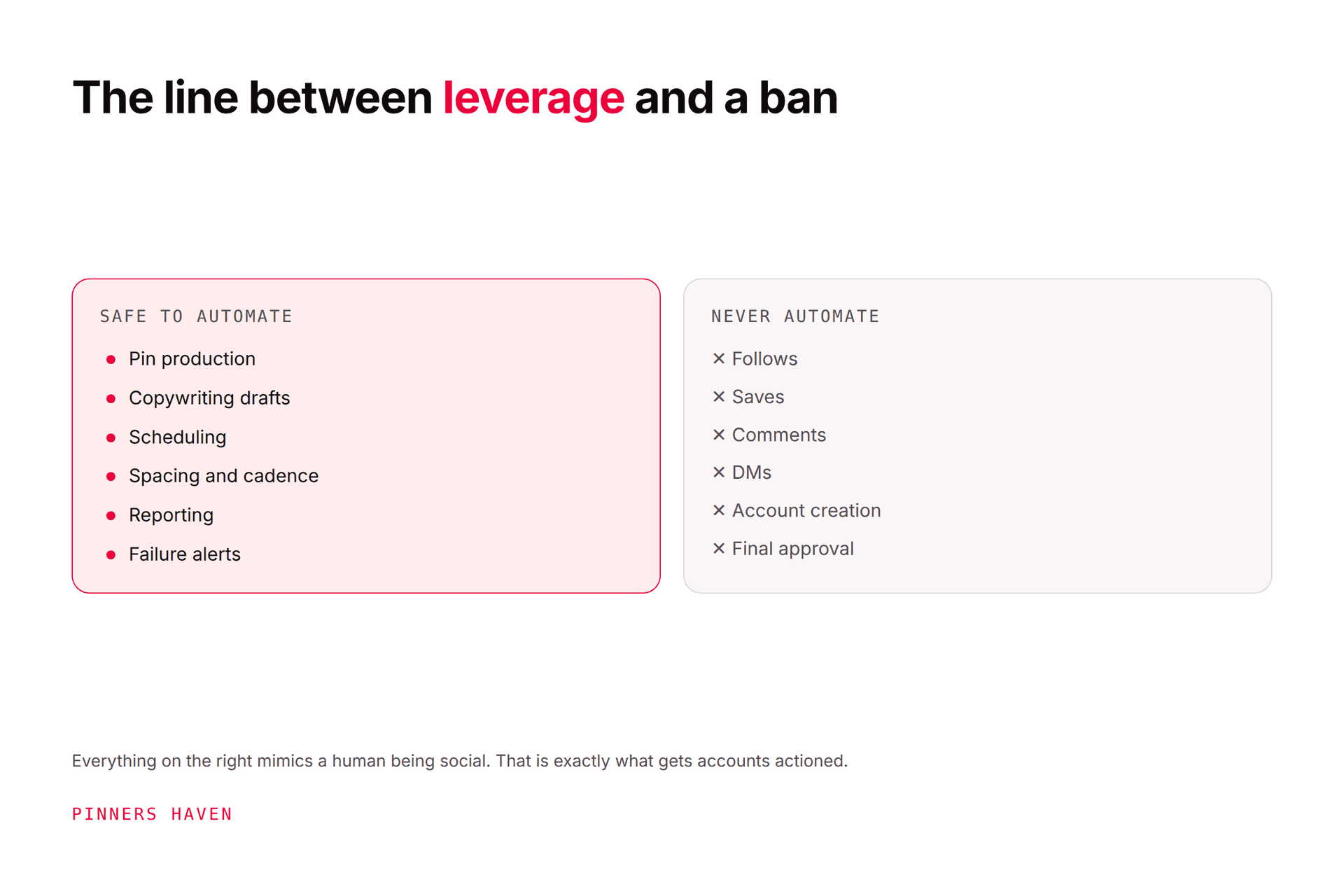
Hundreds of pins a day is an allowance, not a recommendation. Test near-duplicate detection, URL spacing, board relevance, and whether there's a review queue you can actually enforce.
Automatic board choice can be wrong
Review every mapping during the pilot. A technically related board can still be the wrong audience and intent, and at volume you won't catch it later.
AI images and text need fact checks
Generated product details, recipes, room descriptions, and claims can be inaccurate. Confirm labelling, rights, and destination match, especially if you're in a YMYL niche.
Deleting "underperforming" pins is genuinely risky
This one deserves emphasis. Pinterest explicitly states pins can gain engagement hours, days, months, or years after publication. A quiet first week is not evidence a pin should be removed, and an automated deletion policy is structurally at odds with how Pinterest says distribution works.
Test exactly what gets deleted, whether approval is required, and whether any record survives. We'd leave it off.
Auto-create without approval
Enterprise advertises "Auto-Create Pins daily." Decide deliberately whether you want creative publishing to your account without a person seeing it first.
Verify the integration independently
BlogToPin says its tool complies with Pinterest API policies and was approved by Pinterest review. Confirm current authorisation through Pinterest's own partner or developer channels rather than vendor copy. Whatever the tool claims, Pinterest's Community Guidelines remain the account owner's responsibility.
Five BlogToPin alternatives
1. Pinners Haven
Ours. Here's the straight comparison, including where we lose.
BlogToPin beats us on two things that matter: it's cheaper for the volume ($25 for 1,000 pins a month vs $41 for 900 on our Solo), and it offers unlimited Pinterest accounts against our 1 / 3 / 25 / 50. If those are your constraints, buy theirs.
Where we'd argue we're the better buy: every pin gets an original design rather than a rotation through a fixed template set, and a Freshness Meter retires each design after roughly 5–10 uses, which is the direct answer to the 370-uses-per-template problem above. Nothing publishes without your approval. Reach is tracked week over week with an email alert when it falls off a cliff. And BYOK means you pay your AI provider directly at cost with a cap you set, rather than a bundled cost that comes with a no-refunds policy.
The honest summary: BlogToPin optimises for volume per dollar, we optimise for not publishing the same layout 370 times. Which is right depends on whether your problem is coverage or distribution.
$19/mo Starter (1 site, 120 pins) · $41 Solo (3 sites, 900 pins) · $124 Operator (25 sites, 11,250 pins) · $291 Portfolio (50 sites, 30,000 pins), billed annually. 14-day trial, no card.
2. Tailwind
Design, copy assistance, scheduling, URL spacing, and analytics from an official Pinterest partner, from $17.99/mo annual. Better fit for a long-established Pinterest scheduling interface, but caps at 3 Pinterest accounts. See Pinners Haven vs Tailwind and our Tailwind review.
3. Pin Generator
Focused on producing many pin designs from URLs and scheduling them. Test template control, copy quality, exports, account permissions, and current plans directly — see our pin generator guide.
4. Canva plus native scheduling
Maximum design control, lowest cost, most manual work. Suits lower-volume publishing where quality per pin matters more than coverage. You do the keyword, board, link, and reporting work yourself.
5. Buffer or another general scheduler
Sensible if you manage several networks and Pinterest is one of them. Buffer starts free for 3 channels. Confirm Pinterest board fields, formats, analytics, and approvals.
Our Pinterest scheduler comparison and Tailwind alternatives cover more options with dated pricing.
A safe pilot
Connect a non-critical but representative business account.
Import ten accurate URLs.
Review every selected image, title, description, board, and link.
Approve a small, spaced schedule.
Confirm delivery and, deliberately, a failure alert.
Compare pin and website outcomes over a full demand cycle.
Export your data and test cancellation before scaling — remember there are no refunds.
Frequently asked questions
Is BlogToPin free?
Its site advertises a free start or preview while the pricing page lists paid plans from $25/month. Verify current trial limits and whether a card is required.
Is BlogToPin approved by Pinterest?
BlogToPin states Pinterest reviewed its integration. Confirm current status independently through Pinterest's channels before granting production access to an account that matters.
Can BlogToPin guarantee traffic?
No, and neither can we. Traffic depends on demand, creative, relevance, destinations, timing, competition, policy compliance, and conversion. Treat any vendor traffic-multiple claim as marketing until it's tied to a named, reproducible case.
Is BlogToPin better than Tailwind?
Different products. BlogToPin is built for bulk ingestion of large sites with unlimited accounts; Tailwind is a mature Pinterest scheduler with design tools and partner status but a 3-account ceiling. If you have 40 sites, Tailwind can't do the job. If you have one blog and want polish, BlogToPin is more machinery than you need.
What's the risk with high-volume pin tools generally?
Publishing faster than you can produce genuinely distinct creative. Pinterest warns against duplicate and repetitive content, and every high-allowance tool makes it easy to cross that line by treating the ceiling as a goal. See what actually triggers a spam flag.
Verdict
BlogToPin is cheap, high-volume, and the only tool in its price band offering unlimited Pinterest accounts. For a large publisher whose problem is coverage — lots of URLs, no pin strategy — it's a rational buy and the price is genuinely good.
Be deliberate about two things: the template-reuse arithmetic, and the automated pin deletion. Both are places where the tool's defaults point away from what Pinterest says it rewards. Pilot the quality and the controls before you buy the volume.