Pinterest Pin Generator: How to Brief One Properly
A pin generator turns a topic, product, or webpage into a vertical pin with a title and description. Whether it produces something useful or produces wallpaper comes down almost entirely to the brief you give it.
Joe Nyambura
Founder & operator, Pinners Haven · August 18, 2026
On this page18 sections
- Step 1 — write a brief that constrains the output
- A brief library you can copy
- Blogger
- Product seller
- Service business
- Affiliate publisher
- Step 2 — review before anything publishes
- Step 3 — publish angles, not duplicates
- What a good generator should never do
- The generator problem nobody mentions
- Frequently asked questions
- Are Pinterest pin generators free?
- Can a generator make pins from a URL?
- What size should a generated pin be?
- Can I use AI-generated images commercially?
- Will an AI-generated pin rank?
- How many pins should I generate from one page?
- Brief it like a designer, review it like an editor
A pin generator turns a topic, product, or webpage into a vertical pin with a title and description. Whether it produces something useful or produces wallpaper comes down almost entirely to the brief you give it.
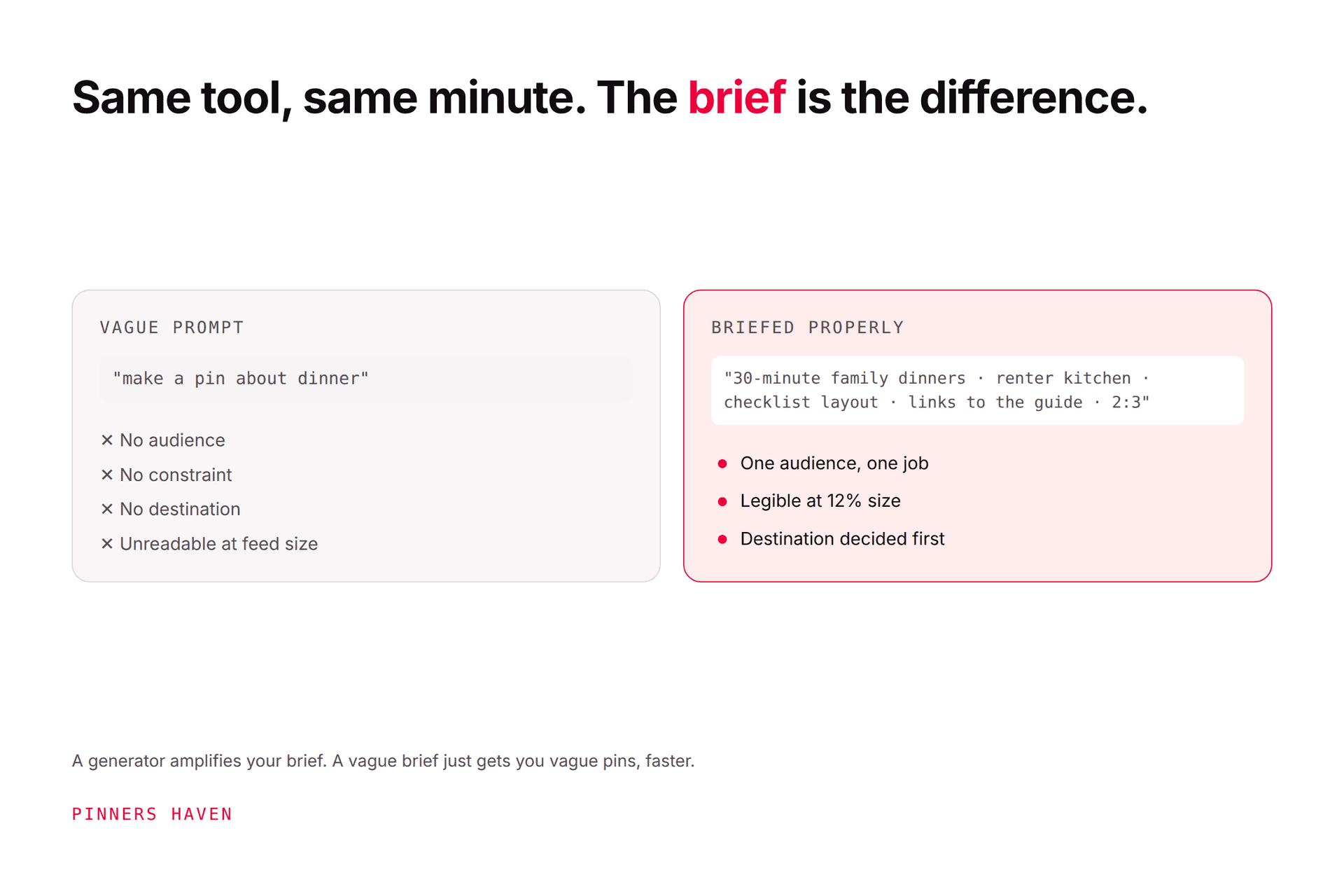
That's the thing nobody explains. People try one of these tools, type "make a pin about meal prep," get back a generic beige graphic with floating text, and conclude AI pin tools don't work. The tool was fine. The brief had no audience, no outcome, no destination, and no constraint, so it invented all four.
Here's how to brief one properly, and how to review what comes back before it touches your account.
Step 1 — write a brief that constrains the output
Compare these:
❌ Make a Pin about dinner.
✅ Create a 2:3 Pin for busy parents linking to a guide with seven 30-minute vegetarian dinners. Use a warm kitchen photo, readable overlay, and no nutrition claims.
The second one names the audience (busy parents), the outcome (seven 30-minute dinners), the format (2:3), the visual direction (warm kitchen), and — importantly — a prohibition (no nutrition claims). That last element is the one people never include, and it's what stops a generator inventing something you'd have to retract.
If you're pasting a URL instead of a prompt, confirm the tool extracted the right title, image options, and page purpose. Generators routinely misread navigation text, stale metadata, or a hero image with nothing to do with the article.

A brief library you can copy
Blogger
Turn this beginner sourdough troubleshooting article into a clean Pin for first-time bakers. Show a real loaf and crumb, use "Why Your Sourdough Is Dense" as the overlay, and link to the article.
Product seller
Create a Pin for a narrow oak entryway bench. Show scale in a small hallway. Include the exact material and width from the product page. Do not invent a discount.
Service business
Create a Pin for a wedding photographer's rainy-day planning guide. Use an umbrella portrait from the approved gallery and link to the guide, not the booking homepage.
Affiliate publisher
Create a comparison Pin for compact air fryers for two-person households. Link to the reviewed comparison and include the required affiliate disclosure.
Pinterest permits affiliate content under its originality, disclosure, and anti-spam rules — see the commercial content guidelines.
Notice what every one of these has: a specific reader, a specific promise, a real destination, and at least one guardrail.
Step 2 — review before anything publishes
Pinterest recommends a 2:3 aspect ratio for standard image pins, with titles up to 100 characters and descriptions up to 800. Pinterest says descriptions help determine relevance even when they aren't visible in the feed — see the creative specifications.
Check five things, in this order:
Can you read the overlay on a phone? Not on your monitor. On a phone, at feed size.
Does the image represent the real page or product? Generated kitchens that aren't your kitchen are a trust problem.
Does the title make a specific, truthful promise?
Does the description add context, or just repeat keywords?
Does the URL land on exactly the promised content?
Nothing should publish because a model produced it. Prices, availability, affiliate disclosure, health claims, and anything time-sensitive need a human check, and those are precisely the things generators are most confident about and most often wrong on.
Step 3 — publish angles, not duplicates
Pinterest recommends original content and warns against repeatedly uploading or saving duplicates in its performance guidance.
Every new pin needs a reason to exist: a different audience, question, format, example, season, or decision stage.
For one recipe, that's the 30-minute promise, the freezer instructions, the ingredient substitutions, and a step-by-step. Changing beige to pink is not a strategy — our fresh pins guide covers where the real line sits.
What a good generator should never do
copy another creator's design or image
invent prices, reviews, results, statistics, or scarcity
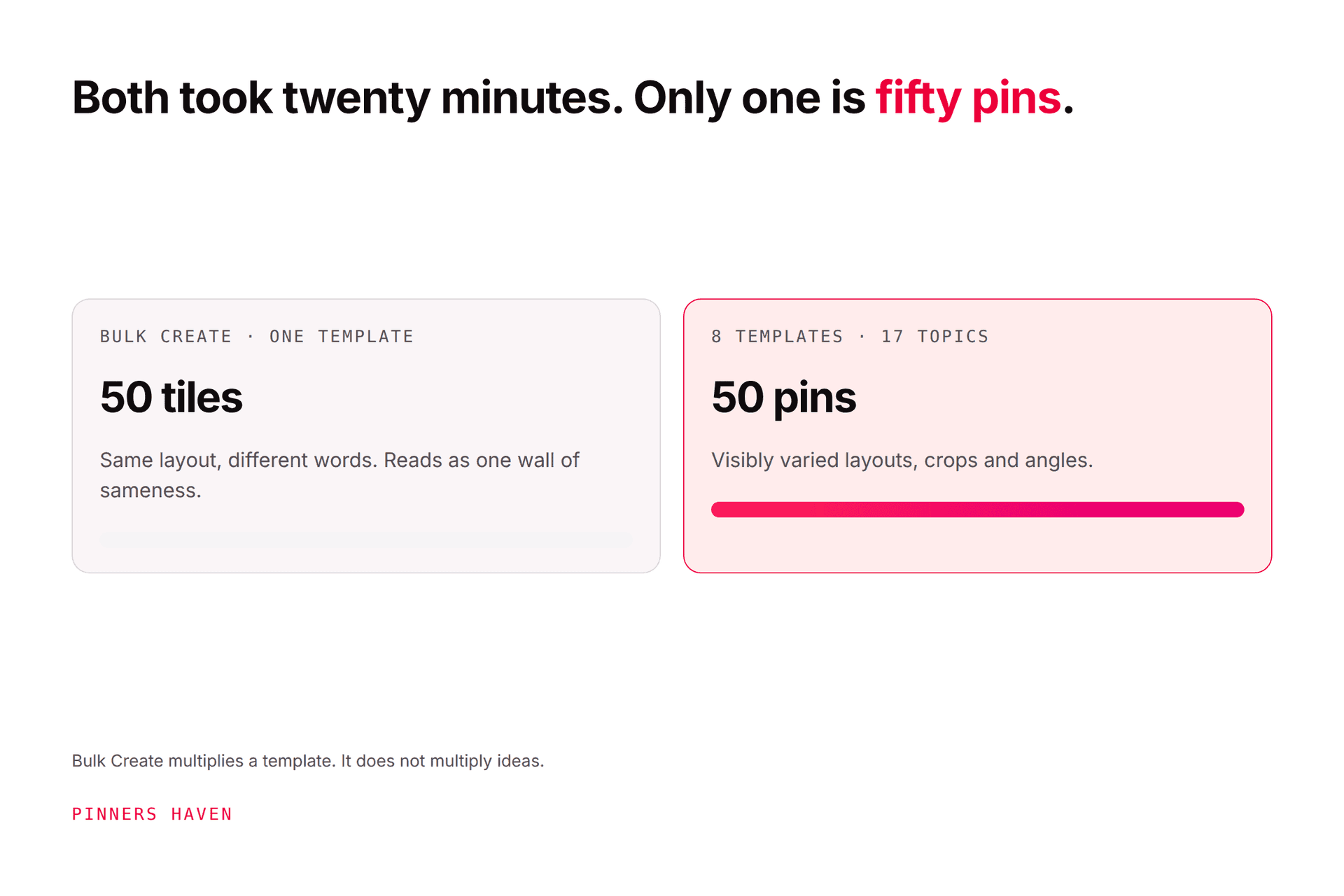
turn one page into 50 near-identical pins
stuff titles and descriptions with keyword variants
publish to irrelevant boards
hide that AI substantially changed an image where disclosure is required
Pinterest can apply an "AI modified" label based on content-owner disclosure, embedded metadata, or its detection systems — see Gen AI labels and our explainer.
The generator problem nobody mentions
Most pin generators solve the wrong half of the job.
They produce an image. You still write the brief, choose the angle, check the copy, pick the board, and schedule it, which is most of the work. And because the underlying template set is usually small, running the same generator across a content library produces the sameness problem instead of the blank-page problem. You've traded one bottleneck for a slower one.
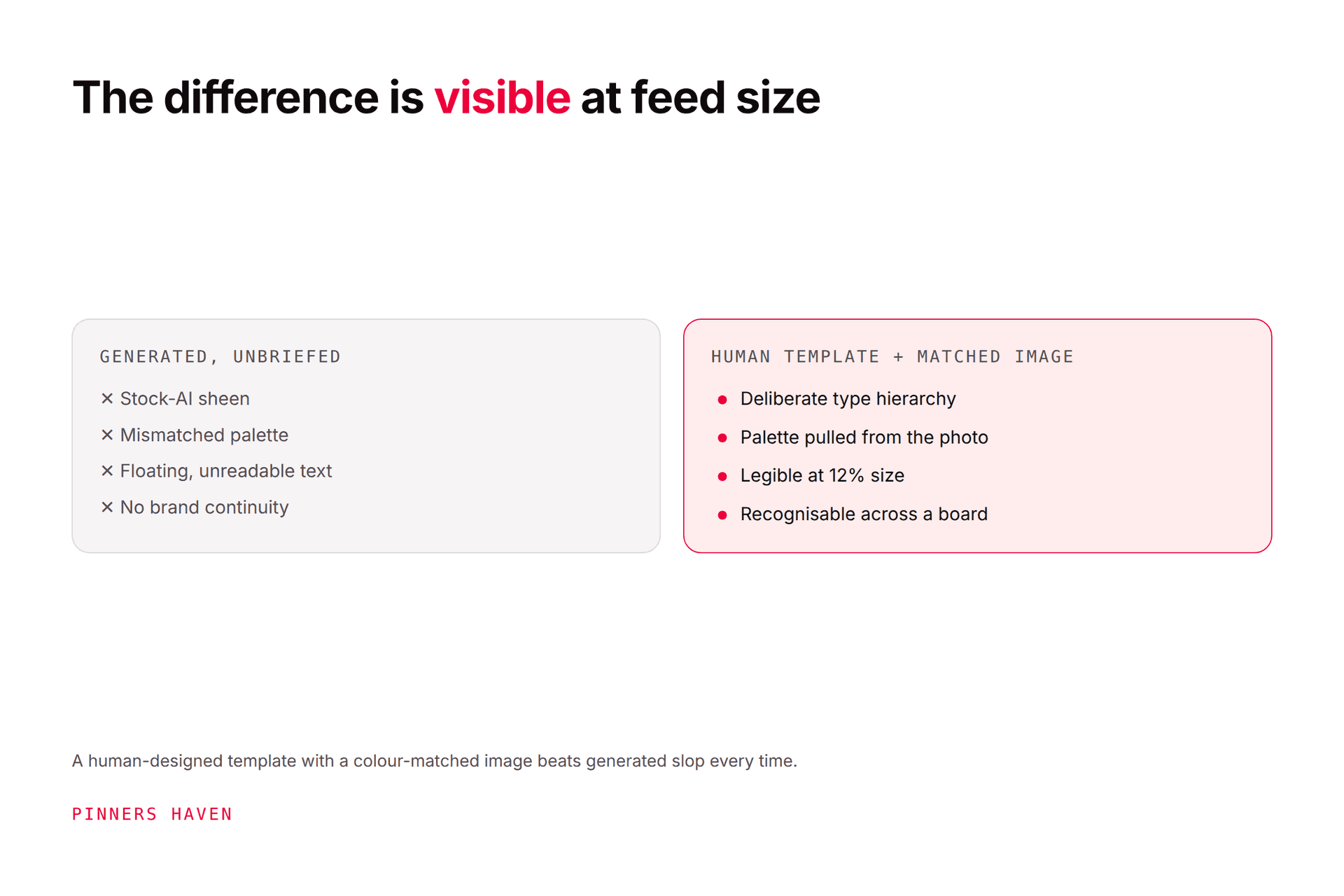
Pinners Haven is built around that: it runs twenty angles per topic so one post produces genuinely different briefs rather than one repeated, writes the SEO title and three to five unique descriptions per pin, builds each image on a human-designed template with the generated photo colour-matched to it (which is what stops it reading as AI slop), and runs a Freshness Meter that retires each template after roughly 5–10 uses. Nothing publishes until you approve it.
You still own the judgment calls, which page deserves promotion, whether the destination is any good. Those don't automate, and anyone claiming otherwise is selling.
(Disclosure: we make Pinners Haven. We're not affiliated with Pinterest.)
Frequently asked questions
Are Pinterest pin generators free?
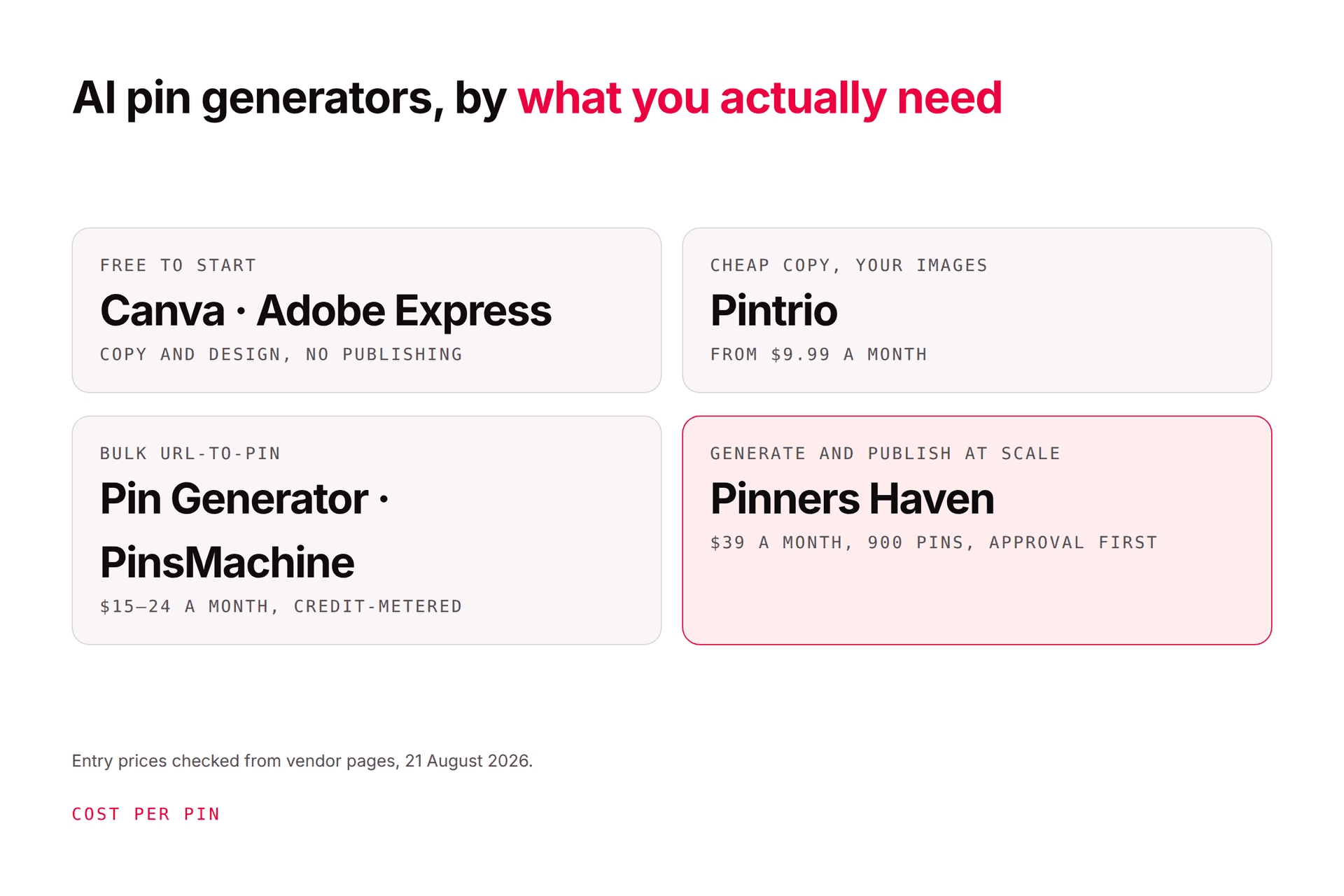
Several have free tiers — Canva and Adobe Express both do. Free allowances, watermark policies, and commercial-use rights vary a lot, so check the licence before you publish anything commercially. Our AI Pinterest tools comparison covers current pricing.
Can a generator make pins from a URL?
Many can. Test yours against articles, product pages, pages behind a login, and pages without a suitable image, that last category is where URL extraction usually fails silently and produces something odd.
What size should a generated pin be?
Pinterest recommends a 2:3 standard image, commonly 1000×1500 pixels. Taller images can be cropped in feed.
Can I use AI-generated images commercially?
It depends on the tool's terms, the rights to any input image, the model provider's terms, trademarks, and local law. Read the licence rather than assuming — this is the area where people get caught out most.
Will an AI-generated pin rank?
No tool can guarantee distribution, saves, clicks, or ranking. Relevance, originality, quality, board context, destination match, competition, and audience response all matter — see the algorithm guide.
How many pins should I generate from one page?
Work backwards from concepts, not capacity. If you can brief six genuinely distinct promises for a page, six pins is defensible. If you can brief two, generating twelve means ten are decoration, and that's the pattern that draws duplicate flags.
Brief it like a designer, review it like an editor
The tools are good enough now that the constraint has moved. It isn't whether a generator can make a decent image; it's whether you told it enough to make the right one, and whether you checked before it went out.
Write the brief. Review the five points. Publish the angle, not the duplicate.