Bulk Pin Creator: How to Make 50 Pins at Once
Making fifty pins by hand is genuinely miserable work. Open the template, swap the photo, retype the headline, export, rename the file, repeat until your evening's gone. So you go looking for a bulk pin creator, and the good news is they exist and they're fast. Breathe.
Joe Nyambura
Founder & operator, Pinners Haven · August 18, 2026
On this page20 sections
- Why bulk creation goes wrong
- What 50 defensible pins are actually made of
- Axis 1: where 50 concepts come from
- Axis 2: how many templates a 50-pin batch needs
- Axis 3: copy that doesn't collapse
- The three ways people actually do this
- Canva Bulk Create
- Pinterest's own bulk upload
- AI generation
- Side by side
- A 50-pin batch that holds up
- Where this stops being a manual job
- Frequently asked questions
- How do I make multiple Pinterest pins at once?
- Is there a free bulk pin creator?
- How many pins can I upload to Pinterest at once?
- Will bulk-created pins get flagged as spam?
- How many pins should I make from one blog post?
- Should I post all 50 pins on the same day?
- Make the batch wider, not just bigger
Making fifty pins by hand is genuinely miserable work. Open the template, swap the photo, retype the headline, export, rename the file, repeat until your evening's gone. So you go looking for a bulk pin creator, and the good news is they exist and they're fast. Breathe.
The awkward news is that speed was never really the problem.
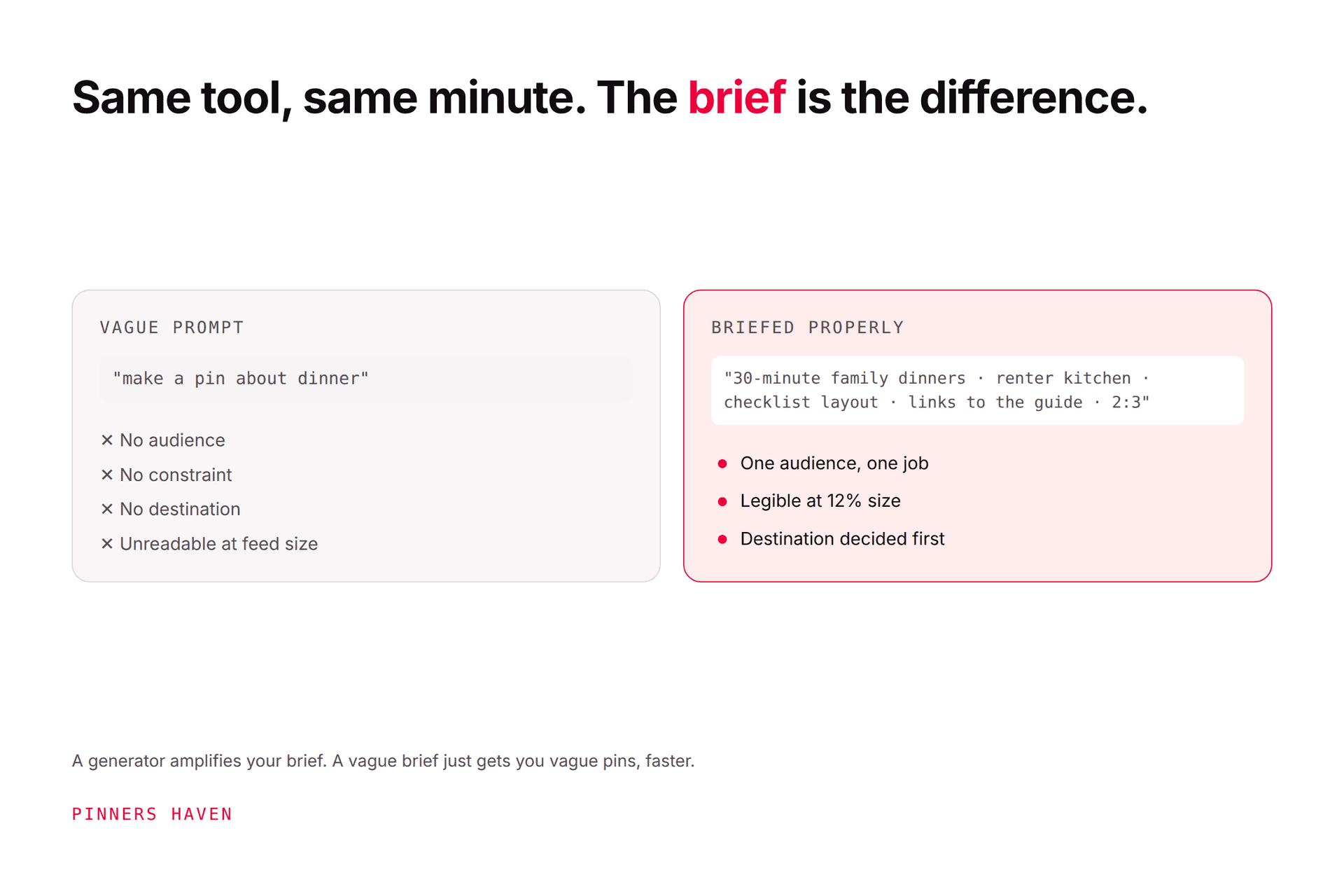
A bulk pin creator generates many pins at once from a template plus a data file, and the standard tools do this well. The catch is that most of them produce 50 variations of a single template, which is precisely the cosmetic-duplication pattern Pinterest warns about: its guidance says repeatedly uploading content that already exists "may get flagged as spam" and temporarily block you from creating Pins. Making 50 pins is a five-minute job. Making 50 pins Pinterest treats as genuinely distinct requires distinct concepts, several templates, and non-repeating copy, all at once.
That's the real brief. Here's how to actually hit it.
Why bulk creation goes wrong
The mechanics of every bulk pin tool are the same: one design, one spreadsheet, one row per pin, and the tool swaps the fields.
Which means the default output is fifty pins that share a layout, a colour palette, a font, a composition, and often a description. They differ only in the words in the headline box.
Our fresh pins guide draws the line that matters here: a meaningful variation changes what the reader learns; a cosmetic one changes only the decoration. Fifty rows of a spreadsheet swapped into one template is the purest form of cosmetic variation there is. The tool didn't make you a batch of pins, it made you one pin fifty times.
You might be thinking: "Surely different headlines make them different pins?" For a search engine indexing text, somewhat. For a visual discovery platform where the image is the unit, much less than you'd hope. And for the duplicate-detection problem specifically, it's the image and the destination that carry the signal.
None of this makes bulk tools bad. It makes them one third of a solution.
What 50 defensible pins are actually made of
Three axes have to hold simultaneously. Bulk creators only address the second.
Axis | What it means | What happens if it fails |
|---|---|---|
Concepts | Genuinely different promises, not different words for the same promise | Fifty pins competing for one query, all saying the same thing |
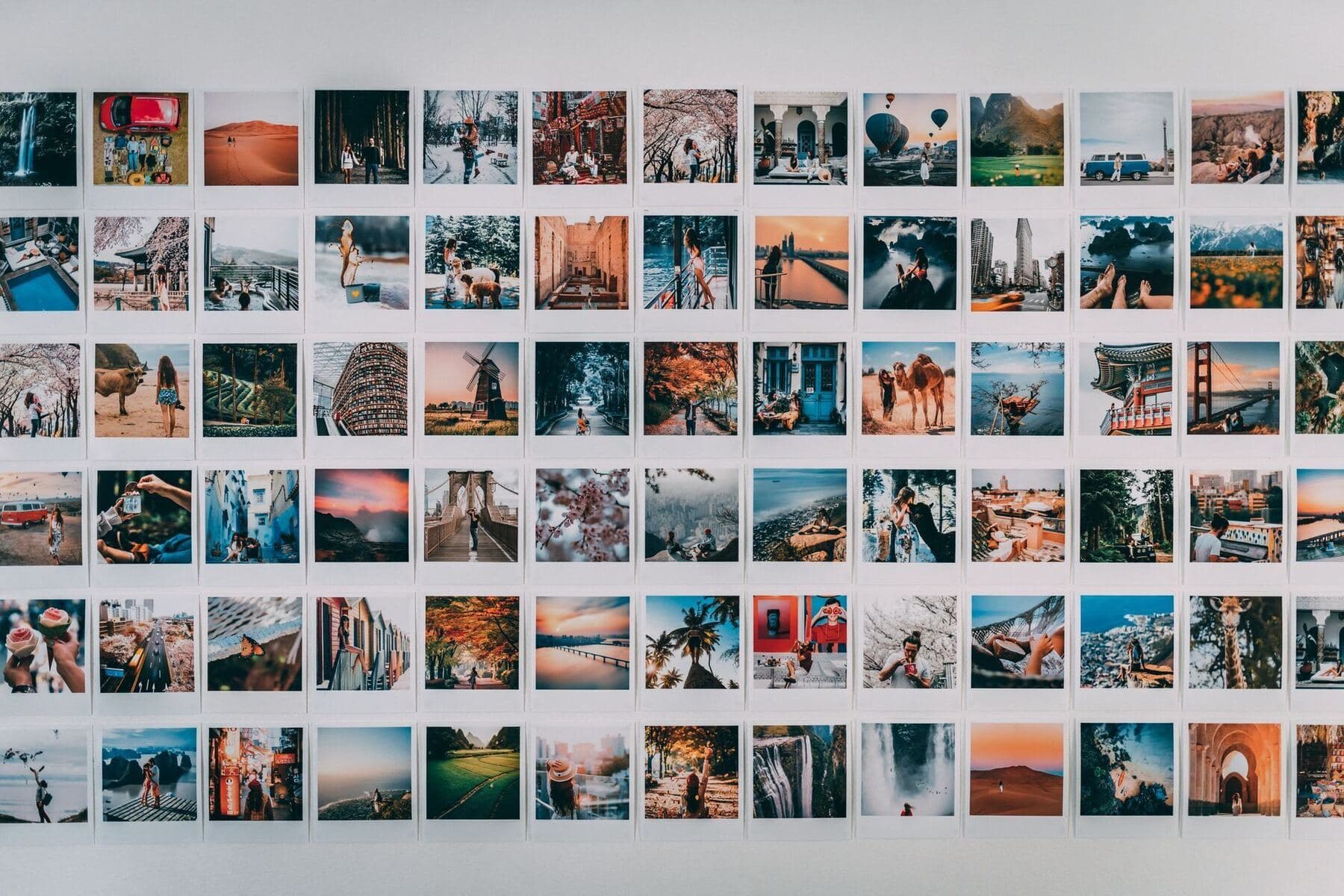
Templates | Several distinct layouts, not one skinned repeatedly | A visible wall of sameness in the feed |
Copy | Titles and descriptions that don't repeat each other | Duplicate metadata across the whole batch |
Axis 1: where 50 concepts come from
Work backwards from destinations. Most pages honestly support two to four distinct concepts before the ideas turn decorative, so call it three.
50 pins ÷ 3 concepts per page ≈ 17 destination pages.
If you have 17 pages worth pinning, a 50-pin batch is legitimate. If you have five, you're planning ten concepts per page, and seven of them will be filler. Publish 15 and keep the goodwill.
That number is also the honest test of whether you should be making 50 pins at all. The full arithmetic on matching output to library size is in how often to pin on Pinterest.
Axis 2: how many templates a 50-pin batch needs
Here's the arithmetic nobody does before opening Canva.
A layout doesn't stay effective indefinitely. In our own use, a template starts losing traction after somewhere around five to ten uses, which is why our design system retires them on that schedule rather than waiting for the reach to tell us.
So run the division:
Templates in your batch | Uses per template across 50 pins | Verdict |
|---|---|---|
1 | 50 | A wall of sameness |
3 | ~17 | Still visibly repetitive |
5 | 10 | Acceptable floor |
8–10 | 5–6 | Comfortable |
Five templates is the floor for a 50-pin batch, and eight to ten is where it stops looking mass-produced. Most people run one. This single number is the difference between a batch that works and a batch that quietly flattens your reach over the following month.
The good news: you're not designing ten templates from scratch each time. Build the set once, reuse it across every batch, and retire individual layouts as they wear out.
Axis 3: copy that doesn't collapse
This is the axis that fails silently, because nobody scrolls their own spreadsheet column looking for repetition.
Give each pin its own title, and don't let the description field become a copy-paste. Writing all 50 descriptions in one sitting is actually an advantage here, because you can see the repetition happening. Writing them three at a time over a fortnight means you can't.
The three ways people actually do this
Canva Bulk Create
The most common route, and a genuinely good tool. You connect a CSV or a Canva Sheet, map columns to text and image fields, and it generates a page per row. The Bulk Create app handles up to 300 rows, though performance degrades well before that and 50 to 80 per batch is the realistic working ceiling. It's a Canva Pro feature, so it isn't free.
What it solves: the tedium of producing many designs from one layout. What it doesn't: concepts, template variety, or copy. Run it eight times with eight templates and you have a proper batch. Run it once with one, and you have axis 2 wide open.
Pinterest's own bulk upload
Free, first-party, and frequently confused with bulk creation. You upload a CSV of image URLs plus titles, descriptions, links and boards, and Pinterest publishes around 200 pins in one go, taking up to a couple of hours to process.
This is bulk publishing. It takes finished images and posts them; it doesn't design anything. It pairs well with Canva rather than replacing it. Step-by-step instructions are in how to schedule pins on Pinterest.
AI generation
Fast, and the axis-2 problem is the one it can genuinely fix, since a generator isn't bound to a single layout. The risk moves rather than disappearing: generated images have their own sameness signature, and volume without review is how unusable or off-brand pins reach a live account. Briefing a pin generator properly covers the constraints that make the output usable.
Side by side
Method | Makes designs | Makes copy | Publishes | Handles template variety | Cost |
|---|---|---|---|---|---|
Canva Bulk Create | Yes | No | No | Only if you run it per template | Canva Pro |
Pinterest bulk upload | No | No | Yes (~200) | n/a | Free |
Canva + Pinterest CSV | Yes | No | Yes | Manual | Canva Pro |
AI generator | Yes | Sometimes | Sometimes | Varies | Varies |
Notice the empty column. Almost nothing on this list writes the copy, which is why so many bulk batches ship with fifty near-identical descriptions.
A 50-pin batch that holds up
If you want the whole thing in one pass:
Pick 17 destination pages that are accurate and worth visiting.
Write three distinct concepts each. Stop when the ideas turn cosmetic; publish fewer.
Assign concepts across 8 templates, so no layout carries more than about six.
Generate designs, in template groups.
Write 50 titles and 50 descriptions in one sitting, so repetition is visible.
Publish spaced out, not all at once. Fifty pins in one burst is the pattern most associated with duplicate flags, and account flagged as spam covers what that looks like.
Step 5 is the one that gets skipped, and step 6 is the one that gets people in trouble. Making 50 pins at once is fine. Posting 50 pins at once is a different decision entirely.

Where this stops being a manual job
Done properly, that batch is a solid half-day: 17 pages of concept work, eight template groups, and a hundred pieces of copy. Once a month, that's sustainable. Across several sites, it isn't, and the axis that gets dropped is always the copy, because it's the least visible.
That's the specific shape of the problem Pinners Haven was built around. It writes up to 20 angles for one topic, so the concept work produces real keyword surface instead of ten rewordings. It generates an SEO title with three to five unique description variations per pin, which closes the axis nothing else on the list covers. It designs original images rather than skinning one template, with AI photography colour-matched to human-designed layouts. And the Freshness Meter tracks wear per template and retires each one after roughly five to ten uses, which is axis 2 handled automatically rather than by remembering to count.
Publishing is paced rather than bursty, and nothing goes out until you approve it. Solo covers 3 sites and 900 pins a month at $41 billed annually; Operator covers 25 sites and 11,250 pins at $124. There's a 14-day trial, and no card is needed. When it ends, publishing pauses until you pick a plan.
To be clear about the limits: it doesn't invent destinations. If you have five pages, this produces a good 15 pins, not a good 50. Axis 1 is still your job.
(Disclosure: we make Pinners Haven. We're not affiliated with Pinterest.)
Frequently asked questions
How do I make multiple Pinterest pins at once?
Use a bulk design tool such as Canva's Bulk Create, which builds one design per row of a spreadsheet, then publish them with Pinterest's bulk upload or a scheduler. The important part is running it across several templates rather than one, so the batch isn't fifty versions of a single layout.
Is there a free bulk pin creator?
Pinterest's own bulk upload is free and handles around 200 pins from a CSV, but it publishes existing images rather than designing them. Canva's Bulk Create is a Pro feature. Free design tools generally require you to duplicate and edit pages manually.
How many pins can I upload to Pinterest at once?
Pinterest's bulk upload accepts roughly 200 image or video pins per CSV, and processing can take up to a couple of hours. Its in-app scheduler is much smaller, capped at 10 scheduled pins up to 30 days ahead.
Will bulk-created pins get flagged as spam?
Bulk creation isn't the trigger; duplication is. Pinterest warns that repeatedly uploading content that already exists can get you flagged and temporarily blocked from creating Pins. A batch built from several templates and genuinely distinct concepts, then published gradually, doesn't fit that pattern.
How many pins should I make from one blog post?
Two to four genuinely distinct concepts is the defensible range for most pages. If you can brief six real angles, six pins is fine. If you can brief two and publish twelve, ten of those are decoration.
Should I post all 50 pins on the same day?
No. Spread them out. Batch the making, not the publishing, and let the queue release them at a steady rate. How to post consistently covers building a buffer that makes this automatic.
Make the batch wider, not just bigger
A bulk pin creator is a genuinely useful tool that solves precisely one third of the job, and the marketing around this category tends to imply it solves all of it.
So before your next batch, count two things: how many real destination pages are behind it, and how many templates it spans. If the answers are 17 and 8, you're making fifty pins. If they're five and one, you're making one pin fifty times, and the tool is only helping you do it faster.