AI Pinterest Pin Generator: Best Tools Compared (Free + Paid)
An AI Pinterest pin generator uses AI to produce pin images, pin copy (titles, descriptions, alt text), or both, usually from a URL, a prompt, or an uploaded image. The ones worth comparing in 2026 are Pin Generator, PinsMachine, Pintrio, Tailwind's SmartPin and Ghostwriter, Canva's Magic Design, Adobe Express, Sivi,
JN
Joe Nyambura
Founder & operator, Pinners Haven · August 4, 2026
Every AI Pinterest pin generator promises the same thing: paste a URL, get a month of pins. What they don't put on the landing page is which half of the pin the AI actually makes, how the pins get onto Pinterest, and what one generated pin costs once you've read the credit table. Let me be honest about what to expect: there are eight tools worth your time, they're genuinely different products wearing the same label, and the cheapest headline price is rarely the cheapest pin.
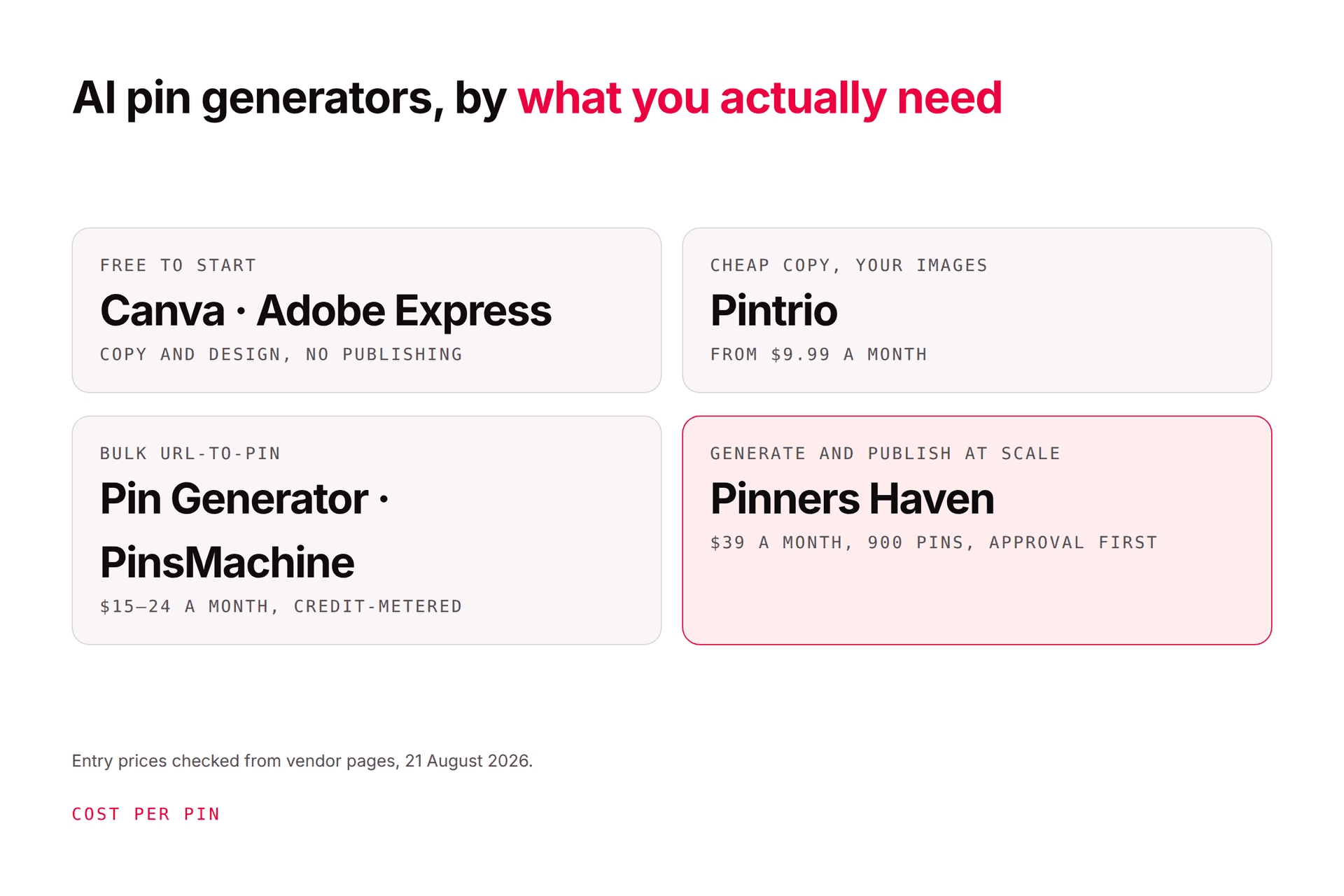
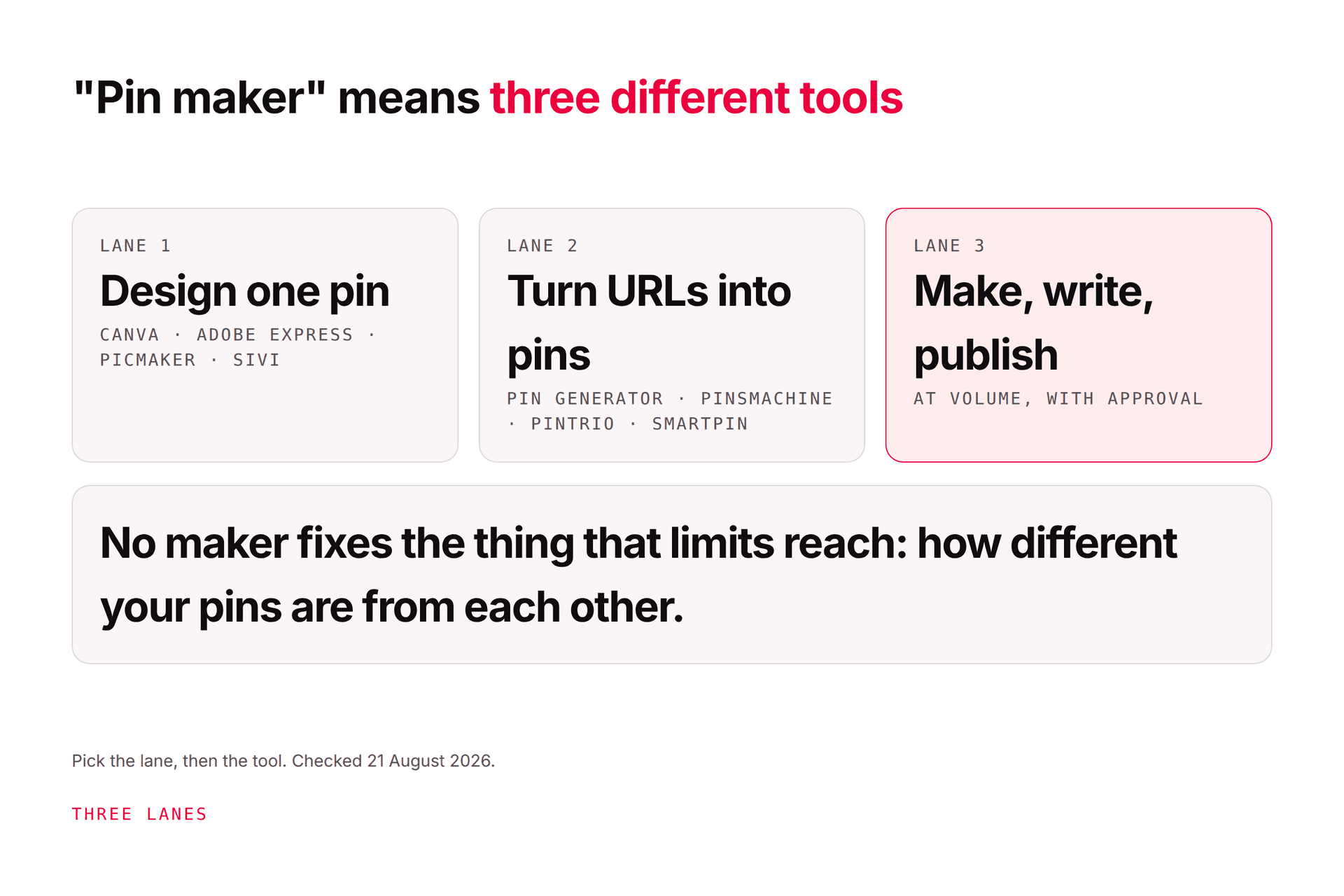
An AI Pinterest pin generator uses AI to produce pin images, pin copy (titles, descriptions, alt text), or both, usually from a URL, a prompt, or an uploaded image. The ones worth comparing in 2026 are Pin Generator, PinsMachine, Pintrio, Tailwind's SmartPin and Ghostwriter, Canva's Magic Design, Adobe Express, Sivi, and Pinners Haven. They differ on three things that matter more than the price: whether the AI generates the image or only the copy, whether the tool publishes to Pinterest itself (through official authorisation, through CSV, or not at all), and how it meters you (credits, pins, or flat). Best free start: Canva or Adobe Express. Best cheap copy for your own images: Pintrio. Best bulk URL-to-pin you'll publish yourself: PinsMachine or Pin Generator. Best for generating and scheduling original pins at scale with approval: Pinners Haven. Prices re-checked from vendor pages on 21 August 2026; compared on vendor documentation, not hands-on tests of every tool.
The comparison
Checked August 2026. Entry plan shown; all tools have higher tiers. "Publishes" means the tool puts the pin on Pinterest for you.
Tool
AI makes
Input
Publishes to Pinterest
Pricing unit
Entry price
Best for
Pin Generator
Image (AI gen) + copy + alt text
URL, sitemap, RSS, CSV, product feeds
Yes, scheduler
Credits (schedule 1 · AI text 0.5 · alt text 2 · AI image 12–24)
Pro $23.99/mo (sale; was $29.99), 1,000 credits
Bulk URL/product pins with your own templates
PinsMachine
Image + copy
Up to 200 URLs per batch
CSV export or its scheduler; "no Pinterest login"
Pins (standard + manual)
Starter $15/mo, 600 pins, 1 account
High-volume publishers who'll publish themselves
Pintrio
Copy only (title, description, boards)
Your uploaded pin image
Yes, scheduler
Flat
$9.99/mo after 10 free pins
Designers who just want the writing done
Tailwind (SmartPin + Ghostwriter)
Layouts from templates + copy + alt text
URL
Yes (Pinterest Marketing Partner)
Credits (SmartPin = 5)
Pro $17.99/mo annual, 150 credits ≈ 30 SmartPins
People already scheduling in Tailwind
Canva (Magic Design)
Layouts + AI images + Magic Write
Prompt, your assets
No
Flat + premium AI uses (200/mo on Pro)
Pro ~$15/mo; free tier limited
Brand-led design, one pin at a time
Adobe Express
Templates + generated assets
Prompt, your assets
No
Flat + 250 generative credits
Premium US$11.59/mo; free tier
Stock-rich single pins, generated backgrounds
Sivi
Template-free image designs
Prompt + brand assets
No
Free plan; paid tiers
Free
Escaping the template look for single pins
Pinners Haven
Original image (AI photo on human-designed template) + SEO title + 3–5 descriptions + alt text
Also in the category: BlogToPin ($25/mo, 1,000 pins, unlimited accounts, 27 templates), which we reviewed separately in BlogToPin: features, pricing and alternatives; the template count is the thing to read before you buy.
What one generated pin actually costs
Here's the thing nobody puts on the pricing page. Take one pin with an AI-generated image, AI-written title and description, and scheduled publication, on each tool's entry plan, and divide:
Pin Generator Pro, 1,000 credits, $23.99: roughly 1 (schedule) + 0.5 (text) + 12–24 (image) ≈ 14–26 credits per pin, so about 40–70 fully generated pins a month, around $0.35–0.60 per pin. Skip the AI image and use your own template: ~1.5 credits, about 650 pins, under $0.04.
PinsMachine Starter, 600 pins, $15: 300 "standard" generated pins, so $0.05 per generated pin, but you publish via CSV or its scheduler.
Tailwind Pro, 150 credits, $17.99: SmartPin at 5 credits is about 30 generated pins, ~$0.60 per pin, alongside 150 scheduled posts.
Pintrio, $9.99: copy only; the image is yours. Cost per pin depends on how many you upload; there's no image generation to meter.
Pinners Haven Starter, 120 pins, $19:about $0.16 per pin, or about $0.05 on Solo (900 pins, $41), with image, copy, alt text, and publishing included; BYOK lets you pay the AI provider directly with no markup if you'd rather.
None of this says one tool is "cheapest." It says "from $X a month" is the wrong number. Work out how many generated, published pins you want, then price it.
The eight tools, one at a time
Pin Generator. The most feature-dense of the bunch: URL and sitemap scanning, RSS, CSV, product-feed sync from Etsy/Shopify/Amazon/WooCommerce, your own dynamic templates, AI text and AI images, scheduling, trend alerts, a Canva import. Priced in credits, and AI images are the expensive line item. Good fit if you've got your own templates and want volume from product feeds.
PinsMachine. Paste up to 200 URLs, get image-plus-copy pins back, export a Pinterest-ready CSV or schedule through its system. It markets "no Pinterest login" as privacy-first; read that as "you are the publisher," which is fine if you want control and tedious if you don't. Cheap per pin on volume.
Pintrio. The honest specialist: upload the pin you designed, and its AI reads the image and writes a title under 100 characters, a keyword-led description, and picks boards, then schedules. If your bottleneck is the writing, not the design, it's the tidiest answer on the list.
Tailwind SmartPin + Ghostwriter. Generates pin layouts and copy from a URL inside the scheduler you may already use, and Tailwind is a Pinterest Marketing Partner. The catch is credits: SmartPin costs five, so the Pro plan's 150 credits is about 30 generated pins a month. Tailwind pricing explained has the full sum.
Canva Magic Design. Not a Pinterest tool, but the most-used pin maker on earth. Magic Design, Magic Write, and image generation live on Pro (200 premium AI uses a month); Bulk Create turns a spreadsheet into pins. Doesn't publish. Canva for Pinterest covers sizes and what to change on the templates.
Adobe Express. Same shape as Canva with Adobe's stock library and generative assets (250 credits on Premium). Doesn't publish. Check the usage rights on generated imagery before commercial use.
Sivi. Prompt-to-design that claims template-free output at 1000 × 1500, with a free plan. No publishing, no scheduling. Useful when every template you open looks like every other pin in your feed.
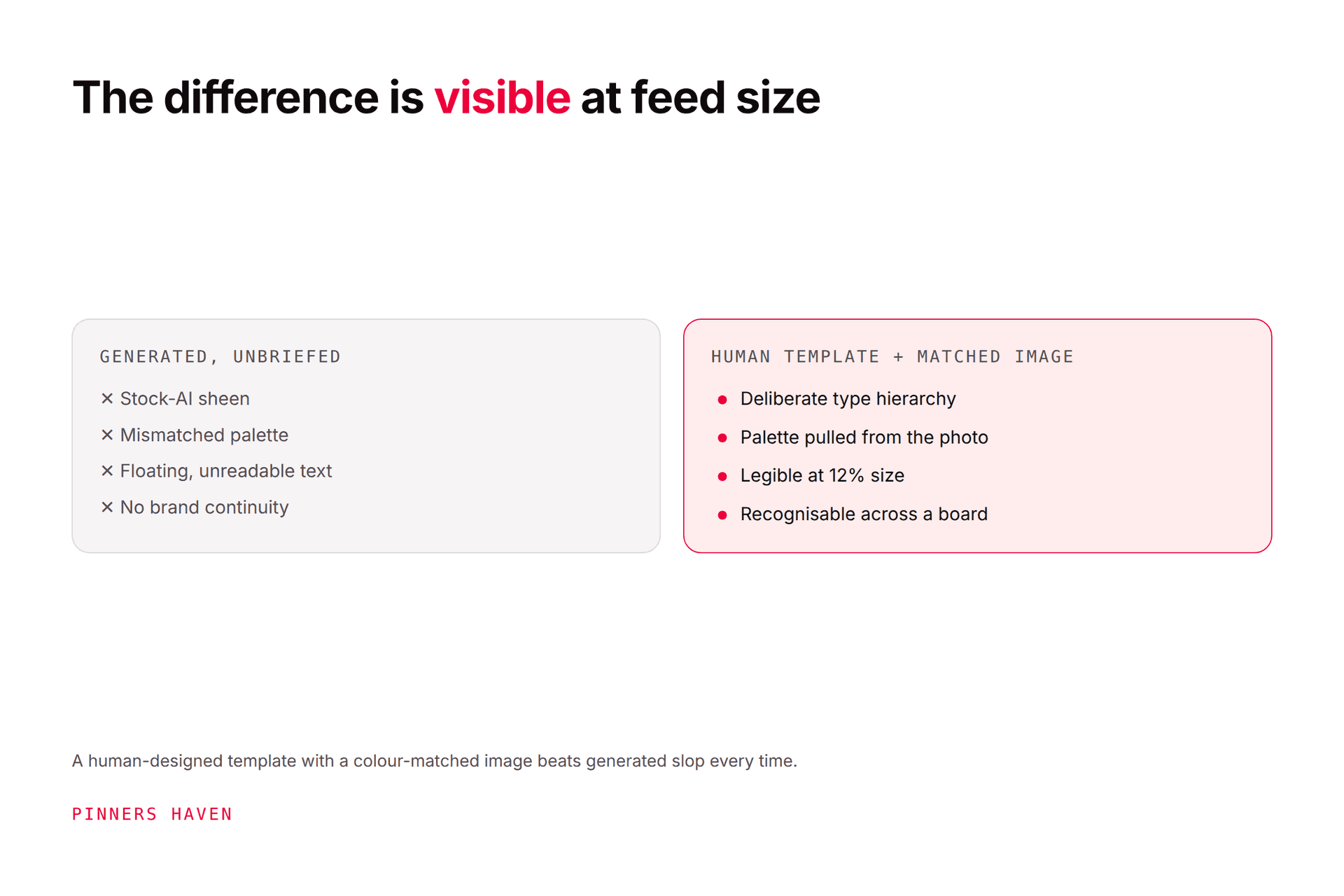
Pinners Haven. Ours, so read this as the interested party it is. From a URL or topic it writes up to 20 angles, a keyword-led title and three to five distinct descriptions per pin, and alt text; designs an original image by colour-matching an AI photo to a human-designed template; retires each template after roughly five to ten uses (the Freshness Meter) so the 300th pin doesn't look like the first; and publishes on a paced, account-safe cadence through Pinterest's official OAuth, with nothing going out until you approve it. Solo is $41 a month billed annually for 900 pins across 3 sites; Operator is $124 for 25 sites and 11,250 pins. It's not a one-pin design tool, it doesn't do ads, and we're not a Pinterest Marketing Partner; Tailwind is, and we say so.
Pick by what you're actually short of
You're short of…
Use
One good pin, free, now
Canva or Adobe Express free, then Pinterest's Create flow
Titles and descriptions for pins you already designed
Pintrio
Volume from hundreds of URLs or a product feed, and you'll publish
Pin Generator (own templates) or PinsMachine (CSV)
Generation inside the scheduler you already pay for
Tailwind SmartPin, mindful of the 5-credit cost
Designs that don't look like templates, one at a time
Sivi
Original pins, written and designed, published at scale, with you approving each
Pinners Haven
The four questions to ask any AI pin generator
You might be thinking, "they all look the same in the demo." They do. Ask these instead:
What does the AI generate: the image, the copy, or a layout from a template? Template-from-URL tools make fast pins and fast duplicates.
How does it get onto Pinterest? Official authorisation you can revoke from your Pinterest settings is the safe answer; CSV means you're the publisher; a tool that wants your Pinterest password is a tool to close. How to automate Pinterest safely has the line.
What stops pin 40 looking like pin 1? Template rotation, retirement, or nothing. Pinterest's guidance asks for original content and warns that repeatedly uploading what already exists may get you flagged; fresh pins on Pinterest is the standard to hold tools to.
Can you review before it publishes, and does it mark AI-modified images? Pinterest labels AI-modified content and the Create flow has the toggle; a generator that publishes unreviewed, unlabelled pins is making decisions that are yours.
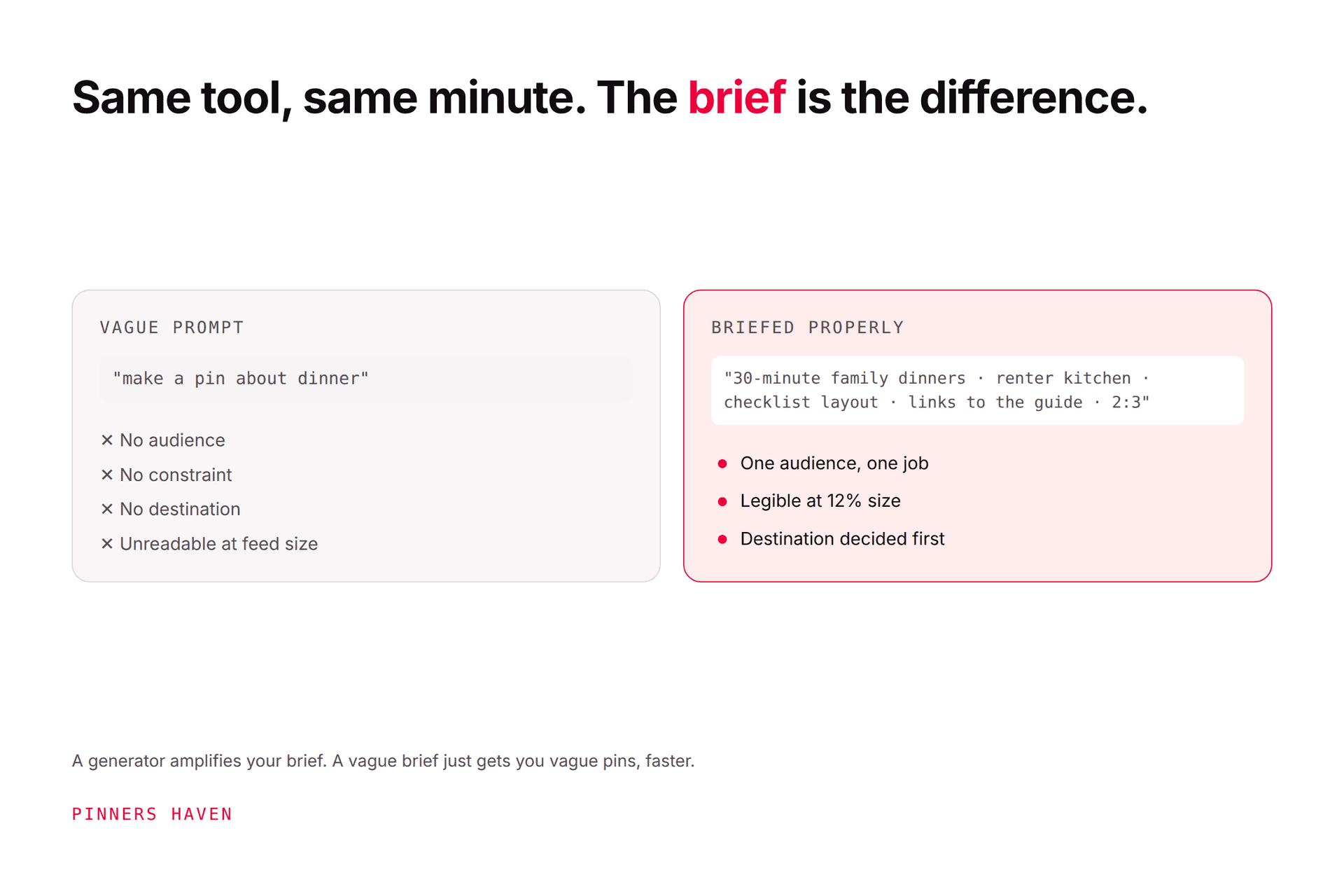
The longer safety checklist, including the things to never automate, is in best AI Pinterest tools; how to brief a pin generator covers the prompt side, which decides more of the output quality than the tool does.
Where we fit, and where we don't
If your job is one pin for Tuesday, don't buy us; use Canva. If you have a designer and need copy, Pintrio is the tidier buy. If you want to generate a thousand pins from a product feed and upload them yourself, PinsMachine or Pin Generator will do it for less.
If your job is the one in the plan note for this page, generating and scheduling original pins at scale without becoming the bottleneck or the spam pattern, that's what Pinners Haven is. There's a 14-day trial; no card is needed, and when it ends publishing pauses until you pick a plan.
(Disclosure: we make Pinners Haven, so we're an interested party in this comparison. We're not a Pinterest Marketing Partner. We're not affiliated with Pinterest.)
Frequently asked questions
What is the best free AI Pinterest pin generator?
For a single pin, Canva and Adobe Express have free tiers with templates and some AI features, and Sivi offers a free prompt-to-design plan; Pinterest's own Create flow then handles fields and scheduling for nothing. URL-to-pin generators are trials rather than free tiers: Pintrio gives ten free pins (copy for your image), PinsMachine a three-day trial, Tailwind five credits. Useful volume is paid everywhere.
Which AI pin generator makes the image, not just the text?
Pin Generator, PinsMachine, Canva (Magic Design and image generation on Pro), Adobe Express (generative credits), Sivi, and Pinners Haven generate imagery; Tailwind's SmartPin builds layouts from templates; Pintrio writes copy for an image you supply. Check the credit cost of images specifically: on credit-metered tools one AI image can cost 12–24 credits against a 1,000-credit plan.
Can AI-generated pins get my Pinterest account flagged?
Not for being AI, but for being repetitive or mismatched. Pinterest's guidance warns against repeatedly uploading content that already exists and asks that pin images, text, and keywords match the landing page; a generator that produces dozens of near-identical pins, or publishes in bursts without review, creates exactly that pattern. Use tools with template rotation, an approval step, paced publishing, and mark AI-modified images honestly.
Do I need to label AI-generated pins on Pinterest?
Pinterest labels AI-modified images and its Create flow includes an AI-modified toggle; mark images that were generated or materially edited with AI. It's not a ranking penalty, it's a disclosure, and it's the kind of thing that's easier to do from the start than to retrofit across a thousand pins. Check Pinterest's current policy on publish day, as labelling rules have moved.
Is Tailwind's AI pin generator worth it?
If you already schedule in Tailwind, SmartPin and Ghostwriter are a convenient way to generate layouts and copy from a URL inside the same tool, and Tailwind is a Pinterest Marketing Partner. Price it by credits, not posts: SmartPin costs five credits and the Pro plan has 150, so roughly 30 generated pins a month, with top-ups at $10 per 100 credits. For higher generation volume, dedicated generators are cheaper per pin.
What's the difference between an AI pin generator and a Pinterest scheduler?
A scheduler publishes pins you already made, spacing them over time; an AI pin generator makes the pins (images, copy, or both). Some products do both (Tailwind, Pin Generator, Pinners Haven); some only generate (Canva, Adobe Express, Sivi, PinsMachine via CSV); some only schedule (Buffer, Later). Decide which half is your bottleneck before you pay for either.
Buy the generation you'll actually use
AI pin generators are cheap, plentiful, and not interchangeable. Ask what the AI makes, how the pin reaches Pinterest, what one pin costs, and what keeps the fortieth different from the first. Then buy the one that fits the job you have, not the demo you watched.
If that job is generating and publishing original pins at scale with a human in the loop, Pinners Haven was built for it.