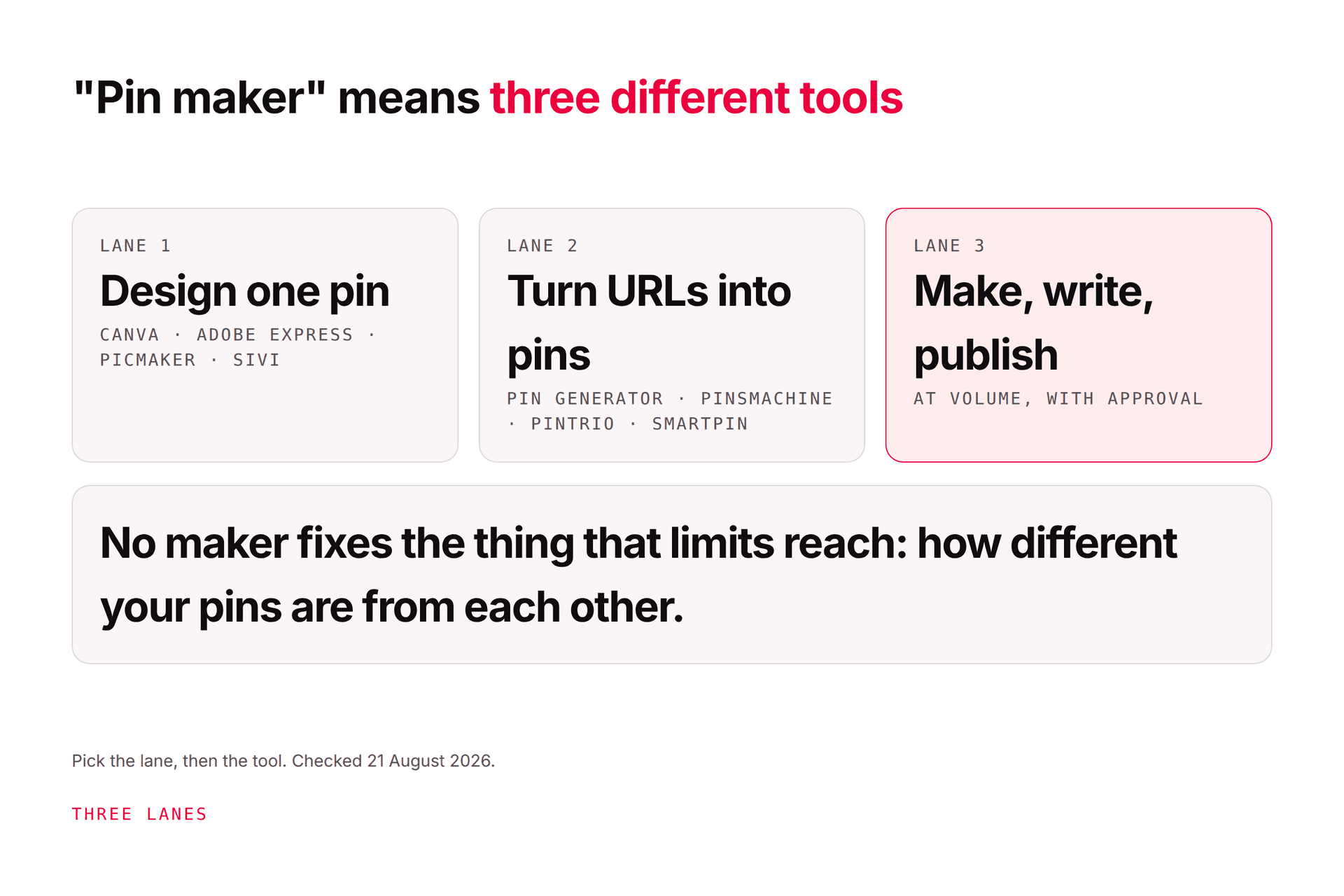
A Pinterest pin maker is one of three things: a design tool that helps you build a single pin (Canva, Adobe Express, Picmaker, Sivi all have usable free tiers with caps on downloads or features), a URL-to-pin generator that turns a page into many pins with AI copy (Pin Generator, PinsMachine, Pintrio, Tailwind's
JN
Joe Nyambura
Founder & operator, Pinners Haven · August 5, 2026
You typed "Pinterest pin maker" because you want a pin, now, preferably free, and the results are a wall of tools that all say "create stunning pins in seconds." Some of them draw one pin. Some turn a blog URL into thirty. Some also write the copy and schedule the thing. They're priced from nothing to $70 a month and the word "free" on most of them means "free until you try to download it." Let me be honest about what to expect: the right pick depends entirely on which of three jobs you actually have.
A Pinterest pin maker is one of three things: a design tool that helps you build a single pin (Canva, Adobe Express, Picmaker, Sivi all have usable free tiers with caps on downloads or features), a URL-to-pin generator that turns a page into many pins with AI copy (Pin Generator, PinsMachine, Pintrio, Tailwind's SmartPin, all credit- or volume-priced from about $10–24 a month), or a make-write-and-publish system that produces original pins at volume and posts them (Pinners Haven, from $19 a month billed annually). The free picks are genuinely free for a handful of pins a month; none of them is free at the volume Pinterest rewards, and no maker fixes the thing that actually limits reach, which is how different your pins are from each other. Prices re-checked from vendor pages on 21 August 2026; compared on documented features, not hands-on tests.
Original designs per pin, SEO copy, paced publishing, approval
None
When Pinterest is a real channel
Most people searching this phrase have job one and will be fine with a free design tier plus how to design a pin that works. People with job two should read the credit maths below before buying. People with job three aren't really shopping for a pin maker.
The comparison
Checked 21 August 2026. "Free" means a no-card tier you can keep using, not a trial. We've compared on vendor documentation and haven't hands-on tested each tool, so treat every price as that day's snapshot: Pin Generator was running a summer sale, Canva and Adobe Express vary by region, and any of them can change without notice.
Tool
Job
Free tier
Lowest paid
What to know
Canva
Design one pin (+ bulk via templates)
Yes: templates, 2:3 presets; AI features limited
Pro ~$15/mo monthly, ~$120–144/yr (varies by region)
The default; Magic Design and Bulk Create are Pro. Canva for Pinterest covers the sizes and what to change
Adobe Express
Design one pin, AI assets
Yes: templates and basic editing
Premium US$11.59/mo, 250 generative credits
Strong stock and generated-asset library; check usage rights for generated images
Picmaker
Design one pin; URL-to-pin generator
Yes: 3 watermark-free downloads, 200MB
Starter $6/mo; Pro $9/mo
Free tier is effectively a demo; scheduler sits on the custom Teams plan
Sivi
Prompt-to-pin design
Yes: design and download PNG/JPG/PDF
Paid tiers (not listed on the generator page)
"Template-free" generation at 1000 × 1500; no Pinterest connection or scheduling
Original design per pin on human-made templates, SEO title + 3–5 descriptions, paced OAuth publishing, approval. Not a one-pin maker
The free picks, honestly
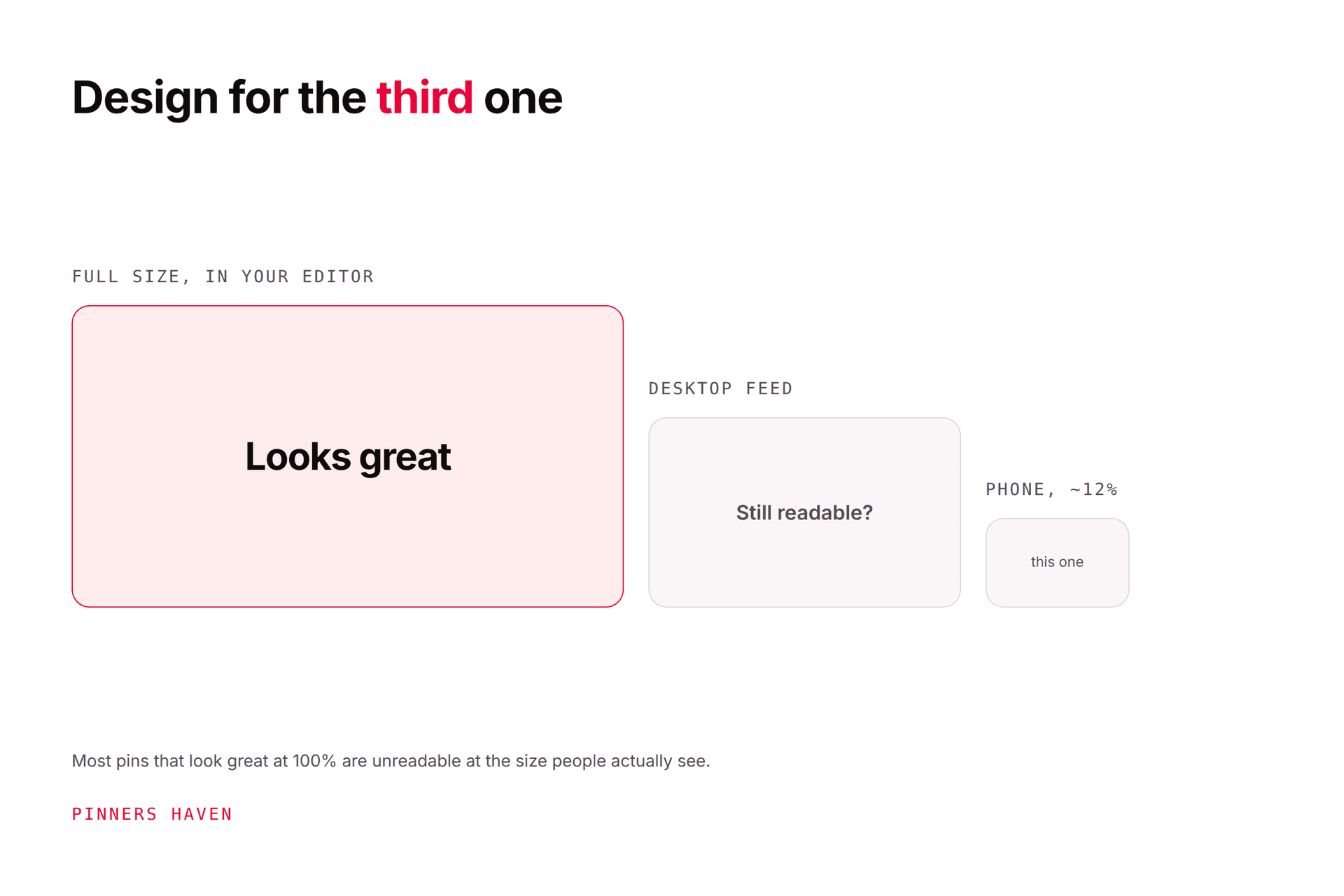
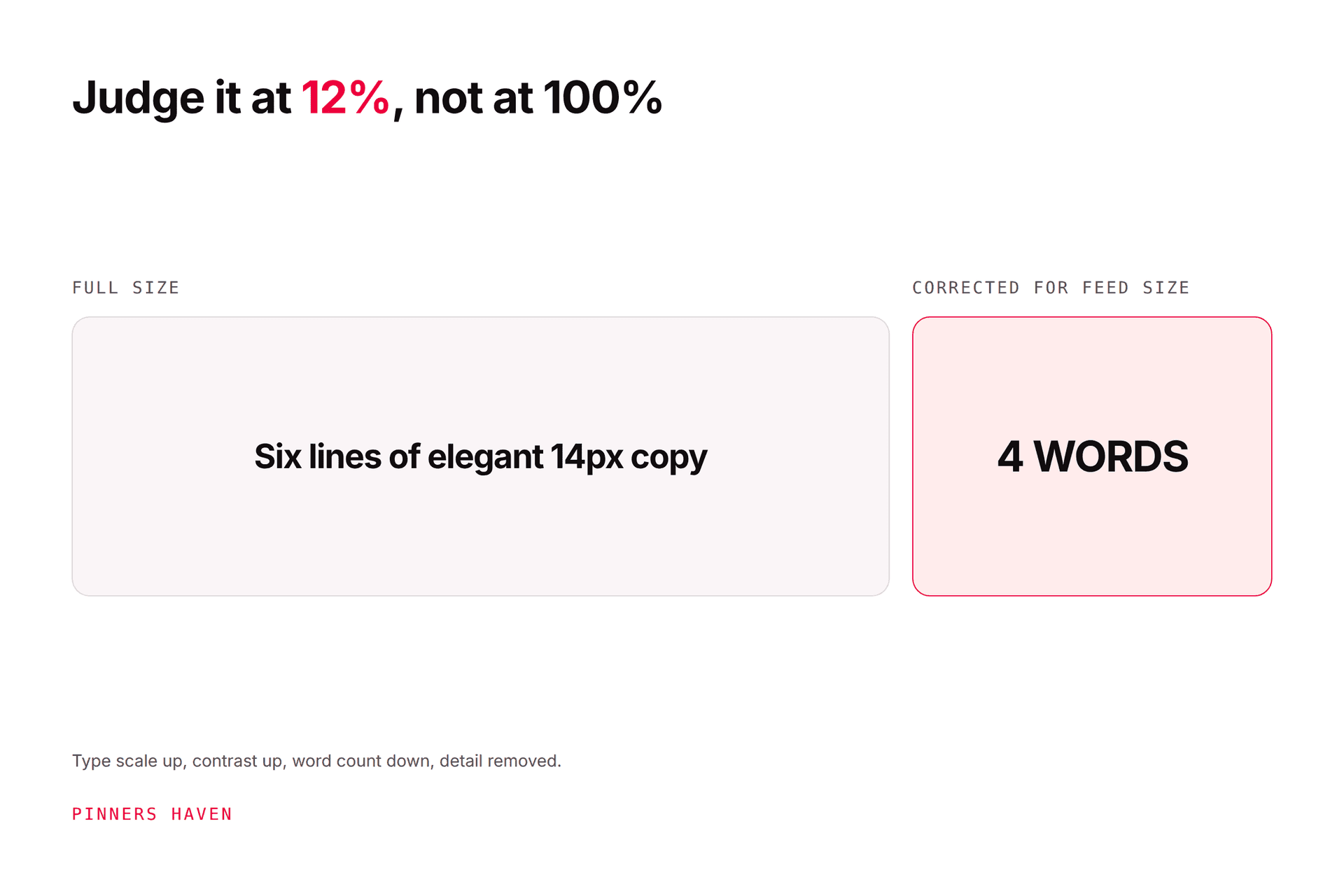
For one pin, free, today: Canva or Adobe Express. Both give you a 2:3 canvas, templates, and a download without a watermark on the free tier. The difference is taste: Canva's Pinterest template library is larger; Express's free stock and editing are strong. Either will make a perfectly good pin if you follow the mobile squint test and ignore most of the templates, which were designed to look good at full size and fail at 12%.
For a free design that doesn't start from a template: Sivi. Prompt-to-design at 1000 × 1500, exportable. Worth a try when everything in the template library looks like everything else. No publishing; you take the file to Pinterest.
For the free last mile: Pinterest's own Create flow. People forget that the pin "maker" on Pinterest itself handles cropping, text overlay, every field, topics, and scheduling up to 30 days ahead, for nothing.
Not actually free, despite the search result: Picmaker's free tier allows three watermark-free downloads, which is a demo; Pin Generator and PinsMachine are trials; Tailwind's free plan is five posts and five credits, which is a tour.
The URL-to-pin generators: read the credit maths
Here's the thing nobody tells you about the "paste a URL, get 30 pins" tools: they're priced in units that don't match how you think. Pin Generator's Pro plan is 1,000 credits a month, which sounds like a thousand pins, until you read that scheduling a pin is 1 credit, AI text is half a credit, and an AI-generated image is 12 to 24 credits. Thirty pins with AI images and AI copy is somewhere around 400–750 credits, not 30. PinsMachine prices in pins (600 on Starter) but splits them into "standard" and "manual," and its publishing route is CSV export or its own scheduler rather than a Pinterest connection. Tailwind's SmartPin is 5 credits against 150 on Pro, so the generator is good for about 30 pins a month on the plan people buy; Tailwind pricing explained works the whole sum.
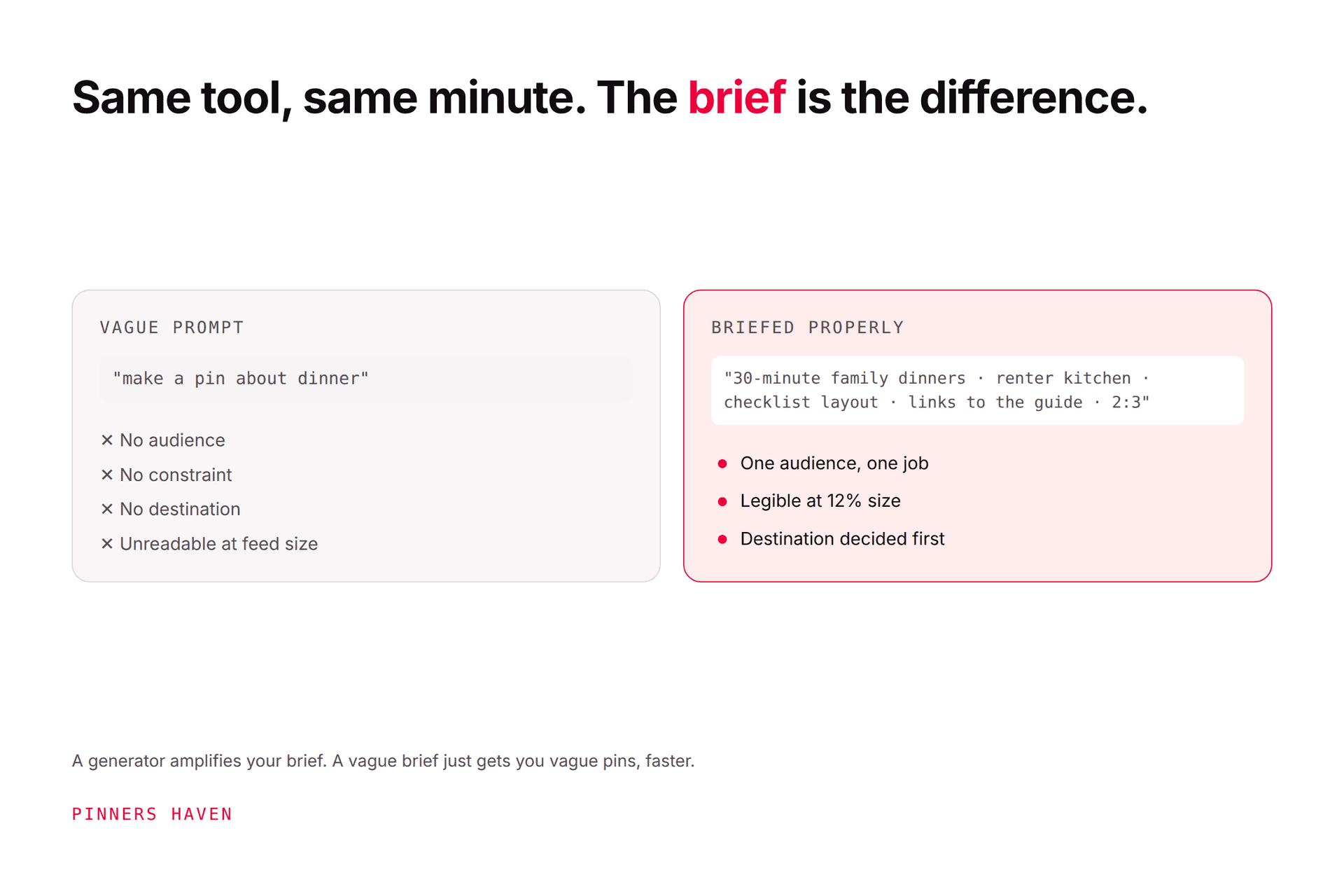
None of that makes them bad tools. It makes "from $X a month" the wrong number to compare. Work out how many generated pins with generated images you want a month and divide the price by that. How to brief a pin generator covers the other half: what to type in so thirty generated pins aren't thirty near-identical pins.
What no pin maker fixes
You might be thinking the goal is to make pins faster. It's half the goal. Pinterest's guidance asks for original content and warns against repeatedly uploading what already exists, and the account-level problem we see most isn't "not enough pins"; it's forty pins from one template that Pinterest, reasonably, treats as one idea. A faster maker makes that faster. Fresh pins on Pinterest is where the line sits, and Pinterest templates: 100 design briefs is how to give one topic six genuinely different jobs.
That's the gap Pinners Haven is built around, and it's why it isn't in the "free picks" list: it's not a one-pin maker. It takes a page or topic and produces an original image per pin on a human-designed template (a Freshness Meter retires each template after roughly five to ten uses), writes the keyword-led title and three to five distinct descriptions, and publishes on a paced, account-safe cadence through Pinterest's official OAuth, with you approving each pin. If you need one pin for Tuesday, use Canva. If you need forty a month that don't look like each other, that's the job we do.
(Disclosure: we make Pinners Haven, so we're an interested party in this comparison. We're not a Pinterest Marketing Partner; Tailwind and Canva are. We're not affiliated with Pinterest.)
Pick by job: the short version
One pin, free: Canva or Adobe Express, then Pinterest's Create flow.
A few pins a week from your own images, cheap copy help: Pintrio at $9.99.
Many pins from many URLs, you'll publish yourself: PinsMachine or Pin Generator; price it per generated pin, not per month.
You already live in Tailwind: SmartPin, mindful of the 5-credit cost.
Volume, originality, copy, and publishing, hands off except approval: Pinners Haven.
Frequently asked questions
What is the best free Pinterest pin maker?
For designing a single pin, Canva and Adobe Express both offer usable free tiers with 2:3 templates and watermark-free downloads; Sivi is a free prompt-to-design option if you want to avoid templates; and Pinterest's own Create flow is a free last mile for cropping, text, fields, and scheduling. URL-to-pin generators are mostly trials, not free tiers. Expect caps on downloads, AI features, and scheduling on every free plan.
Is there a free Pinterest pin generator that makes pins from a URL?
Only as trials or very small allowances: PinsMachine offers a three-day trial with a few dozen pins, Pintrio ten free pins (you supply the image), Tailwind five credits on its free plan, and Picmaker's free tier allows three watermark-free downloads. Paste-a-URL generation at any useful volume is paid, priced by credits or pins, typically from about $10–24 a month.
What size should a Pinterest pin maker export?
A 2:3 aspect ratio, most commonly 1000 × 1500 pixels, which is what Pinterest recommends and what every tool above defaults to for Pinterest templates. Taller pins may be cropped in feeds. Check that the free tier exports at full resolution without a watermark; some cap downloads or resolution until you pay.
Do AI-generated pins get less reach on Pinterest?
Pinterest distributes on relevance and engagement rather than on how the image was made, but it labels AI-modified images and its guidance asks for original content and warns against repetitive uploads. Generated pins that all look the same, or that don't match the landing page, underperform for those reasons, not because they're AI. Brief the tool well, vary the concept, and mark AI-modified images honestly.
Can a pin maker schedule pins to Pinterest?
Some can: Pin Generator, Pintrio, Tailwind, and Pinners Haven connect to Pinterest and schedule; PinsMachine publishes via CSV export or its own scheduler; Canva, Adobe Express, Sivi, and Picmaker's free and Starter plans are design tools and leave publishing to you (Picmaker's scheduler is on its custom Teams plan). Prefer tools that connect through Pinterest's official authorisation and never ask for your password.
Do I need a pin maker at all?
For a handful of pins, Canva's free tier and Pinterest's Create flow are enough, and the skill that matters is design at phone size, not the tool. A pin maker earns its keep when the volume is the problem: several original pins per page, every week, with distinct copy. At that point the question isn't which maker is prettiest but which one keeps the fortieth pin from looking like the first.
Make the pin, then make it different
A pin maker is a fine thing to want, and the free picks above will get you a good one today. Just know which job you're hiring it for, read the credit maths before you pay for "from $X," and remember that the tool that makes one pin in a minute will happily make forty clones in forty. The reach is in the difference between them.
You've got the lanes and the picks. If your job is the third one, volume with originality and the publishing handled, that's what Pinners Haven does.