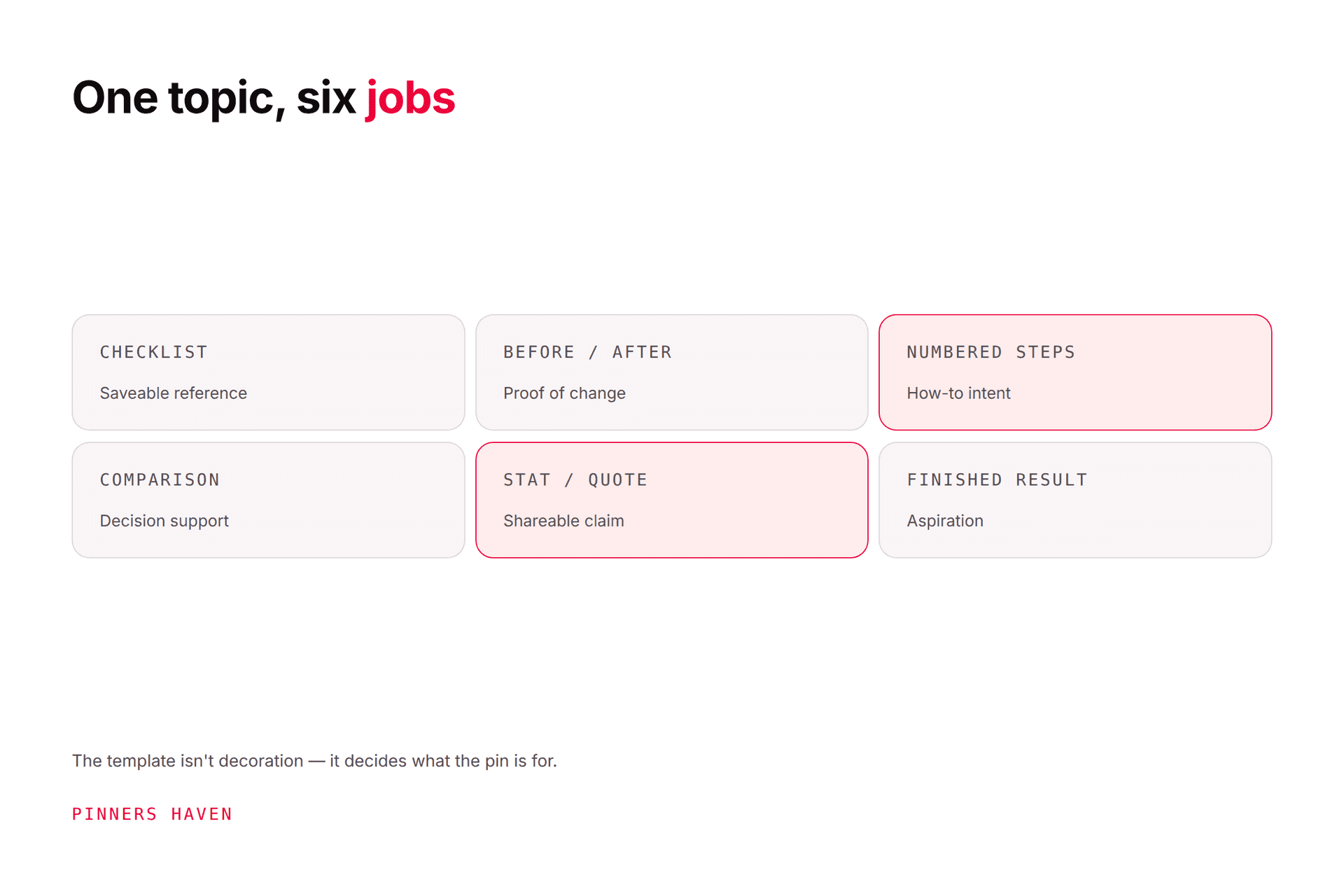
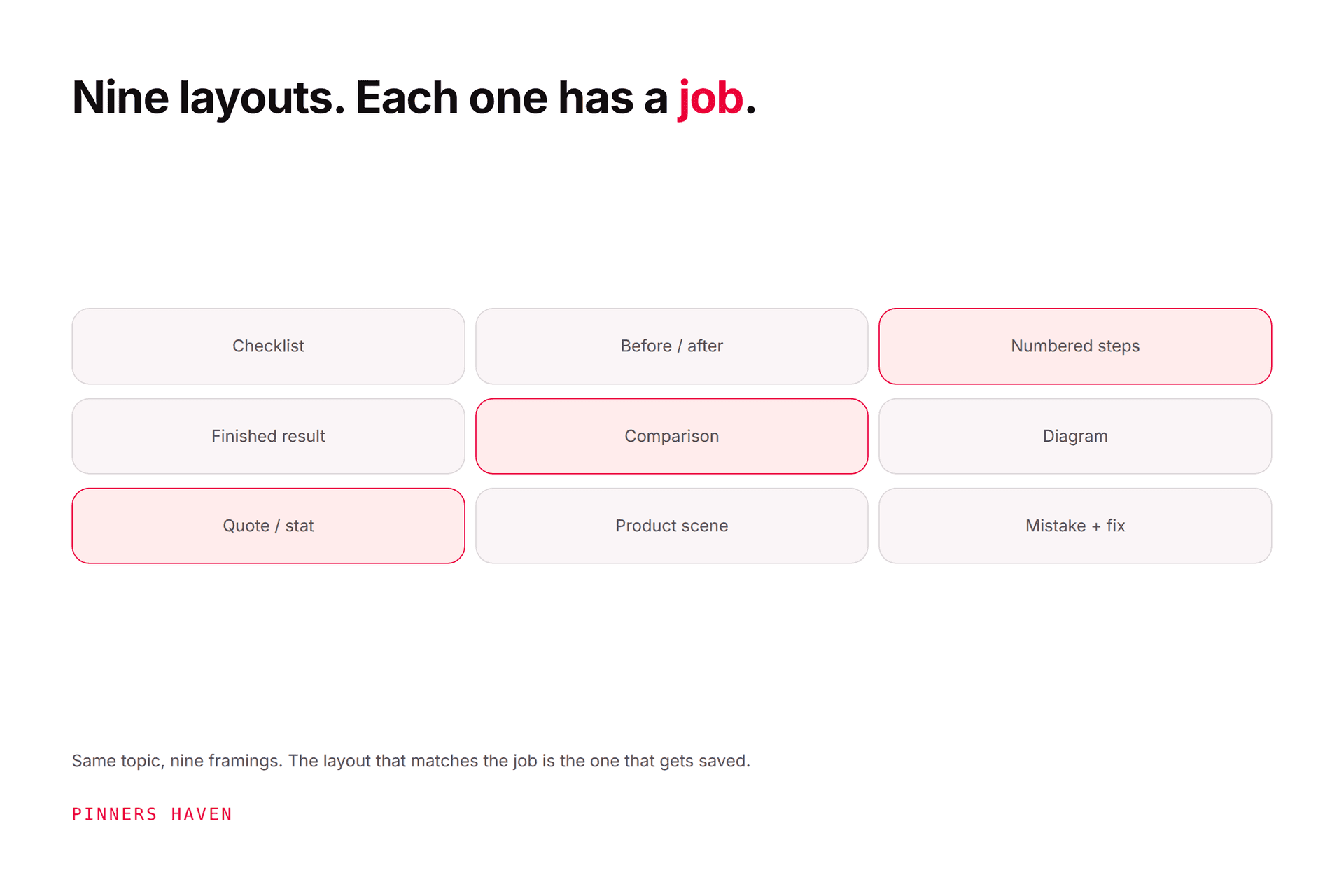
A Pinterest template is a reusable layout system — it preserves hierarchy and brand style so you're not rebuilding a design from scratch every time.
The mistake almost everyone makes is collecting templates by look and ending up with a hundred variations of one graphic. What you actually need is a small set covering different communication jobs, plus a rule for retiring them.
Because here's the part nobody mentions when they sell you a template pack: a template has a working life. Roughly 5–10 uses before reuse starts costing you distribution. A library of 100 lookalikes doesn't solve that. A rotation of eight genuinely different structures does.
The 100 briefs below are organised by job and niche, so you can build that rotation deliberately. (These are design briefs, not downloadable files.)
Clean product hero with verified benefit.
Product in use with scale context.
Variant lineup.
Bundle contents breakdown.
Gift guide by recipient.
Product comparison at equal scale.
Material and care detail.
Collection story grid.
Current promotion card with expiry.
Sizing or fit chart preview.
Outfit formula with owned photography.
Capsule wardrobe grid.
Product texture close-up.
Step sequence for a real technique.
Shade comparison under matched lighting.
Fabric and care card.
Occasion outfit lineup.
Style mistake and correction.
Packing list for a defined trip.
Seasonal trend translated into wearable details.
Budget worksheet preview.
Savings timeline with assumptions.
Expense-category chart.
Goal tracker.
Side-by-side account feature comparison.
Fee explainer with primary source.
Monthly planning checklist.
Decision tree.
Calculator input-and-result preview.
Myth-versus-rule card with reviewer line.
Financial content needs qualified review, dated sources, clear assumptions, and no guaranteed return or income claim.
Day-by-day itinerary map.
Neighborhood comparison.
Packing checklist.
Seasonal weather and clothing card.
Route with actual travel times.
Accommodation decision matrix.
Budget breakdown with date and currency.
Food itinerary using owned or licensed images.
Accessibility notes preview.
Mistakes and local-rule card.
Exercise sequence with qualified review.
Equipment setup and safety notes.
Weekly routine grid.
Recipe or meal framework without medical promises.
Habit tracker preview.
Form comparison using a qualified demonstrator.
Recovery checklist.
Beginner progression with limits.
Evidence summary with source and date.
When-to-seek-help safety card.
Event timeline.
Invitation suite preview.
Table-setting composition.
Gift list by budget.
Decoration materials card.
Seasonal checklist.
Countdown plan.
Color and texture mood board.
Vendor comparison sheet.
Post-event recap and resource list.
Write a headline that matches the destination. Do not force a long article title into a box designed for six words.
Swap demo imagery for owned or properly licensed photographs, charts, screenshots, or illustrations. Confirm commercial-use rights for every stock asset and font.
Choose two typefaces, a restrained palette, a readable headline size, and one logo treatment. Preserve spacing before adding decorative pieces.
Pinterest's Pin distribution guidance recommends quality vertical creative, commonly 2:3. A 1000 by 1500 pixel canvas is a practical starting point for image Pins.
Pinterest's creation guide advises checking the design, title, cover image, tags, and link. Add image rights, facts, disclosures, crop, and mobile landing-page checks to that list.
Adobe Express provides editable Pin templates and a blank-canvas editor. Other libraries have different free and paid terms. "Free to edit" does not always mean unrestricted resale or redistribution.
Before launch, label every asset with:
free or premium status
supported editor
file type and dimensions
font and stock-asset requirements
personal and commercial-use license
redistribution restrictions
last tested date
accessibility notes
The public page should show a real preview and working editor or download link for every listed template.
Use the Pin design maker for custom work once deployed, the 50 design layouts guide for selection help, or the Pin generator for a broader content-to-Pin workflow.
claiming 100 assets when only ten exist
hiding premium requirements until export
redistributing stock elements outside their license
using the same hierarchy for recipes, charts, and products
leaving demo text, false prices, or fake testimonials in the file
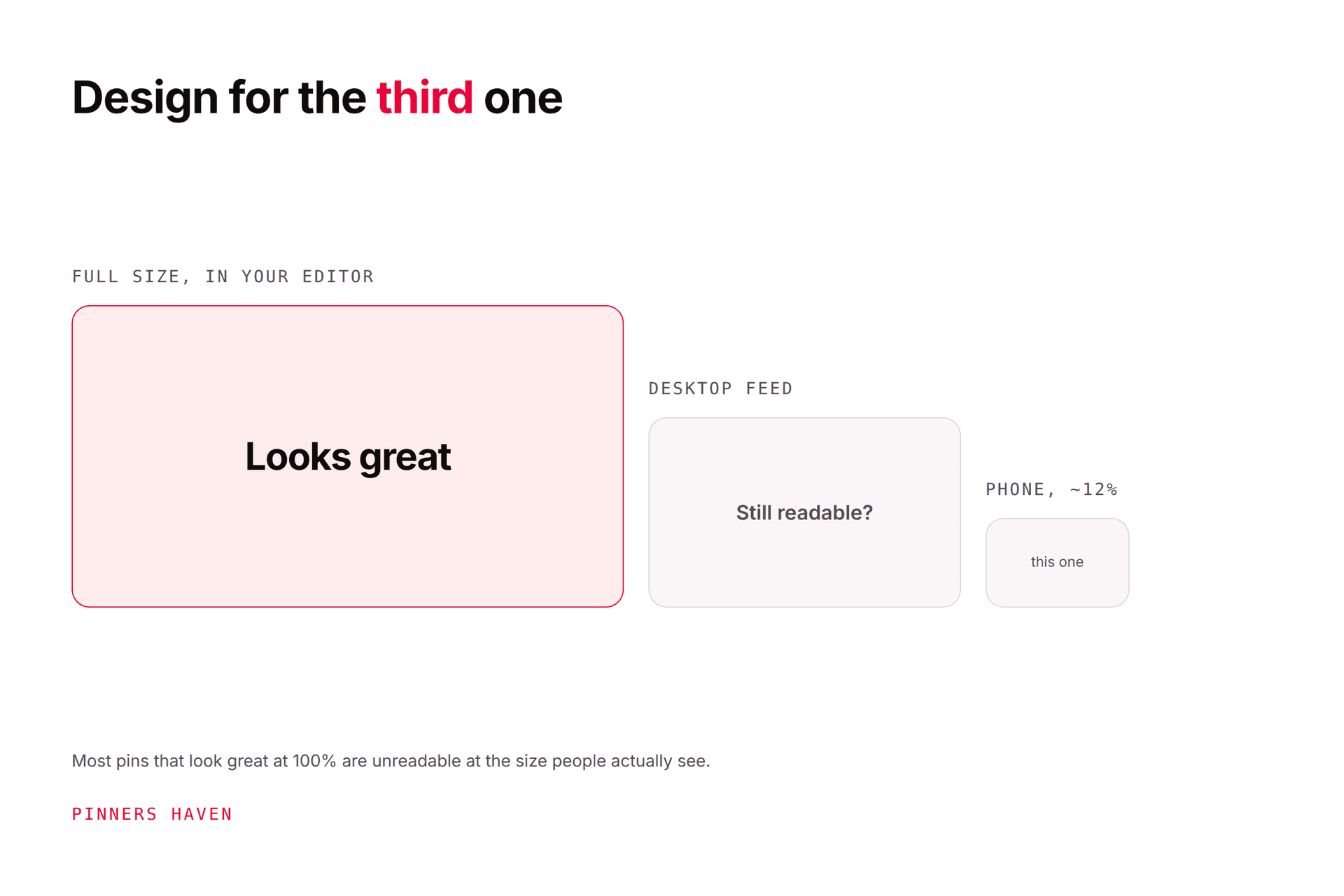
making tiny headlines and crowded lists
presenting AI-generated scenes as real products or results
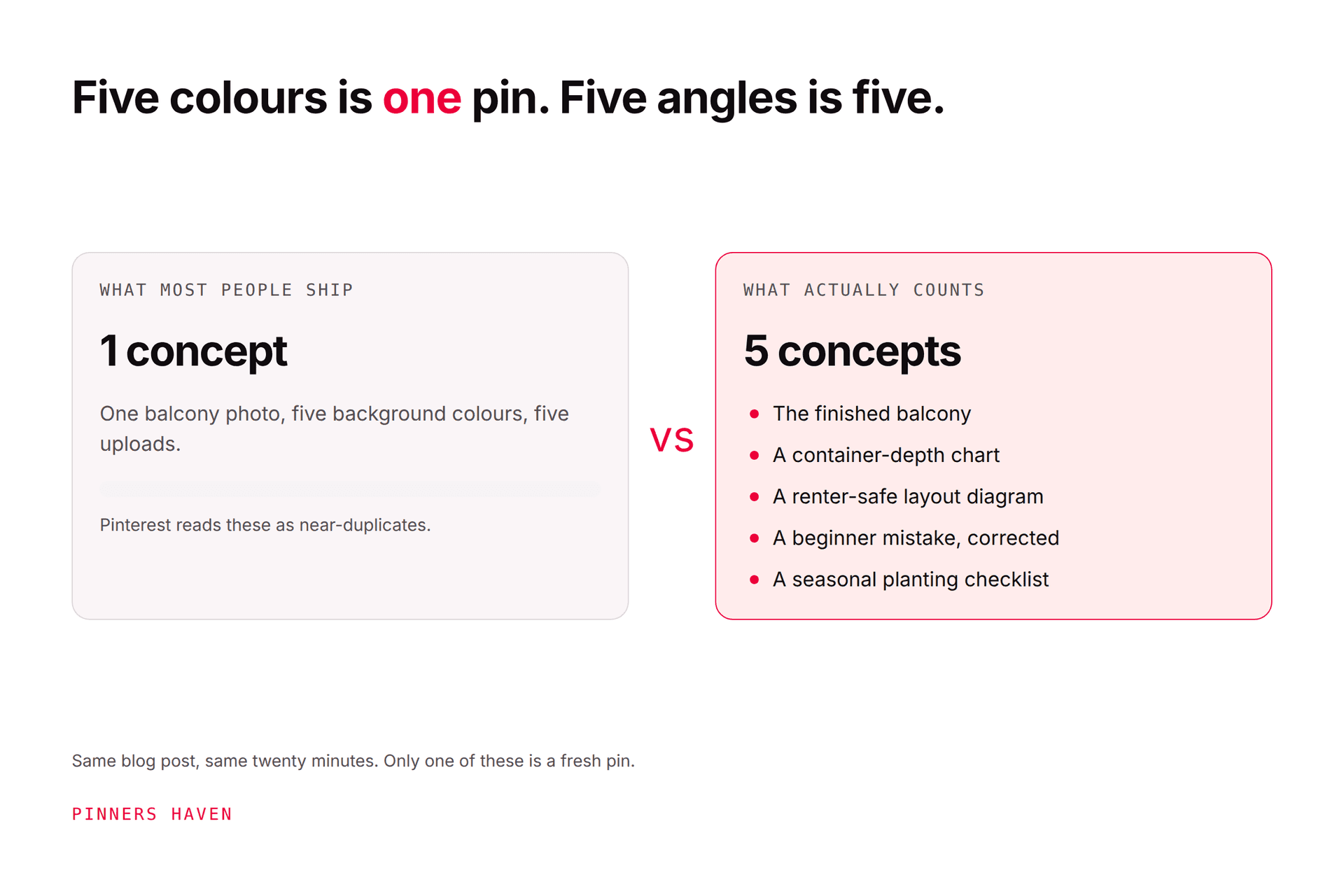
publishing many cosmetic variations as original ideas
Building the templates is the easy half. The half that decides your results is knowing when to stop using one.
Every design has a working life of roughly 5–10 uses before sameness starts dragging your distribution down, and the decline is gradual enough that you won't spot it by eye. Most people discover a template is spent only after publishing thirty more pins on it.
That's the specific thing the Freshness Meter in Pinners Haven tracks — wear per template, auto-retirement after roughly 5–10 uses, and a fresh design rotated in before the hit lands. Each pin is built on a human-designed template with the image colour-matched to it, so the output stays on-brand instead of reading as generic AI.
→ See how it works
(Disclosure: we make Pinners Haven. We're not affiliated with Pinterest.)