Pinterest for Digital Products: Sell Templates, Planners and eBooks
Digital products and Pinterest should be a perfect match. Your buyers are already there, planning, searching for exactly the problem you solve. And then you sit down to make a pin and realise your product is a PDF, and a PDF does not photograph.
Joe Nyambura
Founder & operator, Pinners Haven · August 18, 2026
On this page16 sections
- Why digital products are harder to pin
- Concepts that work for digital products
- The part everyone gets wrong: the destination
- If you sell on a marketplace
- Seasonality decides more than your creative
- What you cannot say
- Where digital sellers stall
- Frequently asked questions
- Can you sell digital products on Pinterest?
- What digital products sell best from Pinterest?
- Do I need my own website to sell digital products on Pinterest?
- How many pins should I make per digital product?
- Should I show the whole product in my pins?
- When should I publish seasonal digital products?
- Can I use AI to make pins for digital products?
- Sell the result, not the download
Digital products and Pinterest should be a perfect match. Your buyers are already there, planning, searching for exactly the problem you solve. And then you sit down to make a pin and realise your product is a PDF, and a PDF does not photograph.
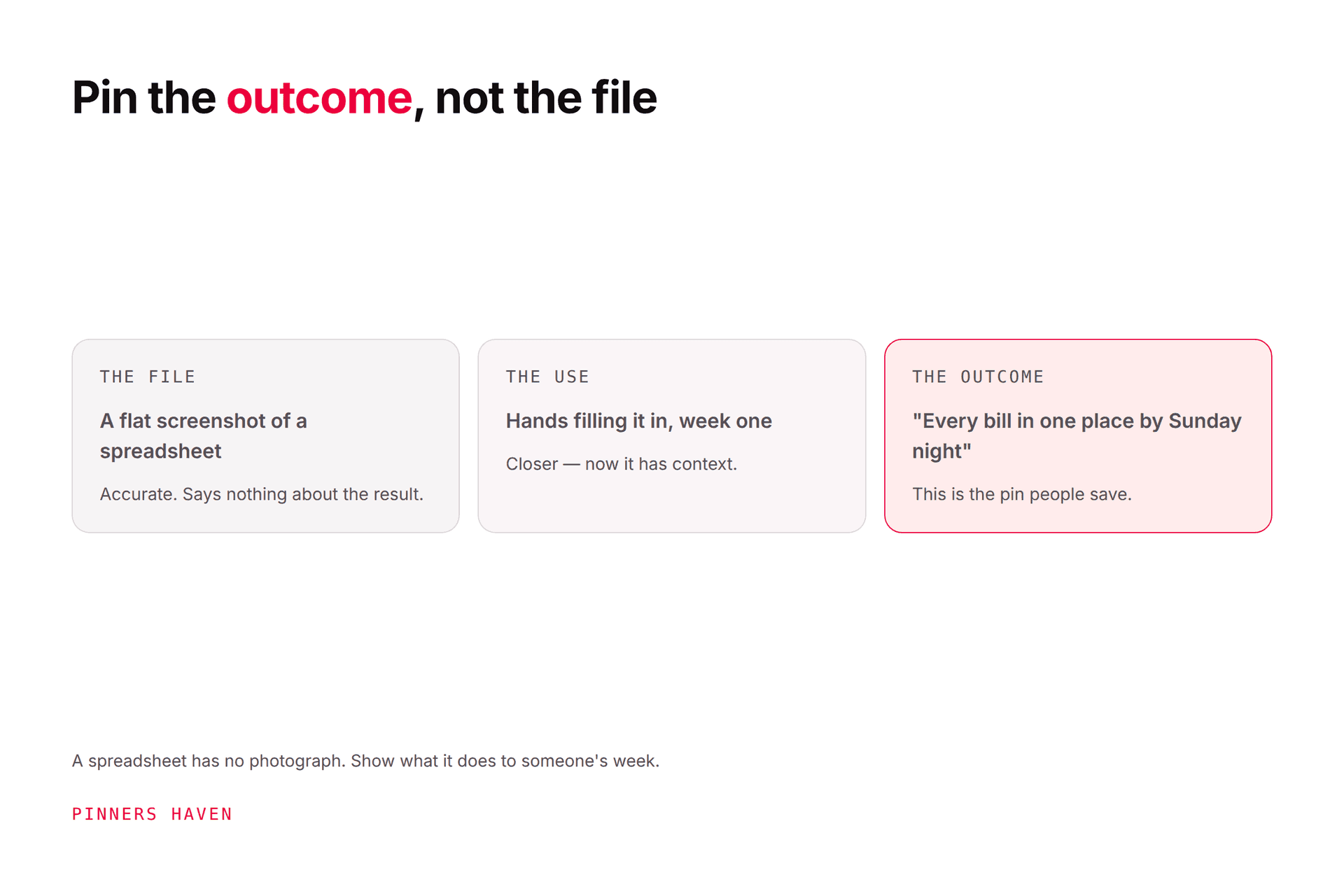
Selling digital products on Pinterest works when you pin the outcome rather than the file. A screenshot of a template shows a grid; a filled-in example shows someone what their life looks like after buying. Pinterest is a planning platform, which makes it unusually well suited to planners, templates, spreadsheets, presets and courses, but the visual burden is higher than for physical goods because there is no product photograph to fall back on. Everything below follows from that constraint.
The second constraint is less obvious and costs more money: your checkout is almost always on someone else's platform, and that's where most digital-product funnels quietly leak.
Why digital products are harder to pin
A physical product has an inherent pin: the thing, in a room, in someone's hands. A digital product has a thumbnail of a file, and thumbnails of files all look the same.
That pushes you into one of three failure modes, and almost every digital seller lives in one:
Failure mode | What it looks like | Why it fails |
|---|---|---|
The flat screenshot | The template, straight on, empty | Shows structure, communicates nothing |
The mockup pile | Same file on a laptop, tablet, phone, clipboard | Looks professional, still shows an empty file |
The text card | "Budget Planner" on a beige background | Indistinguishable from ten thousand others |
The fix is the same in all three cases: fill it in. A budget template with a real month of numbers in it tells a story. A meal planner with an actual week of dinners tells a story. A resume template with a plausible candidate tells a story. The blank version tells a buyer to imagine the work; the filled version shows them the work already done.
You might be thinking: "But I don't want to give away the contents." You're not. You're giving away one worked example, which is the single most persuasive thing you own, and withholding it is why the pin isn't converting.
Concepts that work for digital products
Build these per product rather than repeating one layout:
The filled-in example, as above. Your strongest pin, most of the time.
The inside spread. Three or four pages fanned out, so buyers see the real scope.
The before and after. A chaotic version next to the organised one.
The deliverables count. "12 templates, 40 pages, 3 formats" as an explicit graphic.
A single useful page, given away free, with the paid set as the next step.
The use case. The product in the context of a real problem, not on a desk mockup.
The result. A finished output someone made with it.
That's seven distinct concepts per product, which is unusually generous for one destination and reflects that digital products genuinely need more explaining. Our fresh pins guide covers the line between a real concept and a recolour.
The part everyone gets wrong: the destination
Here's where digital product funnels leak, and it is almost never the pin.
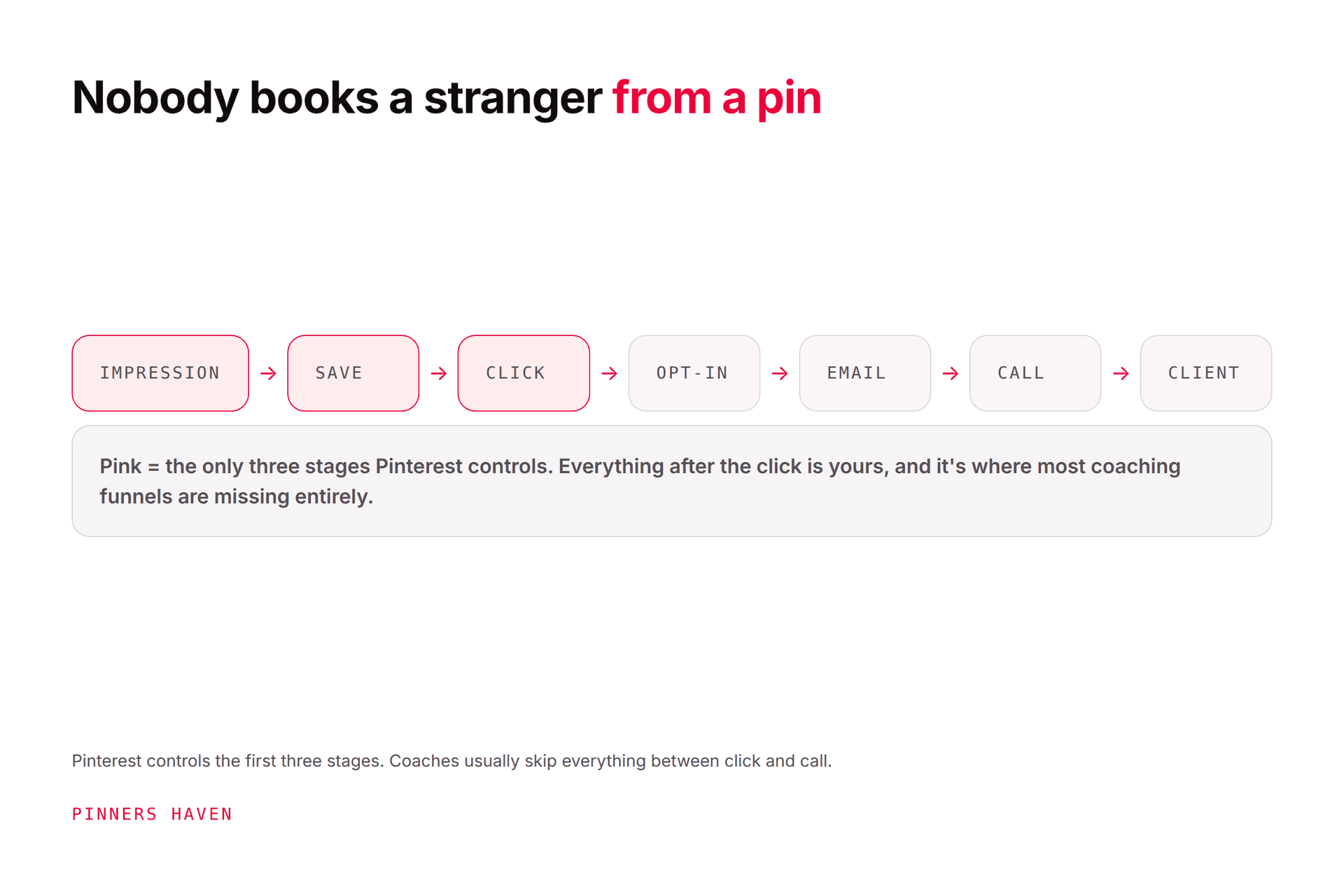
Someone clicks a beautiful pin for your planner and lands on a marketplace listing with three images, a wall of description text, and no clear answer to "what exactly do I get and in what format?" They leave. The pin did its job perfectly.
Your landing page has to do the work the product can't do physically:
A visible preview. Multiple real pages, not one cover.
The format, stated plainly. PDF, Google Sheets, Canva template, editable or not.
What they need to use it. Nothing is more annoying than buying a Canva template without Canva Pro.
The deliverables, counted.
How delivery works. Instant download, email, account access.
Refund terms, which for digital goods are both a legal and a trust question.
Fix that page before you make another pin. Traffic to a page that can't convert is just a more expensive way to be ignored.
If you sell on a marketplace
Etsy, Gumroad, Creative Market and similar bring buyers but cost you control. Most marketplace shops cannot be claimed as your domain on Pinterest, which means no claimed-account attribution and limited Rich Pin behaviour. Our Pinterest for Etsy guide covers that constraint in detail.
The workaround most sellers land on is a site you do control, pinning to your own pages, and linking through to the marketplace from there. That costs you a click and buys you attribution, an email address, and the ability to pin whatever you like. Whether that trade is worth it depends on how much of your traffic you want to own.
Seasonality decides more than your creative
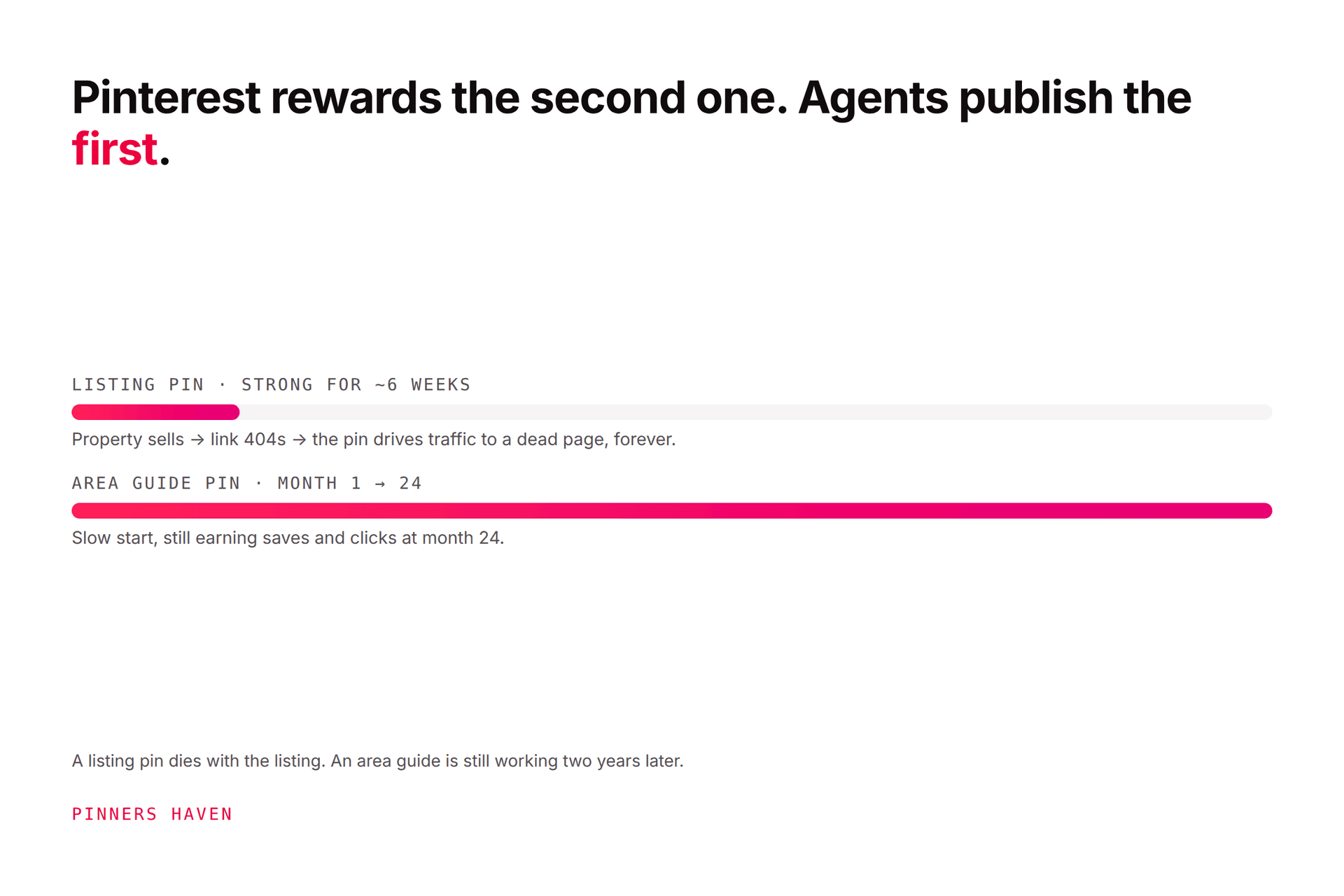
Digital products are disproportionately seasonal, and digital sellers are disproportionately late.
Planners sell in autumn, not January. Tax templates sell before the deadline, not during. Wedding printables sell a year ahead. Teacher resources sell in July and August. Pinterest is a planning platform, so people arrive early by design, and content published on the event itself has already missed.
Use Pinterest Trends to find when interest starts rising for your topic and publish into the ramp, not the peak. Trends values are normalised interest rather than search volume, so read direction and timing rather than sizing a market with them.

What you cannot say
This niche sits close to make-money claims, and the guardrails matter.
No income claims. Not what you earn, not what buyers will earn, not "replace your salary." Pinterest's commercial content guidelines prohibit deceptive claims, and the FTC has separate views about earnings representations.
No fabricated reviews or screenshots. Ever.
No implied outcomes you can't support. "Get organised" is fine. "Save $500 a month" is a claim you now have to prove.
Disclose affiliate relationships if you promote other people's products alongside yours.
If your product genuinely helps people earn, say what it does and let the buyer draw the conclusion. That's both safer and, in our experience, more persuasive to a skeptical audience.
Where digital sellers stall
The maths is unkind. Seven concepts per product across a catalogue of fifteen products is over a hundred pins, refreshed each season, plus new pins for every launch.
Most digital sellers have a strong first product with excellent pins and eleven others with one cover image each. The catalogue grows faster than the creative, and the newer products never get the treatment that made the first one work.
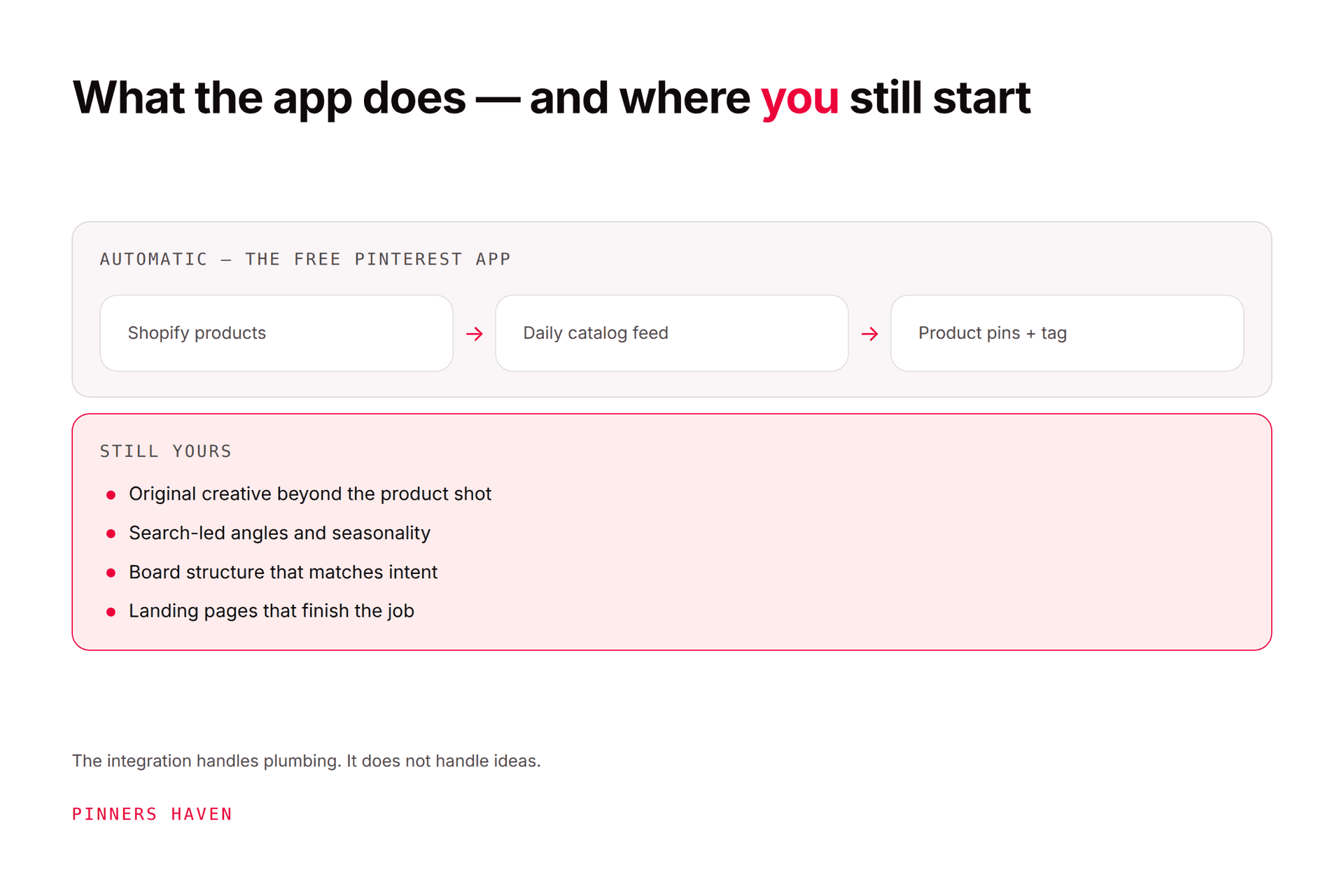
Pinners Haven handles that layer: up to 20 angles per product topic, an SEO title with three to five unique descriptions per pin, original designs on human-designed templates, and a Freshness Meter that retires each design after roughly five to ten uses so your fifteenth product doesn't get the same tired layout as your first. Nothing publishes without your approval.
For a digital seller running one shop, Solo covers 3 sites and 900 pins a month at $41 billed annually. There's a 14-day trial, and no card is needed; when it ends, publishing pauses until you pick a plan.
The honest limit: it produces creative, not products or landing pages. If your sales page doesn't show the inside of the product, better pins will send more people to bounce.
(Disclosure: we make Pinners Haven. We're not affiliated with Pinterest.)
Frequently asked questions
Can you sell digital products on Pinterest?
Pinterest doesn't process the sale; it sends qualified traffic to wherever you sell. Digital products suit it well because Pinterest users are typically planning rather than impulse-buying, which matches how people shop for templates, planners and courses.
What digital products sell best from Pinterest?
Anything that solves a planning problem visually: planners, budget and business spreadsheets, Canva and social templates, printables, presets, meal plans, teacher resources, wedding stationery. Products that are hard to show, like audio or code, are a poorer fit for the platform.
Do I need my own website to sell digital products on Pinterest?
No, but marketplace listings usually can't be claimed as your domain, which limits attribution and Rich Pins. Many sellers pin to a site they control and link through to the marketplace, trading one click for ownership of the traffic.
How many pins should I make per digital product?
Digital products justify more concepts than physical ones because there's more to explain: often five to seven genuinely distinct angles. The test is whether each one teaches a buyer something new, not whether it uses a different colour.
Should I show the whole product in my pins?
Show enough that a buyer knows exactly what they're getting. Withholding the contents is the most common conversion mistake in this niche. One fully worked example given away is usually your best-performing pin.
When should I publish seasonal digital products?
Well before the season. Pinterest users plan ahead, so interest for planners, holidays and school terms rises weeks or months early. Use Pinterest Trends to find the ramp for your specific topic and region rather than assuming.
Can I use AI to make pins for digital products?
You can, with review. Check rights, legibility, factual accuracy and destination match before anything publishes, and don't let generated creative drift into implying features the product doesn't have. See how to brief a pin generator.
Sell the result, not the download
The thing you're actually selling is not a file. It's a Sunday evening where the week is already planned, or a tax deadline that isn't frightening, or a shop that finally looks coherent.
Your product does that. Your pins mostly don't, because they show the file instead of the feeling of having used it. Fill the template in, photograph the outcome, count the deliverables, and let the buyer see exactly what changes.