Pinterest Keyword Tool: What Actually Exists
There is no Pinterest keyword tool that reports real search volume. Not Pinterest's own, and not any third-party product, because Pinterest doesn't publish the data.
Joe Nyambura
Founder & operator, Pinners Haven · August 18, 2026
On this page21 sections
- What actually exists
- What Pinterest Trends numbers actually mean
- The six-step workflow that works without volume data
- 1. Start with a plain seed
- 2. Harvest autocomplete, then group by intent
- 3. Check the live results
- 4. Read the trend curve for timing
- 5. Choose one primary phrase
- 6. Write the brief
- A worked example
- Where the keywords belong
- The part a keyword tool was never going to solve
- Eight mistakes that waste time
- Frequently asked questions
- Does Pinterest have a keyword tool?
- Does Pinterest Trends show exact search volume?
- Are third-party Pinterest keyword tools accurate?
- How many keywords should one pin target?
- Can a keyword tool guarantee ranking?
- What do I do after finding a keyword?
- Turn the phrase into a decision
There is no Pinterest keyword tool that reports real search volume. Not Pinterest's own, and not any third-party product, because Pinterest doesn't publish the data.
That's worth saying plainly, because a lot of tools imply otherwise, and a lot of Pinterest advice quotes numbers as though they came from Pinterest. They didn't. What exists is Pinterest Trends (a normalised 0–100 interest index), autocomplete (real phrasing, no numbers), and Ads Manager targeting (paid signals, not organic rankings).
The good news: you can do genuinely excellent Pinterest keyword research with those three, and the people winning at this are using exactly them. You just have to know what each one is actually telling you.
What actually exists
Tool | Cost | What it gives you | What it does not give you |
|---|---|---|---|
Pinterest Trends | Free | Relative interest over time, seasonality, regional variation, up to 4 keyword comparison | Search volume. Ever. |
Pinterest autocomplete | Free | Real phrasing people use, in ranked order | Any numbers at all |
Pinterest search results | Free | Dominant content type and intent for a query | Volume or difficulty |
Pinterest Ads Manager | Free to browse | Keyword targeting signals for campaigns | Organic ranking data |
Third-party SEO tools | Paid | Estimated volume, often modelled from Google | Pinterest-published figures |
Notice the pattern in the right-hand column. The number everyone wants doesn't exist publicly, and the sooner you stop looking for it the sooner your research improves.

What Pinterest Trends numbers actually mean
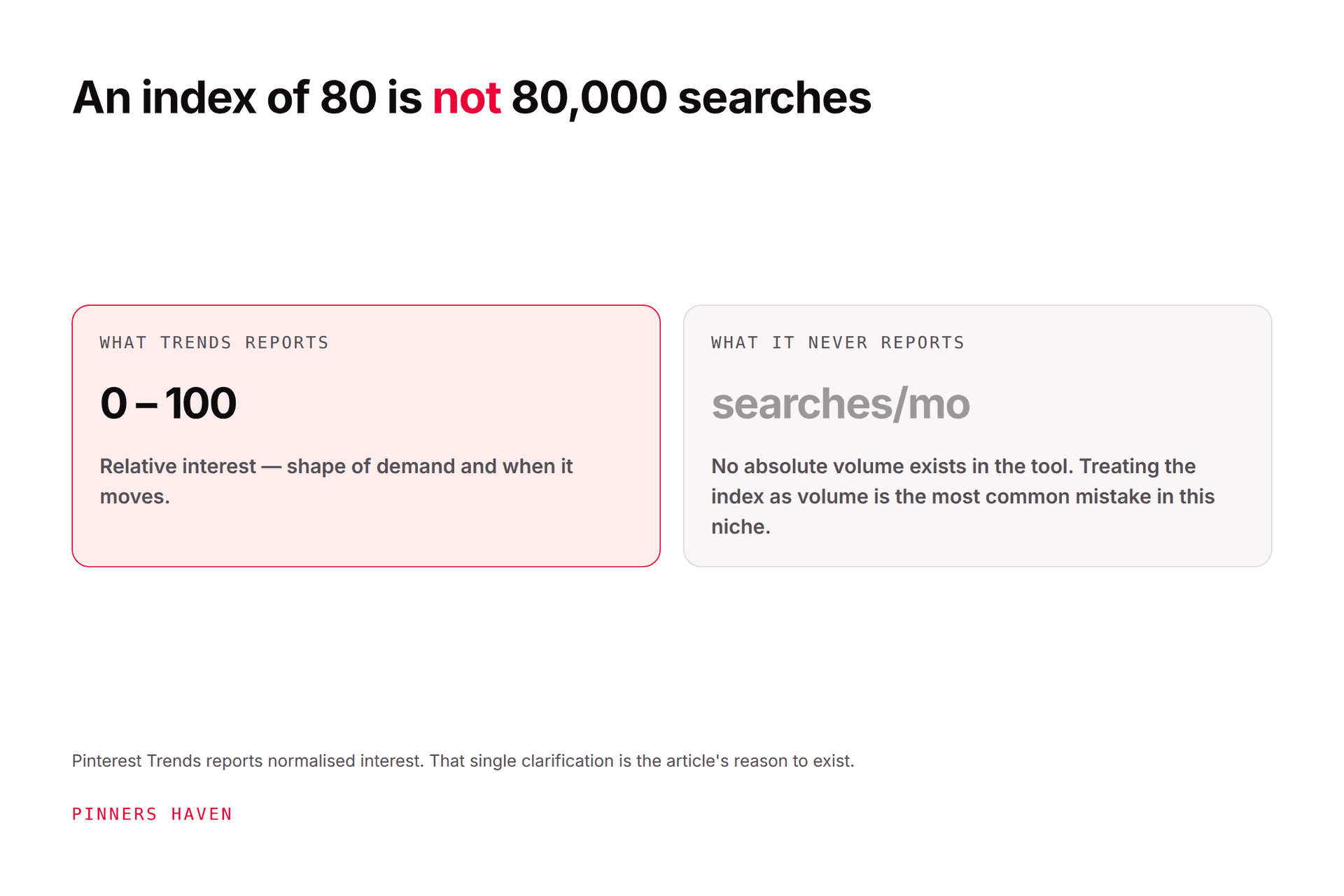
Pinterest Trends uses a normalised index: the highest point for a term is set to 100 and the lowest to 0 across the selected plot. It shows relative interest over time, not a count.
Two consequences people miss:
You can't compare two terms' absolute size from their curves. Both get normalised to their own 0–100 range, so a niche term and a huge term can look identical. The comparison view helps, but read it carefully.
A falling curve doesn't mean falling demand in absolute terms. It means this term is below its own peak for the plotted window.
If any tool shows you monthly volume, difficulty, or competition for Pinterest, it must name the provider and methodology, and you should assume it's modelled from Google data unless told otherwise. Estimated volume should never be presented as a Pinterest-published figure.
The six-step workflow that works without volume data
1. Start with a plain seed
The object or the task: balcony garden, teacher gift, meal prep, wedding invitation. Not a sentence stacked with modifiers.
2. Harvest autocomplete, then group by intent
Type the seed into Pinterest search and record the suggestions. These are real phrases in rough popularity order, that ordering is the closest thing to free volume data you'll get.
Then sort into buckets:
learn —
how to grow herbs on a balconycompare —
best balcony planters for rentersbuy —
self-watering balcony planterinspire —
small balcony herb garden ideas
These four should not share one destination unless the page can honestly do all four jobs. Usually it can't.
3. Check the live results
Search the phrase and look at what dominates: finished images, tutorials, products, checklists, videos. This is the fastest way to catch a phrase whose real meaning differs from your assumption, and it costs thirty seconds.
4. Read the trend curve for timing
Use Pinterest Trends to find when interest starts rising and whether it repeats annually. Pinterest documents up to two years of history in supported views and comparison of up to four keywords.
This is Trends' highest-value use by a wide margin. Seasonal content published at the peak is published far too late; the curve tells you the real deadline.
5. Choose one primary phrase
Pick on relevance, apparent demand, destination quality, visual potential, timing, and business fit — weighted toward business fit. A modest-interest phrase that brings buyers beats a popular one that brings browsers.
6. Write the brief
Audience, problem, answer, visual concept, destination, board, publish window, success metric.
A keyword is only useful once it changes a publishing decision. Our keyword research guide covers the method in more depth, including the worksheet.
A worked example
Seed: pantry organization
Candidate phrase | Intent | What to actually make |
|---|---|---|
pantry organization ideas | Browse finished results | Visual roundup across pantry sizes |
small pantry organization | Solve a space constraint | Layouts and measurements for compact storage |
pantry labels printable | Get a specific asset | Download page with preview and file details |
pantry containers | Shop or compare | Product comparison with dimensions and use cases |
Do not put all four into one pin description. Choose the page and the promise first, that decision does more for your results than any keyword data would.

Where the keywords belong
Use the primary phrase where it clarifies the content:
pin title
pin description
board name or description, when the whole board fits
on-image headline, when readable and natural
destination title and headings
image alt text, only when it describes the image
Pinterest's distribution guidance recommends a clear title, description, link, and relevant board, and warns against duplicate pins. Keywords cannot rescue unrelated or repetitive creative. Full placement map in our Pinterest SEO guide.
The part a keyword tool was never going to solve
Suppose you do this properly and land on small pantry organization. You now have one phrase, and you'll make one pin for it.
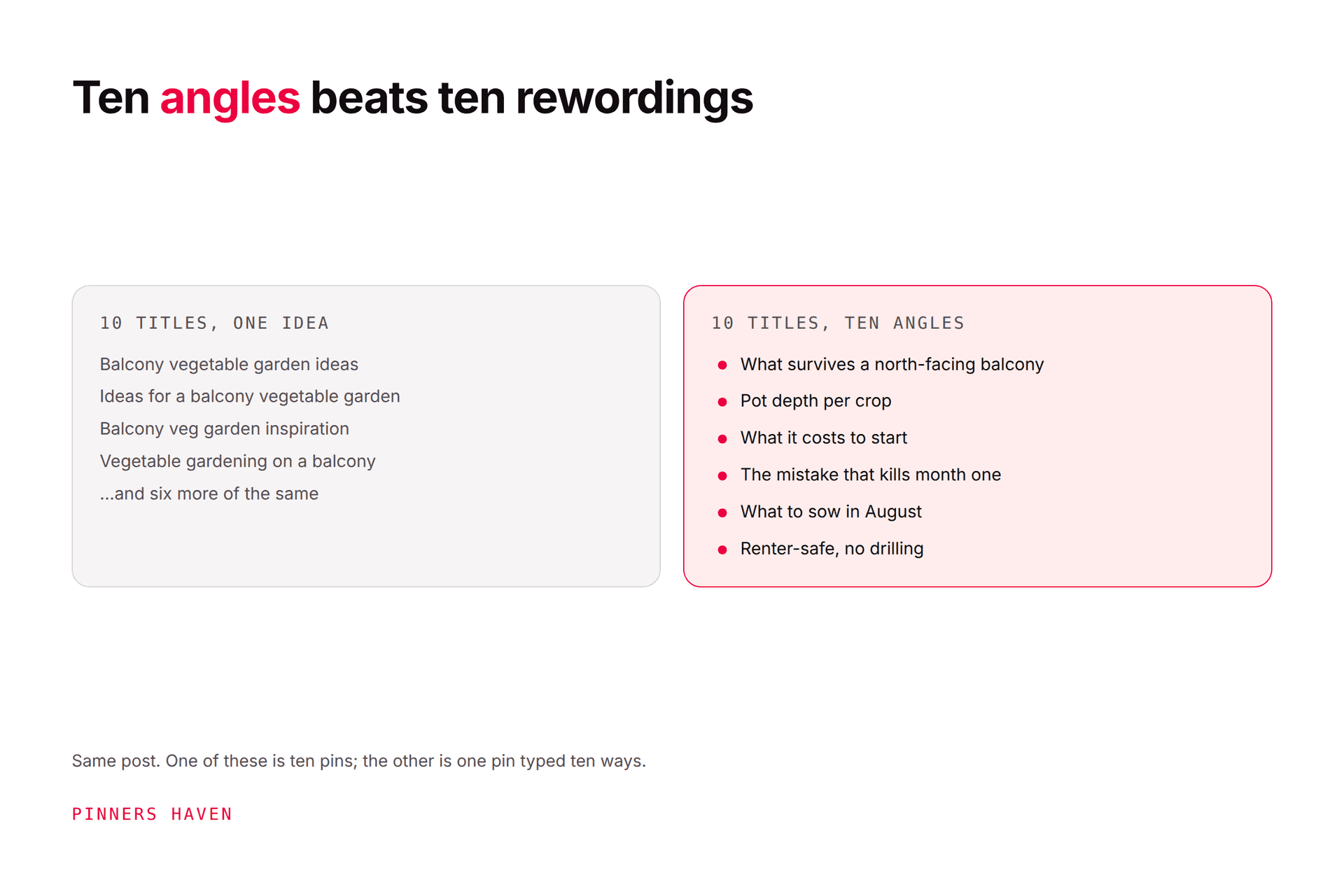
But that page could legitimately serve a renter angle, a budget angle, a measurements angle, a beginner-mistakes angle, and a before-and-after angle — five searches, five pins, one destination. Serious accounts rank for hundreds of phrases. Most people target a handful, not from lack of research but because writing five genuinely distinct angles per page is the work.
That's what Pinners Haven automates: twenty angles per topic, each with a keyword-optimised title and three to five unique descriptions, plus an original design per pin. You still pick the seed and the destination — steps 1 and 5 above are judgment and stay yours, but the multiplication happens without you.
(Disclosure: we make Pinners Haven. We're not affiliated with Pinterest.)
Eight mistakes that waste time
treating a normalised index as monthly volume
picking the highest number without checking intent
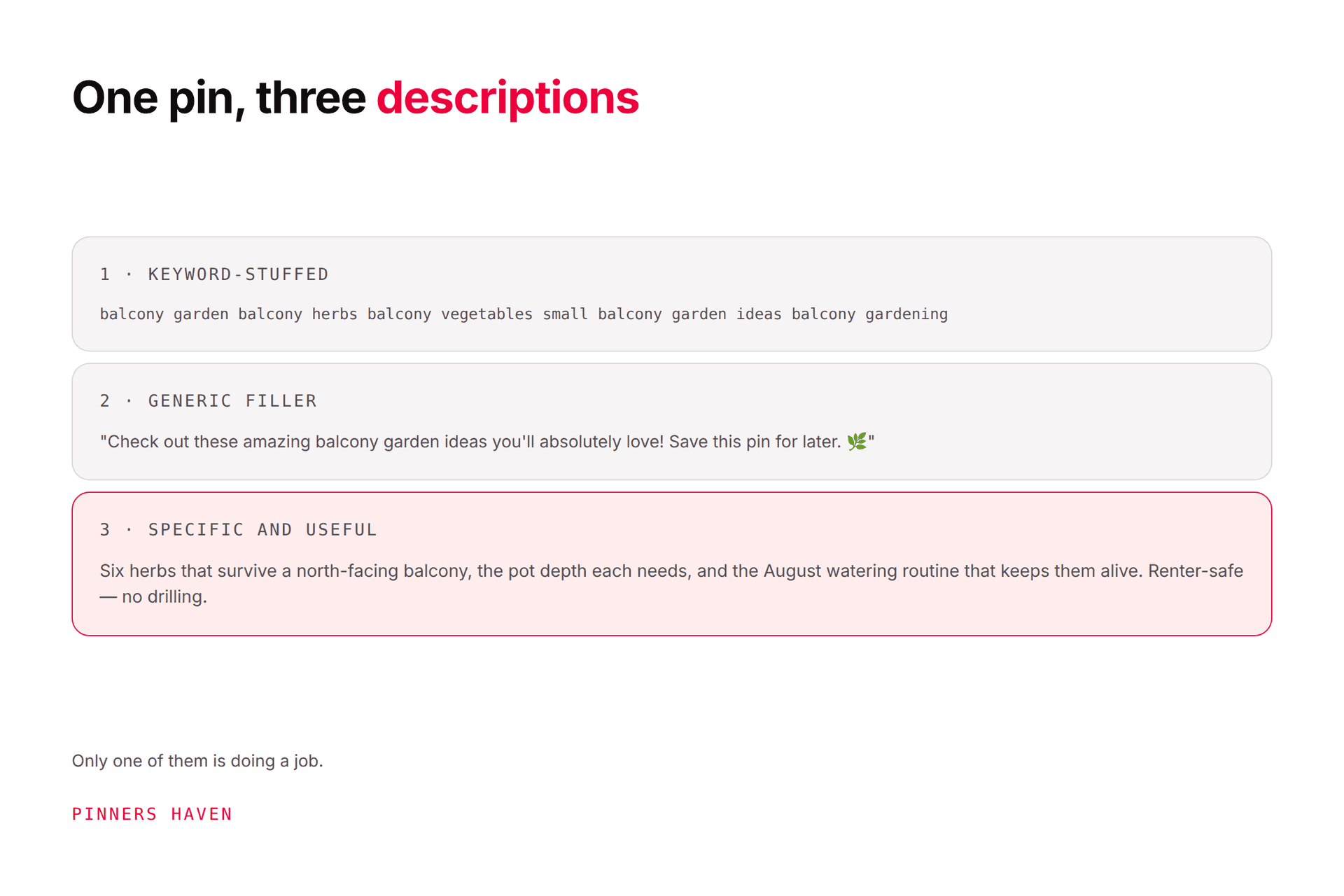
pasting every suggestion into the description
using a broad keyword for a narrow product
ignoring the audience's country and season
building the pin before the destination is useful
repeating one phrase across title, board, and alt text unnaturally
publishing generated suggestions without review
Pinterest's Community Guidelines prohibit deceptive, repetitive, irrelevant, and manipulative behaviour. A keyword tool should improve relevance, not manufacture it.
Frequently asked questions
Does Pinterest have a keyword tool?
Pinterest Trends is the closest thing, and it gives relative interest rather than volume. Autocomplete gives real phrasing. Ads Manager gives paid targeting signals. There is no official organic keyword volume tool.
Does Pinterest Trends show exact search volume?
No. Pinterest describes the graph as a normalised 0–100 index. This is the most consequential misunderstanding in Pinterest keyword research, and a great deal of published advice gets it wrong.
Are third-party Pinterest keyword tools accurate?
They provide estimates, frequently modelled on Google data, which behaves differently from Pinterest search. They're useful for direction and relative comparison. Treat any specific number as an estimate, and check the tool names its methodology.
How many keywords should one pin target?
One primary intent plus a few natural related phrases. There's no benefit to forcing a keyword count into every description, and density isn't a documented ranking factor.
Can a keyword tool guarantee ranking?
No. Distribution depends on demand, relevance, creative quality, engagement, seasonality, destination value, competition, and policy compliance — see the algorithm guide.
What do I do after finding a keyword?
Build or improve the destination first, create a distinct pin concept, add accurate context, publish to the relevant board, and measure outbound clicks rather than impressions.
Turn the phrase into a decision
Save fewer keywords. Use more of them properly.
One phrase tied to a clear page, a real visual, and an actual reader task is worth more than a spreadsheet of suggestions nobody will ever publish, and that's true whether or not you ever find a tool that shows you volume.