If you're looking for a PinClicks alternative, it's worth pausing on why. In most cases people arrive here for one of two very different reasons, and they need opposite answers.
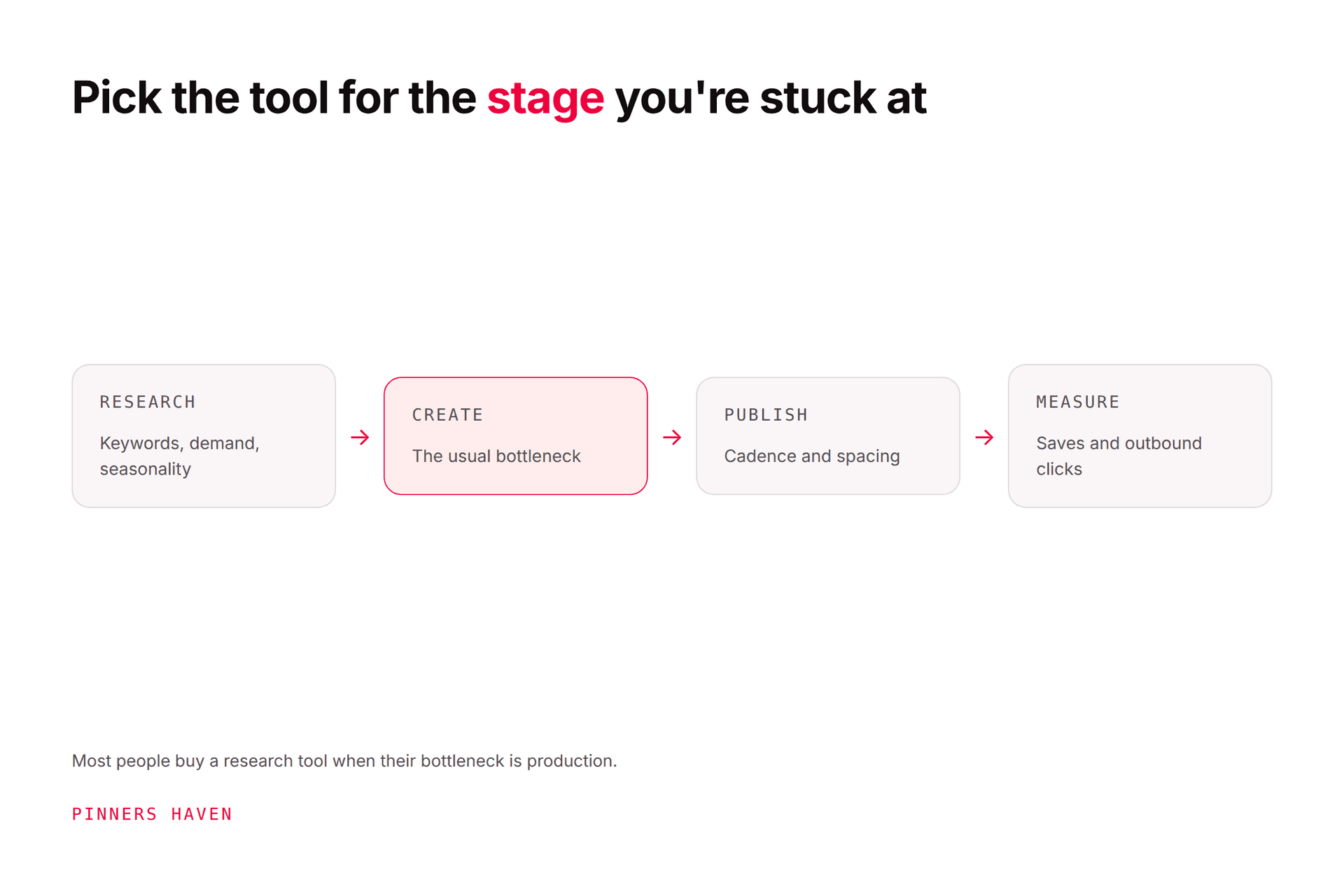
PinClicks is a Pinterest research and analytics tool: keyword explorer, account explorer, top pins, pin stats and keyword rank tracking, at $29/mo for Pin Pro and $49/mo for Pin Plus, or $249 and $399 billed annually (checked 7 August 2026). It tells you what to target and whether you're ranking. It does not design pins, write copy or publish anything. So the honest alternative depends on which half of your workflow is actually the bottleneck: if you need cheaper research, the alternatives are other research tools and Pinterest's own free data; if you have plenty of keywords and no capacity to act on them, a research tool was never the missing piece. Those are genuinely different purchases.
Let me be straight about our position before anything else: we make Pinners Haven, which sits on the execution side. We do not do keyword rank tracking, and PinClicks does it well. If that's what you came for, this article will tell you honestly where to get it.
Worth being accurate, because dismissing a competitor's product is how comparison posts lose trust.
Checked 7 August 2026. Both tiers include Keyword Explorer, Account Explorer, Top Pins, Pin Stats and saved pins. Pin Plus adds keywords by category, custom lists, CSV exporting, account following, and email alerts for AI-modified pins and blacklisted accounts. A free trial is available on both.
The genuinely differentiated features are keyword rank tracking over time and account explorer, which lets you analyse any account's top-performing pins. Very little else in the Pinterest ecosystem does either properly, and Pinterest's own tools don't do them at all.
Where it stops: it produces no pins, writes no descriptions, and publishes nothing. That's by design.
Answer honestly:
Do you have more keyword ideas than you can currently publish for?
If yes, more research will not help you. You already know what to target and you can't act on it, so buying a better research tool is buying a longer list. Skip to the execution section.
If no, and you're genuinely short of direction, research tools earn their money. Read on.
Most people who search for a PinClicks alternative are in the first group and don't realise it. The tell is a keyword spreadsheet with rows nobody has made a pin for in three months.
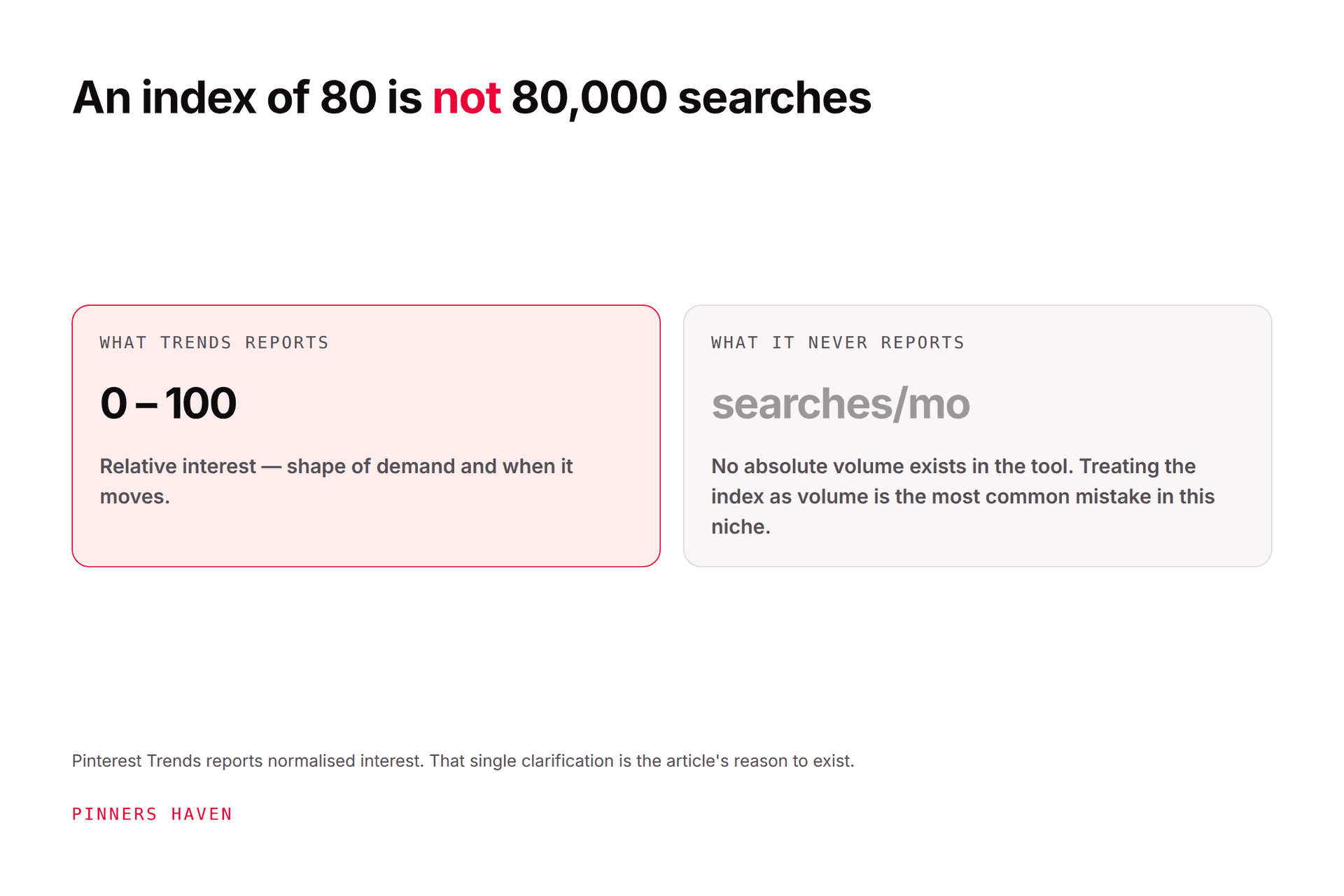
Pinterest's own Trends tool shows relative interest and seasonality by region, for nothing.
The catch worth knowing: its values are normalised interest, not monthly search volume. They tell you direction and timing, not market size. Plenty of people size a niche with Trends numbers and get it badly wrong.
Combined with Pinterest's search autocomplete, this covers a real share of the research job at zero cost. Start here before paying for anything. Our keyword tool guide covers what genuinely exists in this category.
For your own rank and performance, Pinterest Analytics reports impressions, saves, pin clicks and outbound clicks. It won't track keyword positions over time, which is exactly the gap PinClicks fills, but it answers "is this working" for content you've already published. See Pinterest Analytics.
Several tools cover keyword research and pin discovery at similar price points, with differing depth on rank tracking. If rank tracking over time is your requirement, check specifically for it rather than assuming a Pinterest tool has it, because most don't.
If you need Pinterest keyword rank tracking, PinClicks is a reasonable buy and we're not going to pretend otherwise. $29/mo for 25 tracked keywords is fine for a single site. Pin Plus at $49 for 5,000 is the tier that makes sense for anyone managing multiple accounts.
This is where most people actually are, and it's where we sit.
The pattern looks like this: you did the research, you have 200 keywords, you know exactly which topics to cover, and you've published fourteen pins this month because making them takes longer than finding them. The list keeps growing and the output doesn't.
Research tools make that worse, not better. A longer list of things you aren't doing isn't progress.
Pinners Haven covers the stage PinClicks deliberately doesn't. You bring the keywords; it writes up to 20 angles per topic, produces an SEO title with three to five unique description variations per pin, designs original images on human-designed templates, and publishes on a paced, account-safe cadence through official OAuth. The Freshness Meter retires each design after roughly five to ten uses so templates don't quietly wear out. Nothing goes live until you approve it.
Pricing, for comparison with the table above: Solo $41/mo for 3 sites and 900 pins a month, Operator $124/mo for 25 sites and 11,250 pins, Portfolio $291/mo for 50 sites and 30,000 pins, all billed annually. There's a 14-day trial; no card is needed, and when it ends publishing pauses until you pick a plan.
What we don't do, stated plainly:
No keyword rank tracking. PinClicks does this and we don't.
No competitor account analysis.
We're not a Pinterest Marketing Partner. We're building toward Trusted Partner; Tailwind and Buffer are in Pinterest's partner directory and we aren't.
We don't find your keywords for you. You supply those.
Which means for a lot of operators the answer isn't either/or. It's PinClicks for the research and rank tracking, us for the production, and that's a genuinely defensible $68/mo stack at the entry tier.
→ Start a 14-day trial
(Disclosure: we make Pinners Haven. We're not affiliated with Pinterest or PinClicks. Competitor pricing was read from their live pricing page on 7 August 2026 and changes without notice.)