Most of the time Pinterest isn't down, and you can establish that in about a minute. Check whether it loads for someone else, whether it loads in a private window, whether it loads on mobile data instead of your wifi, and whether other sites are fine. If it fails for everyone, it's an outage and there's nothing to d
JN
Joe Nyambura
Founder & operator, Pinners Haven · August 18, 2026
Most of the time Pinterest isn't down, and you can establish that in about a minute. Check whether it loads for someone else, whether it loads in a private window, whether it loads on mobile data instead of your wifi, and whether other sites are fine. If it fails for everyone, it's an outage and there's nothing to do but wait. If it fails only for you, it's almost always cache, an extension, your network, or an account-level issue, and those you can act on.
A static page can't tell you Pinterest's live status. What it can do is tell you how to work out whether the problem is theirs or yours, which is the actual question.
The 60-second diagnosis
Run these in order and stop when one explains it.
1. Is it just you? Ask someone else to open Pinterest, or check a third-party outage tracker. If reports are spiking, it's an outage.
2. Private window. Open Pinterest in a private or incognito window. If it works there, your problem is cache, cookies or a browser extension.
3. Different network. Switch from wifi to mobile data, or vice versa. If it works on one and not the other, it's your network, not Pinterest.
4. Different device. Phone instead of laptop. If it works on one, the problem is local to the other.
Result
What it means
Down for everyone
Outage. Wait
Works in private window
Cache, cookies or an extension
Works on mobile data
Your wifi, router or DNS
Works on another device
That device's browser or app
Fails everywhere, others fine
Account-level issue
If it's a real outage
Nothing to fix. Practical notes:
Don't repeatedly retry a failed upload. If you're mid-publish when Pinterest goes down, wait rather than resubmitting, or you can end up with duplicates once service resumes. Duplicate pins are a genuine risk, since Pinterest warns that repeatedly uploading existing content can get you flagged as spam.
Scheduled pins usually catch up, though timing may slip. Check your queue afterwards rather than assuming.
Don't change your password or settings during an outage on the theory that it might help. It won't, and it adds variables.
Analytics may show a dip for the outage window. That's the outage, not your content. Note the date so you don't misread the chart in a month's time.
Outages are typically resolved in minutes to a couple of hours.
If it's only you
Clear cache and cookies for Pinterest, then reload. This fixes the majority of single-user cases.
Disable extensions, especially ad blockers, privacy tools and anything that restyles pages. Re-enable one at a time to find the culprit.
Update the app, or reinstall it. Older builds fail against changed APIs.
Try a different DNS if the site won't resolve at all. Your ISP's resolver is a common single point of failure.
Check your device's date and time. A wrong clock breaks HTTPS and produces confusing errors.
If Pinterest loads but your account doesn't work
Different problem, and a more serious one. If the site is fine for you signed out but your account can't publish, can't save, or shows a warning, that's not an outage.
That's an account-level restriction, and it's covered properly in account flagged as spam. Don't treat it as a technical fault and don't keep retrying the action, which makes it worse.
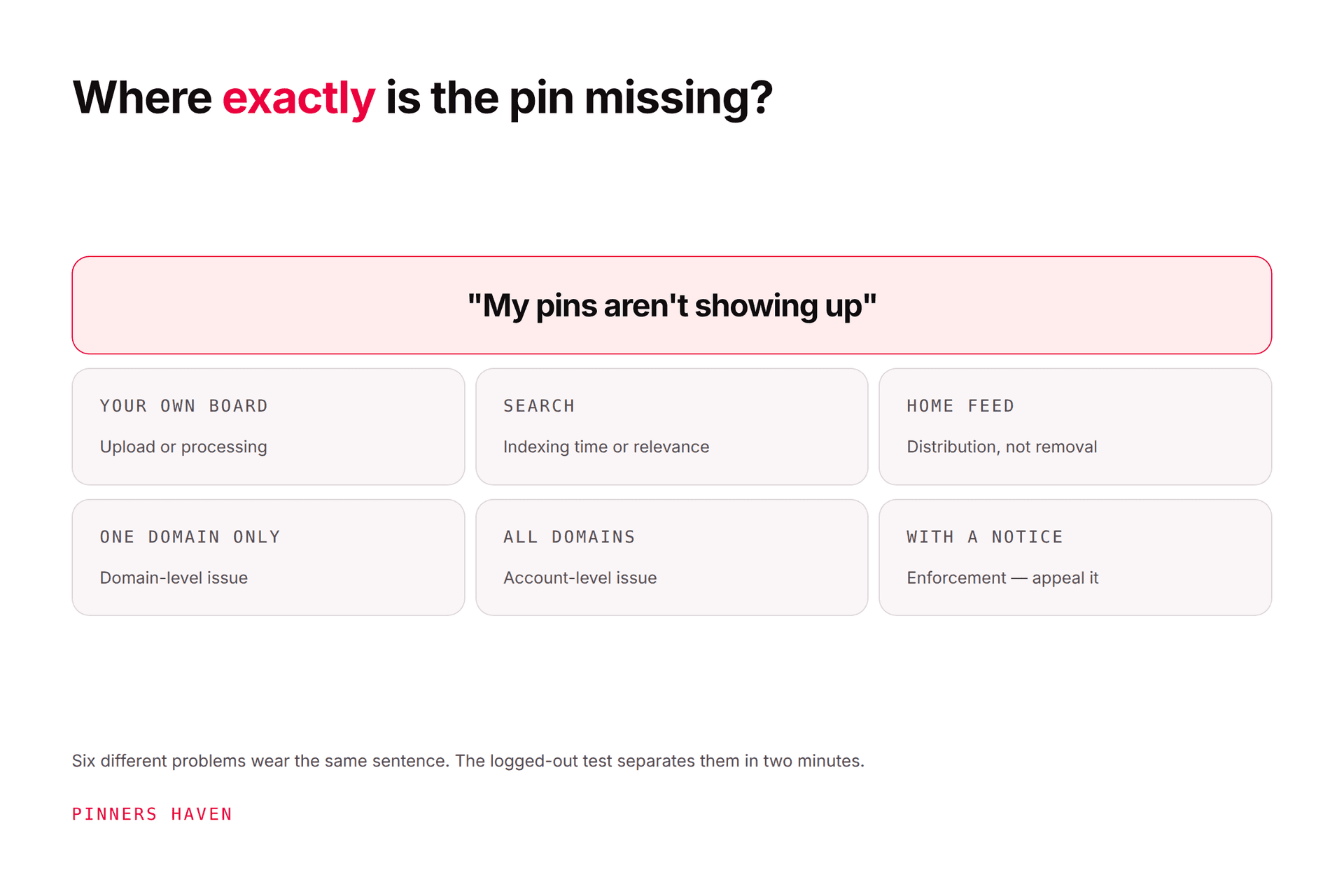
Similarly, if your pins exist but aren't appearing where you expect, see pins not showing up. Absence from search is almost never an outage.
Frequently asked questions
How do I know if Pinterest is down?
Check whether it fails for other people too, via a third-party outage tracker or by asking someone. If it works for them, it's local to you, and a private window plus a network change will usually identify which.
Why won't Pinterest load for me but works for others?
Most often cached data, cookies, or a browser extension. Try a private window first; if it works there, clear your Pinterest cache and disable extensions one at a time.
How long do Pinterest outages last?
Typically minutes to a couple of hours. There's no useful way to predict a given one, and retrying aggressively doesn't speed it up.
Will my scheduled pins publish during an outage?
They generally catch up afterwards, though timing can slip. Check your queue once service returns rather than assuming, and don't manually republish anything until you've confirmed it didn't go out.
Pinterest loads but I can't save or post. Is that an outage?
Probably not. If the site works for you otherwise, that pattern points at an account-level restriction rather than a service problem. See account flagged as spam.
Should I contact Pinterest about an outage?
No. Support can't accelerate a platform-wide incident, and the queue you'd join is the one you'd want free for genuine account problems.
The short version
Four checks: someone else, private window, different network, different device. One of them will tell you whether this is Pinterest's problem or yours.
And if the site works but your account doesn't, you're on the wrong page and should read the flagged-as-spam guide instead.