Complete this sentence:
This board will help us decide the [visual direction] for [project] for [audience] within [constraints].
Examples:
the materials and atmosphere for a small rental bedroom under a fixed budget
the color, type, and image style for a sustainable skincare launch
the lighting, table details, and floral direction for an autumn dinner
the silhouette and finish for a compact desk collection
Add non-negotiables such as budget, room dimensions, accessibility, existing brand colors, venue rules, climate, or production method.
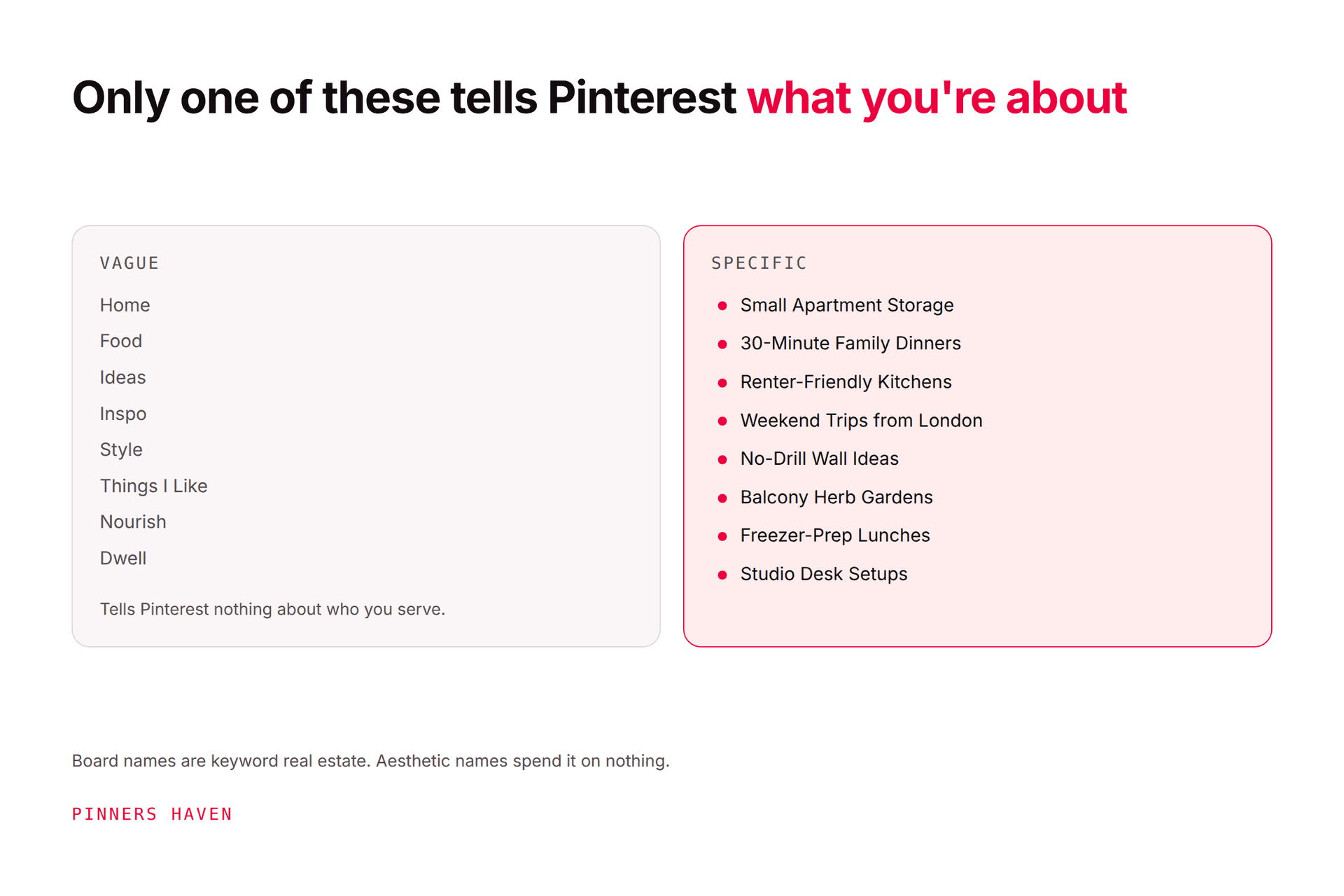
Create a new Pinterest board with a plain name, such as "Oak Street Kitchen Mood Board," not "Ideas." Set it to secret if the work is confidential or unfinished.
Our guide to creating Pinterest boards covers the controls. Pinterest's own board guidance recommends beginning with a small set of highly relevant Pins and using sections to improve navigation.
Add a description containing the project, audience, direction, and key constraints. This keeps the purpose visible when the board grows.
Sections should reflect decisions, not vague categories. A room board might use:
Overall atmosphere
Color palette
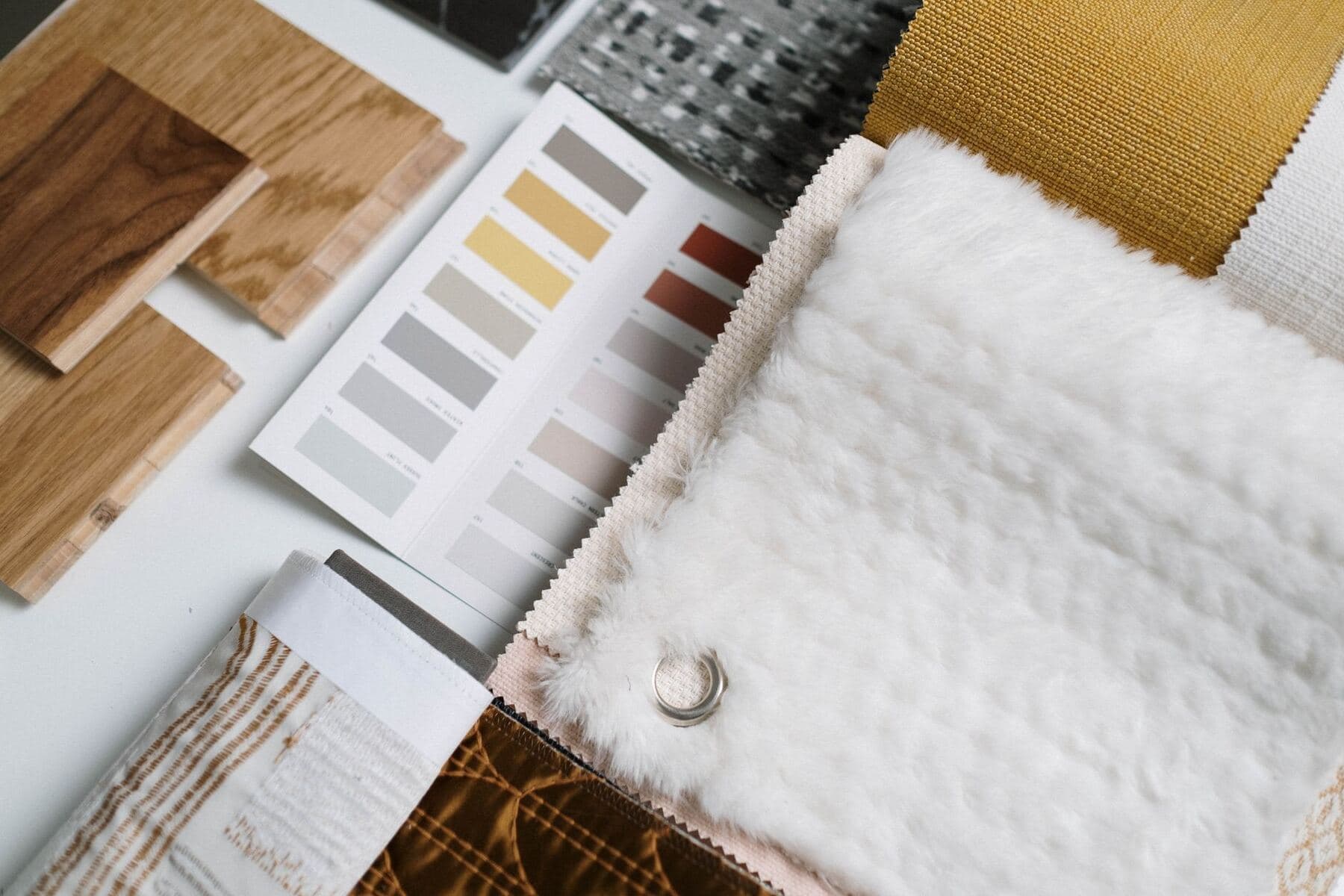
Materials and finishes
Lighting
Furniture shapes
Storage details
Avoid
A brand board might use:
Audience feeling
Color
Typography
Photography
Illustration
Packaging
Digital interface
The "Avoid" section is surprisingly useful. It records attractive directions that conflict with the brief and prevents them from returning later.
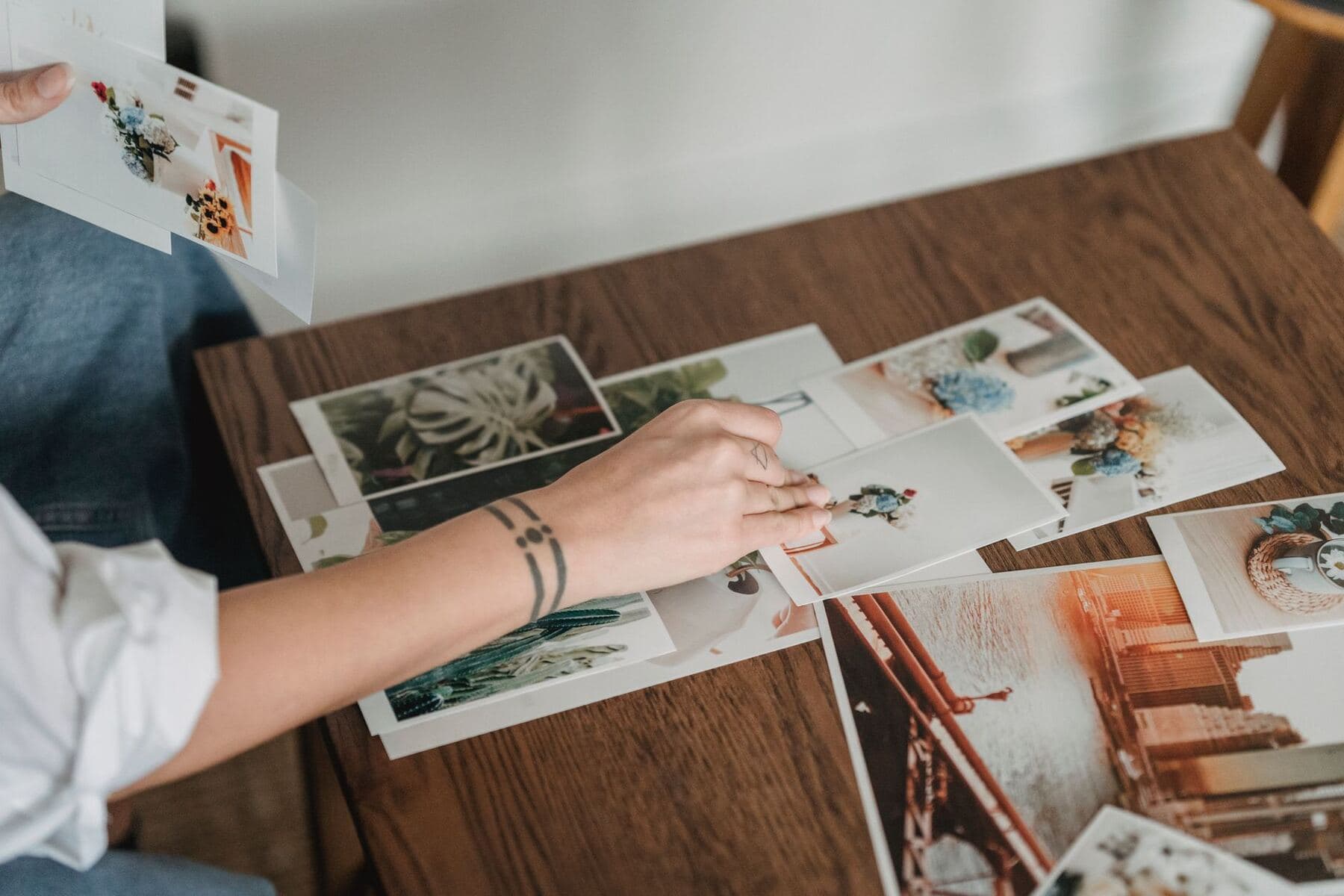
Begin with a deliberate exploration round. Save images that express a relevant color, material, composition, rhythm, or feeling. Add a note explaining why each reference belongs.
Useful notes are specific:
warm side lighting and deep shadows
rounded cabinet corners, not the color
restrained two-color packaging system
dense serif headline with generous spacing
"Love this" does not transfer judgment to another person.
Pinterest also provides collage creation, which can combine cutouts, images, and text into a composed mood board. Use a standard board for research and a collage for the distilled final direction when that format is available.
After the first collection, stop searching and review. Look for repetition in:
hue, temperature, and contrast
material and texture
shape and line
image crop and camera angle
type personality
density and negative space
emotional tone
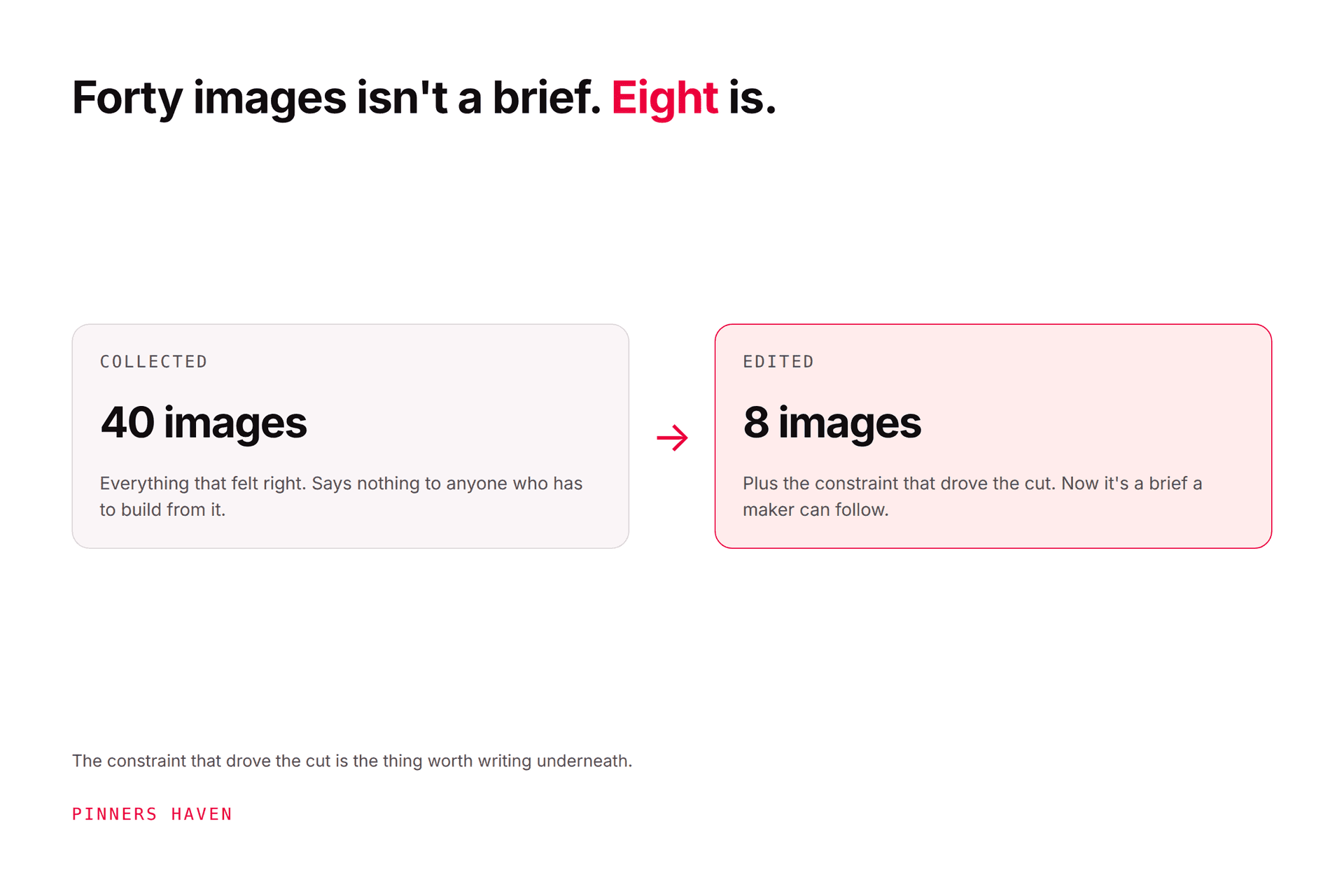
Write three to five direction words that describe the repeated pattern. "Warm, tactile, compact, quiet" is more actionable than "beautiful and modern."
Remove any Pin that:
does not serve the decision
duplicates a stronger reference
introduces a conflicting style without purpose
violates a constraint
cannot be traced to a source
was saved only because it is fashionable
Pinterest's creator guidance suggests that roughly 20 relevant Pins can provide a fuller board picture, but this is not a quota. A seven-image board with a clear direction can be more useful than a hundred-image archive.
Finish with a one-page summary:
Project: what is being made
Audience: who should respond
Desired feeling: three to five words
Visual rules: color, material, type, photography, layout
Must include: essential elements
Must avoid: rejected directions
Constraints: budget, dimensions, timing, access, brand rules
Hero references: five to nine Pins with notes
Open decisions: questions still unresolved
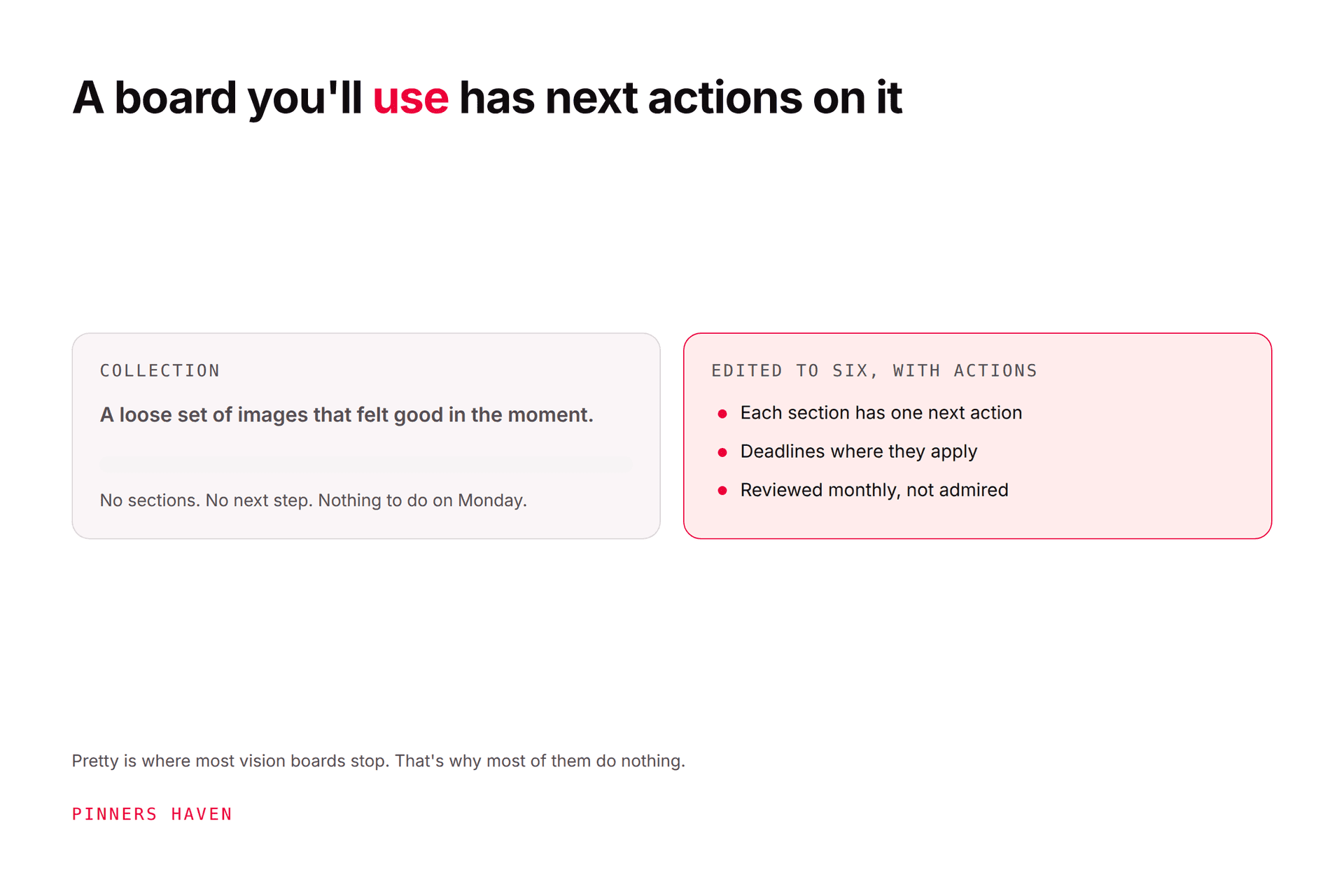
The board supports the brief. It should not force the maker to guess what hundreds of references mean.
A mood board that only you can see has done half its job. There are three levels of access, and picking the wrong one is where most client friction starts.
Send it read-only. Open the board, click the share icon above the Pins, then either search your contacts and click Send, or use Copy link to send it through email or a messaging app. A public board opens at a normal URL, so a client can look without an account or an invitation. Send Pins, boards and profiles
Invite them to add. Click the plus-circle icon under the board name, search by name, username or email, then Invite. Pinterest lets you set what a collaborator can do — adding, moving and deleting Pins and sections, or the narrower save-and-comment. For a client board, save-and-comment is usually the right level: it lets them react and contribute without reorganising your structure. Remove anyone later from the row of profile pictures under the board name. Create and manage group boards
Keep it private while it is still messy. Switch on Keep this board private when you create it, or open Edit info and settings on an existing board and switch on Make this board private. Useful to know: a private board can still take collaborators, so a client project does not have to be public to be shared. What you give up is promotion — private boards cannot be used in Pinterest ads. Private boards
One habit worth keeping. Share the board and the written brief from Step 7 together, never the board alone. A client scrolling forty images without the decision written down will react to individual pictures rather than the direction, and you will spend the next call defending a cushion.
Include a floor plan, fixed elements, palette, materials, key furniture, lighting, storage, and one or two complete-room references. Add dimensions and budget outside Pinterest.
Include audience feeling, competitor boundaries, color, typography, photography, illustration, layout, and applications. Avoid assembling a collage of logos to copy.
Include venue, season, guest experience, lighting, table design, flowers, attire, signage, and accessibility. Separate ideas that the venue cannot support.
Include user, use environment, form, material, color, detail, packaging, and merchandising. Pair visual references with technical requirements.
A Pin is a reference link, not a blanket license. Keep the original source attached, follow through to confirm authorship, and obtain permission or a suitable license before reproducing an image in a commercial presentation, advertisement, product, or publication.
Do not ask a designer to copy another creator's work. Extract principles such as contrast, warmth, geometry, or pacing, then build an original execution. Pinterest's Community Guidelines also address intellectual property and deceptive behavior.
starting without a decision
mixing several projects in one board
saving without notes
treating trends as strategy
keeping every attractive reference
ignoring budget or physical constraints
presenting unlicensed images as owned work
skipping the final written brief